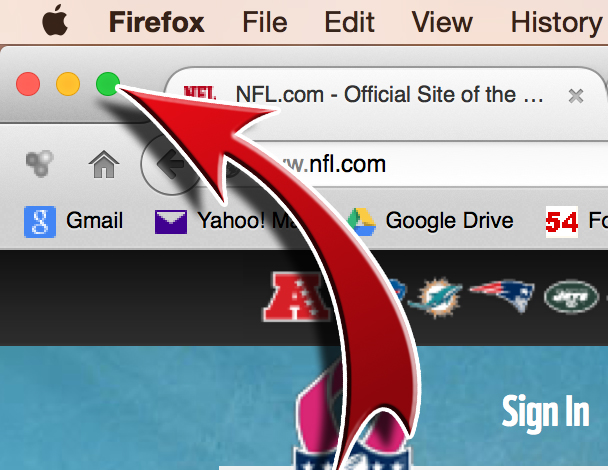
I´ve been able to change some icons i didnt like (like those ugly BLUE folders in finder) using an app called "LiteIcon", but still cant find a solution to the Red/Yellow/Green buttons 🙁🙁
I like the blue folders, it really helps when you don't get the option to sort folders from files as windows does. I used to hate searching for a folder among all the files, now they stand out better.
For the green button, it was never that great before sort of semi-maximised a screen vertically.
I like the blue folders, it really helps when you don't get the option to sort folders from files as windows does. I used to hate searching for a folder among all the files, now they stand out better..