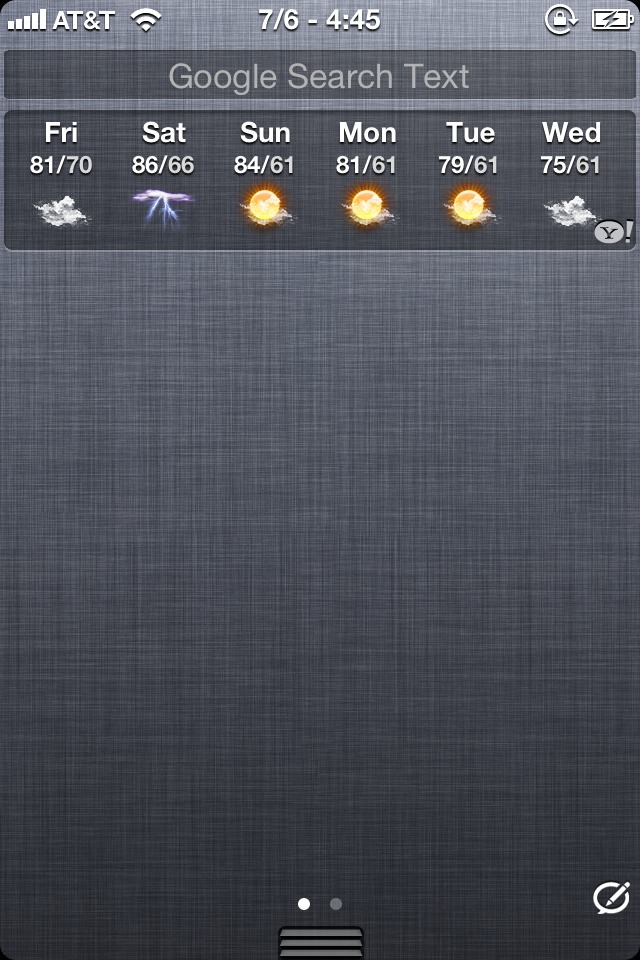
The current quick compose icon in notification center for messages+ is 80x60
I did not like the way quick compose icon looked with messages+ with the circle & pencil
I wanted the bitesms NC icon
So i did a little SSH with help from 3bs & found the location
The bitesms NC icon is 88x40
This is how it looks after swapping icons
This is intelliscreenx messages+ with the bitesms icon in notification center

It looks way too big & stretched
This is how it looks using the real bitesms alone

How do i make the bitesms icon be 80x60 without it looking all stretched?
heres the bitesms icon thats 88x40
I did not like the way quick compose icon looked with messages+ with the circle & pencil
I wanted the bitesms NC icon
So i did a little SSH with help from 3bs & found the location
The bitesms NC icon is 88x40
This is how it looks after swapping icons
This is intelliscreenx messages+ with the bitesms icon in notification center
It looks way too big & stretched
This is how it looks using the real bitesms alone
How do i make the bitesms icon be 80x60 without it looking all stretched?
heres the bitesms icon thats 88x40
Attachments

Last edited: