Open Finder.
Right click the image you are asking for. Click 'Get Info'.
Keep that window up.
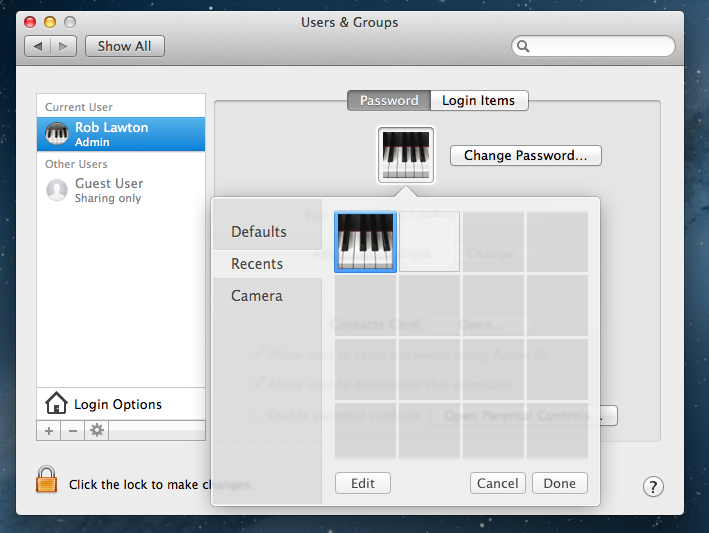
Then open System Settings. Click User Groups.
Click your name.
Click the edit icon. Click Recents.
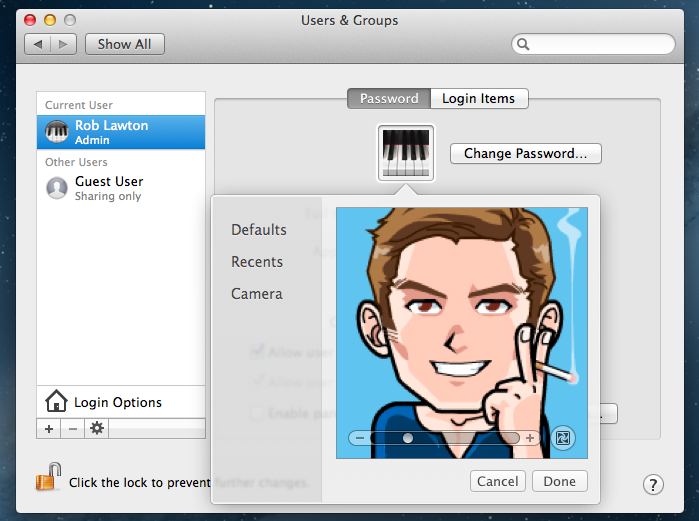
Now open the the window from earlier (The info from your custom picture) and drag the icon it shows to 'Recents'.
Hit Done.
That is one of the main reasons people register here. A one year old thread is not that seldom, it gets creepier if it is a thread from 2004 with a solution for a Mac from 2011 or 2012. But then again, having many forum members registered and having them more than zero posts, as zero post members are one third of this forum.
While the following spreadsheet is over one year old, it probably still represents the distribution:
how did you figure this out..?! awesome solution. sorry for bringing up an old post, but this was bothering me for so long, hope it helps more people too 🙂
Here's a better solution, I think, for custom user account photos.
Put together a folder of photos you want to choose from for custom user accounts. Name it something that's clear to you; I named mine "Faces."
Copy that folder into this folder: System>HD>Library>User Pictures
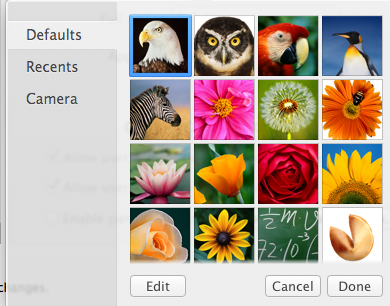
It's that simple. Now -- in the Users & Groups preference pane -- you can also choose from any photos in your personal folder, and can add to that folder easily over time.
Your pix will appear next to the "Defaults" tab in that pane.
Dave, who currently uses a photo of his dog as his personal custom user account photo