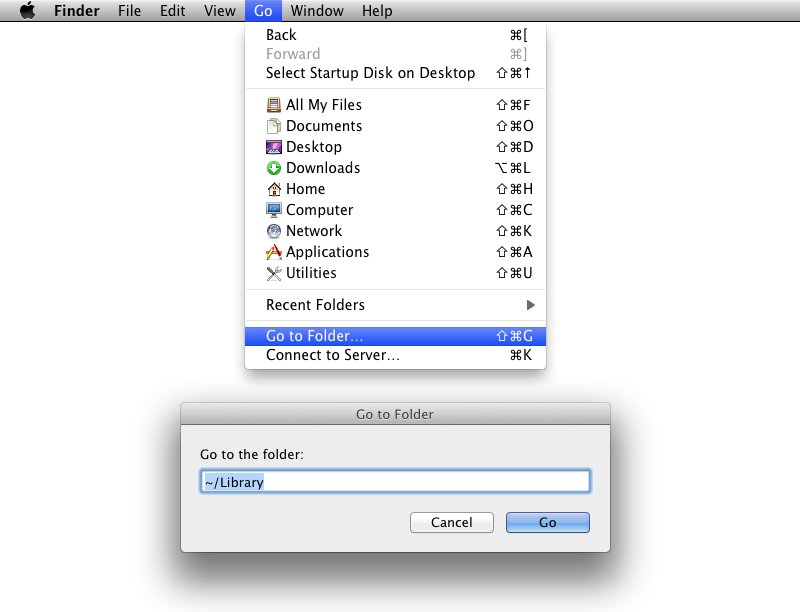
The first reply said what path to follow to find the cache. However, if removing the preferences let you start Safari without an issue, you can use the Empty Cache and Clear History menu options.
Open Safari and as soon as you open it hold command and press w repeatedly until all the windows are gone then click the safari bar and reset safari. it worked for me