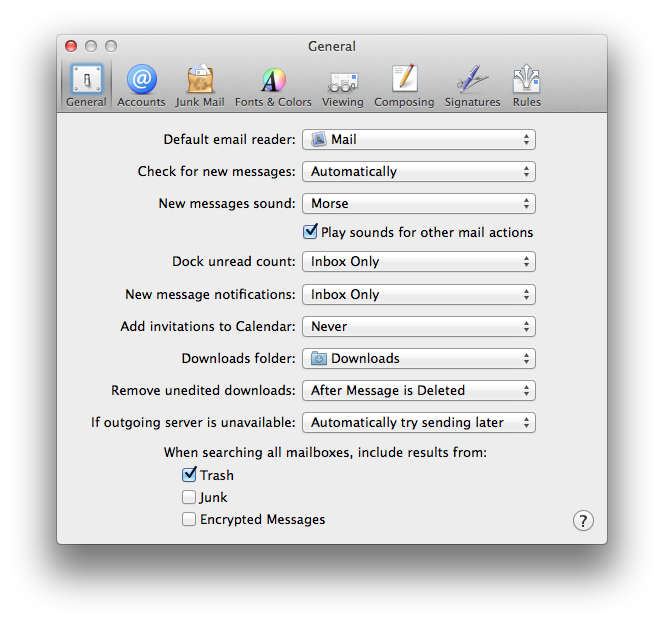
I am using Safari.
When I go to a page that has a contact customer service hyperlink the link just open up top sites page.
It used to open up as an new email in outlook.
Safari preferences are set to open with a new window set on the homepage so this is just strange.
How can I make it go back to opening an outlook email?
When I go to a page that has a contact customer service hyperlink the link just open up top sites page.
It used to open up as an new email in outlook.
Safari preferences are set to open with a new window set on the homepage so this is just strange.
How can I make it go back to opening an outlook email?