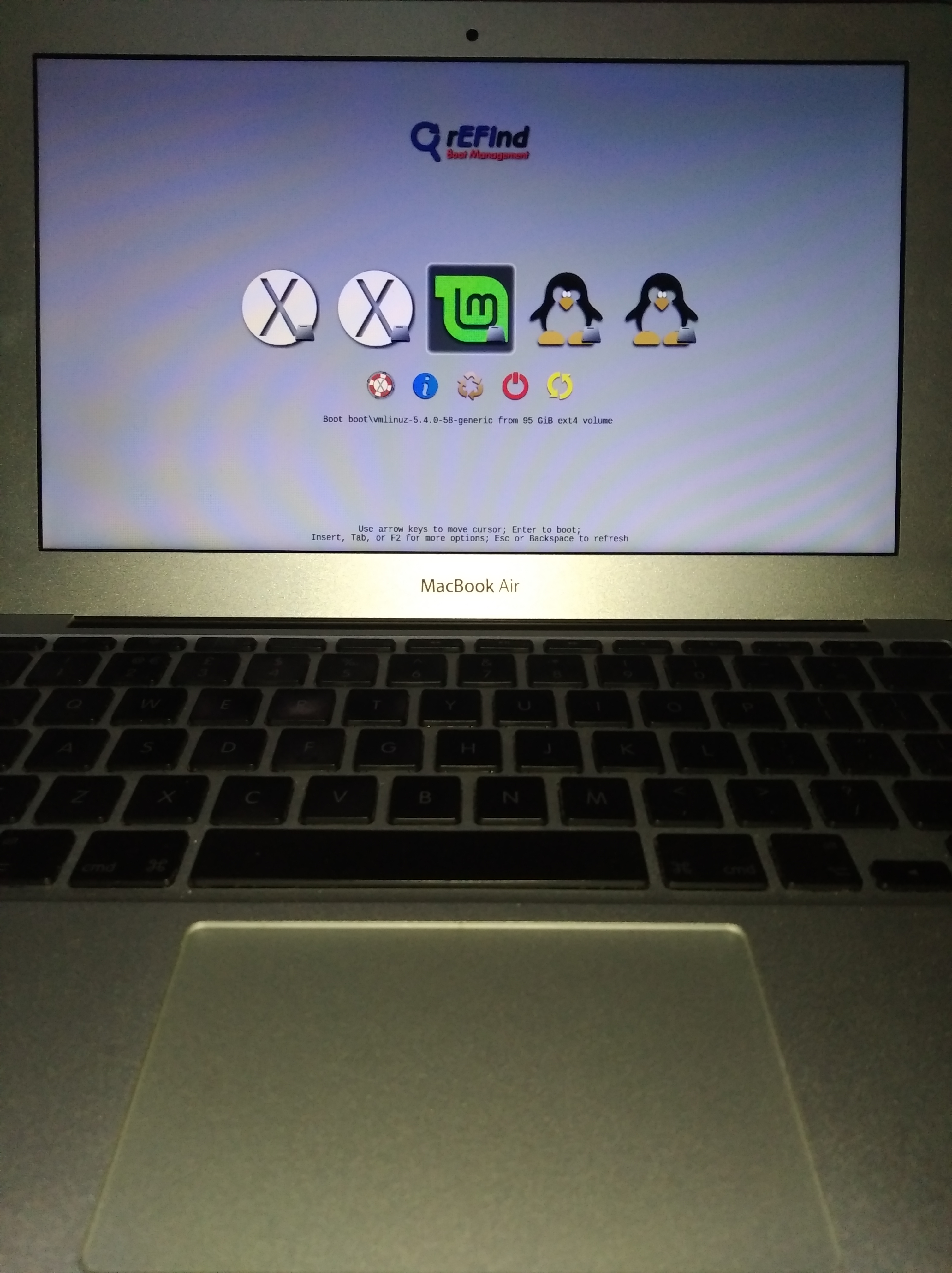
Over the past year-plus, I've alternated between Mavericks, Mojave, Catalina, and Monterey on my 2010 11" Air trying to find the best balance between performance and usability as a secondary system.
Besides Snow Leopard, Mavericks was obviously the fastest but had the poorest web compatibility, only supporting
Pale Moon and
Basilisk, alongside the now 1.5-year-old Chromium Legacy. Monterey was of course the most flexible in terms of application support, but was significantly slower in comparison and overworked the processor to the point where the fan would run 24/7. Even disabling a large number of background services including Spotlight, iCloud, analytics, geolocation, and many others could only make relatively minor improvements. And Catalina was better, but still on the slower and hotter side if I recall correctly.
Then a few weeks ago, I decided to try Mojave. With a few adjustments, it is in my opinion by far the best compromise for the 1.6 GHz / 4 GB configuration (whereas El Capitan might be a more appropriate choice for the 1.4 GHz / 2 GB tier). Boot times and app launches are fast, gestures and animations are smooth and fluid, and temperatures are so low that the fan seldom runs. Best of all, the web is also fully accessible thanks to
Kagi's Orion browser, which still supports 10.14 and provides current WebKit versions (now up to 619.1) whereas Safari 14 is stuck at 611.3. Having the ability to use dark mode while also retaining 32-bit apps is a nice plus as well; a perfect compliment for PPC compatibility in Snow Leopard.
And provided that simultaneously running apps are kept to a minimum and a comprehensive ad-blocking solution is used, it is a perfectly pleasant experience accessing most sites and running offline software / suites. On this note, I was fortunately able to record resource consumption between fresh installs of all three OSes and comparing them side-by-side, it is no wonder Mojave is the best performer. The number of active threads directly correlates with usage %, chip temperature, and fan speed:
Mojave -
Approx. CPU Processes: 210
Approx. CPU Threads: 650
Approx. RAM Available: 1.7 GB
Catalina -
Approx. CPU Processes: 300
Approx. CPU Threads: 950
Approx. RAM Available: 1.8 GB
(Though I was able to get this down to 250 Pr, 800 Th, and 2.4 GB following optimization--still bested by Mojave even in its stock configuration.)
Monterey -
Approx. CPU Processes: 330
Approx. CPU Threads: 1,000+
Approx. RAM Available: 1.0 to 1.5 GB
(220 Pr and 740 Th after optimization, with some improvements but still overall disappointing performance.)
Needless to say, I look forward to seeing how Mojave responds in an optimized state after all non-essential services have been disabled. In the meantime,
this article by OSXDaily has finally taken care of the annoying "feature" where the system would by default switch out of sleep and into hibernation and thus take 10x longer to wake up, significantly improving usability.
This article by "Stan" also details how to re-enable subpixel antialiasing to improve font rendering on non-Retina displays, which was first disabled in this release as Retina resolutions became standard.
Technicalities aside though, I really like this machine. I don't particularly care for the pentalobe screws, floppy / loose display, and integrated power button, but it's otherwise always reminded me a lot of the venerable 12" PowerBook G4 with its limited resources, familiar silver bezels, non-backlit keyboard, and similarly dimiuitive size for a Mac. Both models using integrated RAM and NVIDIA graphics are additional commonalities, although the Air's 320M is a much more potent chip than the G4's Go5200 which was underpowered even for its time.
Likewise, dual-booting 10.6 for PPC compatibility and 10.14 for web compatibility--split between Orion and Basilisk--is bringing back a lot of memories of how we would use both 10.4 for OS 9 compatibility and 10.5 for web compatibility, also splitting the latter between Leopard WebKit and TenFourFox to access most sites when those browsers were current.
In that sense, it really does feel like the spiritual successor and closest Intel-analogue to the ultra-compact 12" G4 that was never really properly replaced after the transition, unlike most of the other models at the time. And in hindsight it's remarkable that there's only a five-year difference between the two systems, which just speaks to the timeless design of the Air as it was released so relatively soon after the G4 era, yet still looks and feels so modern. Truly a unique device not simply for its appearance, but for what it pioneered.

Obligatory screenshot: