Become a MacRumors Supporter for $50/year with no ads, ability to filter front page stories, and private forums.
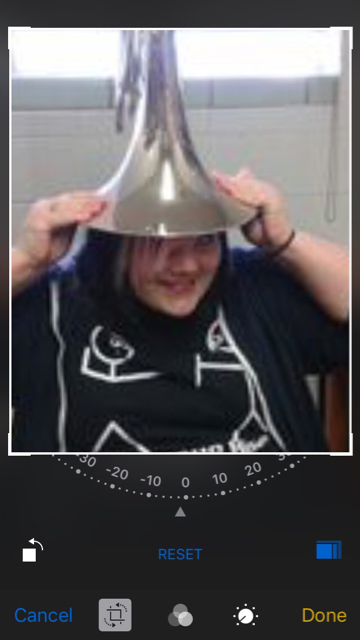
4:5 is an exact fit.

If you use the Photos app on your phone to crop the pic, the 4:5 option won't show until you select a portrait-like "taller than wide" area -- it'll be 5:4 instead. You don't have to crop it once and then crop again -- just drag the corners of the crop area so it becomes tall, then tap the aspect ratio presets button.

I'll upload screenshots in a minute -
 
Original:

ba91a98337e5b3f8df9f1b99558d574f.jpg


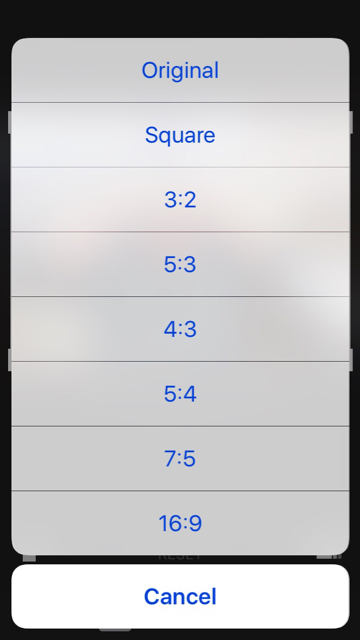
The aspect ratios given when the original is a wide photo:
2dfc430cd50ef08cb59072e5e171c592.jpg


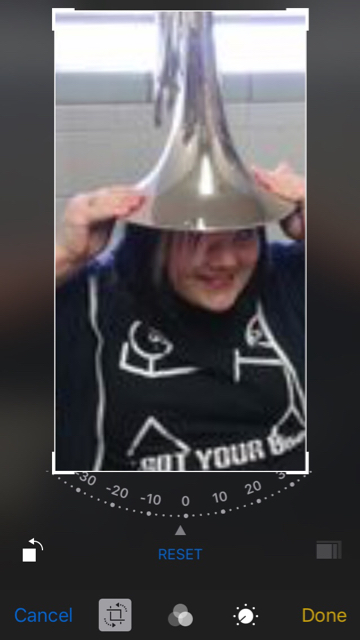
Select an area taller than it is wide (doesn't have to be exact, just make it tall):
4461e54d3dc76ca393240e3230ce6d99.jpg

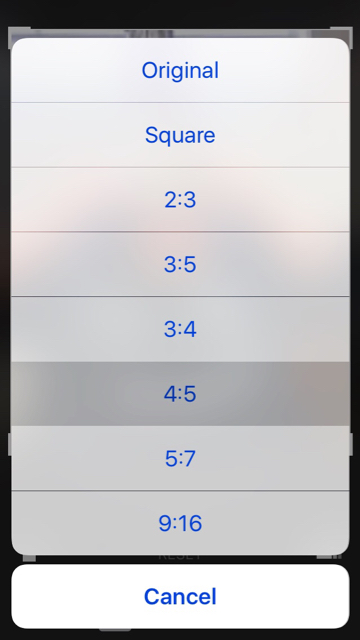
…and you can choose 4:5 for the aspect ratio:
29cbb3e3a6bfc7ceb8dedbb5ac23b0b6.jpg


Drag and zoom to taste, then crop.
74df03e6847cd19575f1906a07a70e3a.jpg
 
  • Like
Reactions: lordofthereef
Register on MacRumors! This sidebar will go away, and you'll see fewer ads.