Become a MacRumors Supporter for $50/year with no ads, ability to filter front page stories, and private forums.

greenmike

macrumors member
Original poster
Nov 27, 2024
41
27
Hi there,

I use my M4 Pro mainly for work in post production and don't want anything to install in the background without my approval.

To deactivate "Download new updates when available", "Install MacOS updates" and "Install application updated from the app store" is obvious to me but I'm not so sure about the bottom "install security responses and system files".

Can I also deactivate this and be able to install them later manually on the updates section of the settings? Or will I deactivate some essential system function and rather not do it?
 
You can de-activate everything.

However, ask yourself why you don't want the security updates to install automatically, as I think these include signature updates to the built-in virus checker.
 
You can de-activate everything.

However, ask yourself why you don't want the security updates to install automatically, as I think these include signature updates to the built-in virus checker.
Would these security updates when deactivated still show up manually on the update page when deactivated?

I just don't want anything to install in the background without my say-so. This can crash entire sessions possibly and cause issues when I'm working on things.
 
Would these security updates when deactivated still show up manually on the update page when deactivated?
Typically, no, these updates won't show in the Settings panel. However, they will show when you run softwareupdate --list --include-config-data at the command line. You will be able to install them individually using the command line.

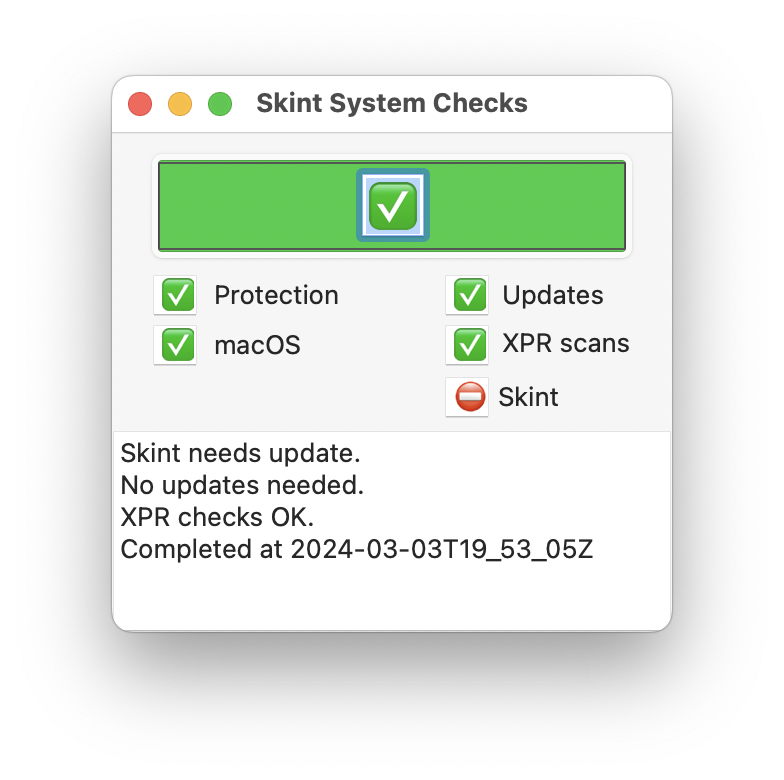
Or you can use the excellent utility SilentKnight to view available updates and install individual ones
 
  • Like
Reactions: chown33
Can I also deactivate this and be able to install them later manually on the updates section of the settings? Or will I deactivate some essential system function and rather not do it?
You should leave them on.
The only issue I know of with background updates, XProtect updates showing up in notifications https://forums.macrumors.com/threads/i-keep-getting-this-message.2433445/

I use a configuration profile to ensure that AutomaticDownload, AutomaticallyInstallMacOSUpdates and AutomaticallyInstallAppUpdates are turned off.
SoftwareUpdate.mobileconfig https://forums.macrumors.com/threads/defer-tahoe-for-90-days.2465304/post-34117211
 
I keep ALL of that "automatic" stuff turned off.
I don't want ANYTHING installing in the background, security updates or whatever.

For security updates, I use the FREE utility called "Lockrattler" to download and install them manually.

This policy has worked for me for many years...

EDIT:
Even though Lockrattler hasn't been updated for a while, it still seems to work just as intended with Tahoe and Sequoia...
 
Last edited:
  • Like
Reactions: CoastalOR
Register on MacRumors! This sidebar will go away, and you'll see fewer ads.