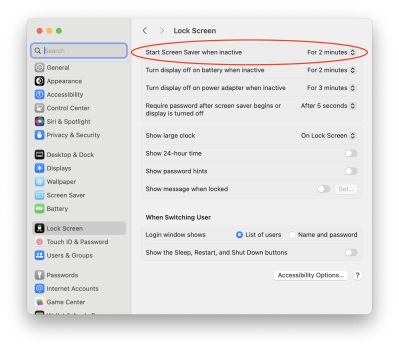
Guys - how do I get rid of this video screen saver all together. I don’t need any screen saver at all and been playing with settings but when I do a VNC from one Mac to another, it still shows up. I simply use monitor power off settings in lieu of a screen saver
View attachment 2340206Guys - how do I get rid of this video screen saver all together. I don’t need any screen saver at all and been playing with settings but when I do a VNC from one Mac to another, it still shows up. I simply use monitor power off settings in lieu of a screen saver
My settings are correct but the screen saver still comes on. Based on the below, there should be no screen saver at all coming on ever or even when I remote VNC into this machine
Darn. That's not it. This is a remote machine, right? I have one too. Every time I go to it I am presented with the login window. I wonder if that's automatic with remote access.
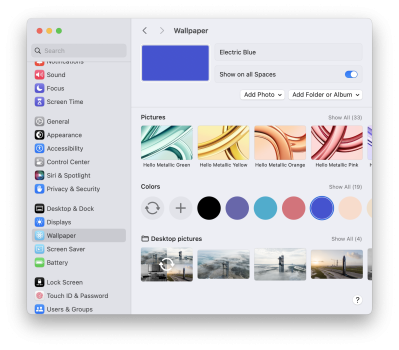
On my remote machines, I keep my screensaver set to never, and my desktop wallpaper (which the Login Window inherits) is just a solid color. This helps me on low bandwidth connections. That will also work for you.