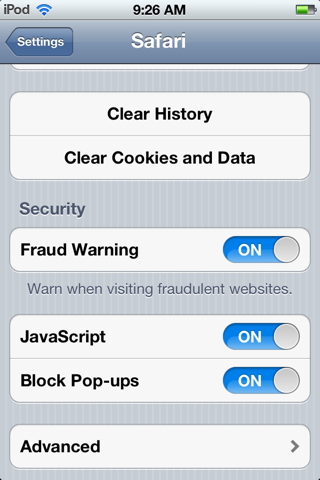
I'm not sure what this is or why it's happening but when I connect my iphone 4 with iOS5 to my mac running 10.7.2 to sync it it goes trough the normal routine of updating apps, photos, etc. and I noticed one thing that said "dowloading safe browsing data"?
What is this and what does it mean. I've never seen it before. I thought I had safe browsing off in Safari but either way I know I don't want it downloaded. there's no need to.
Thanks
What is this and what does it mean. I've never seen it before. I thought I had safe browsing off in Safari but either way I know I don't want it downloaded. there's no need to.
Thanks