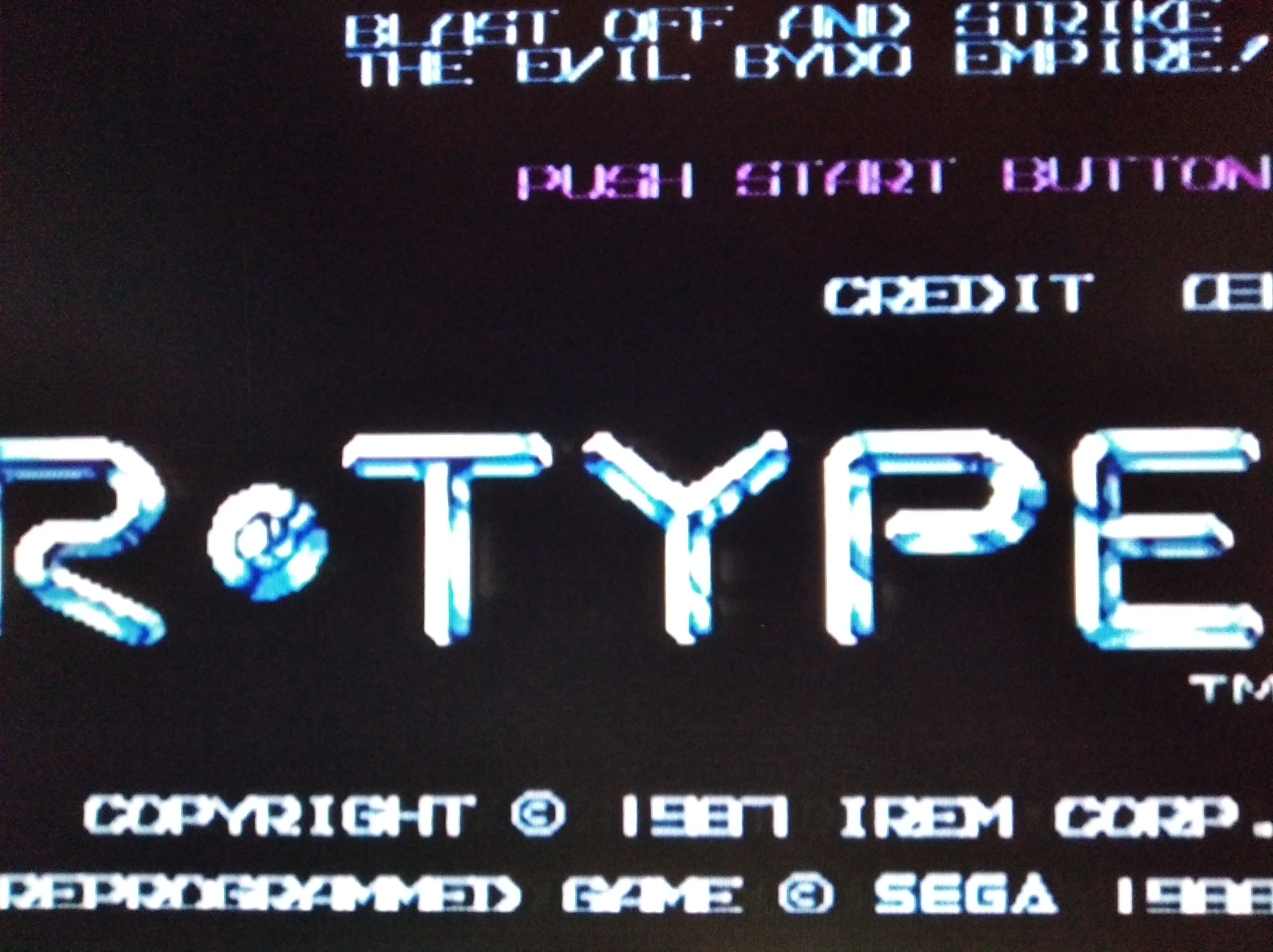
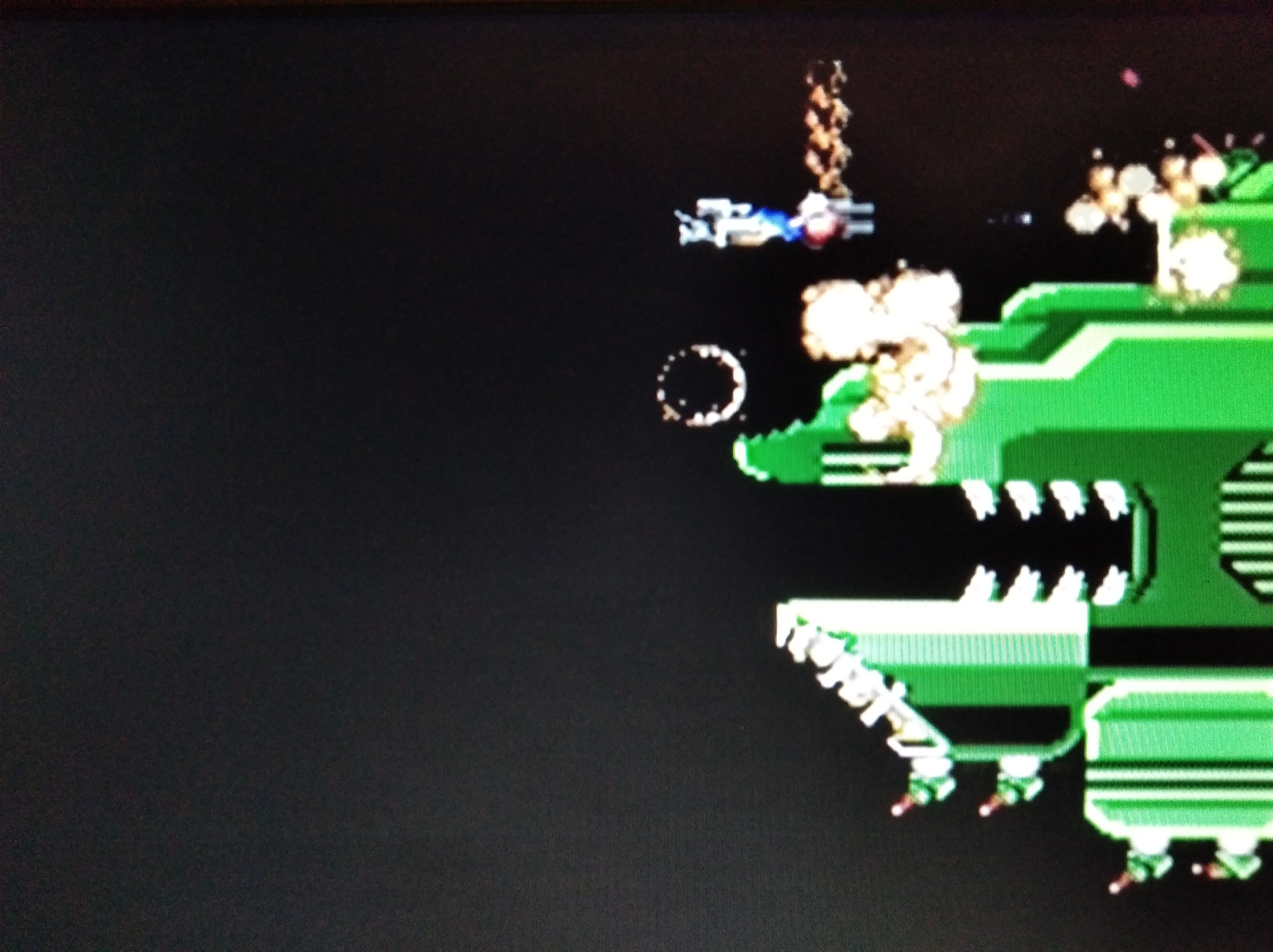
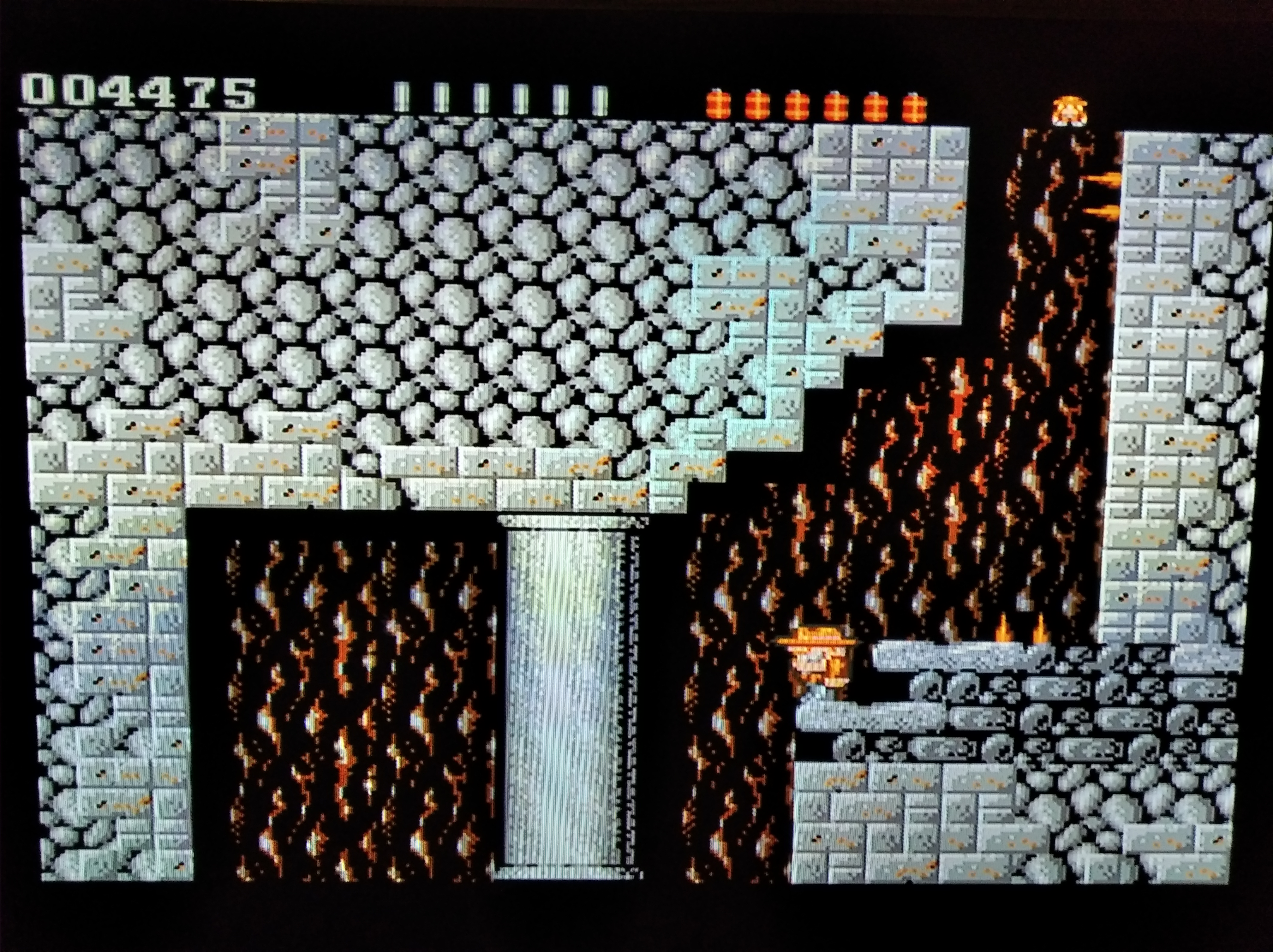
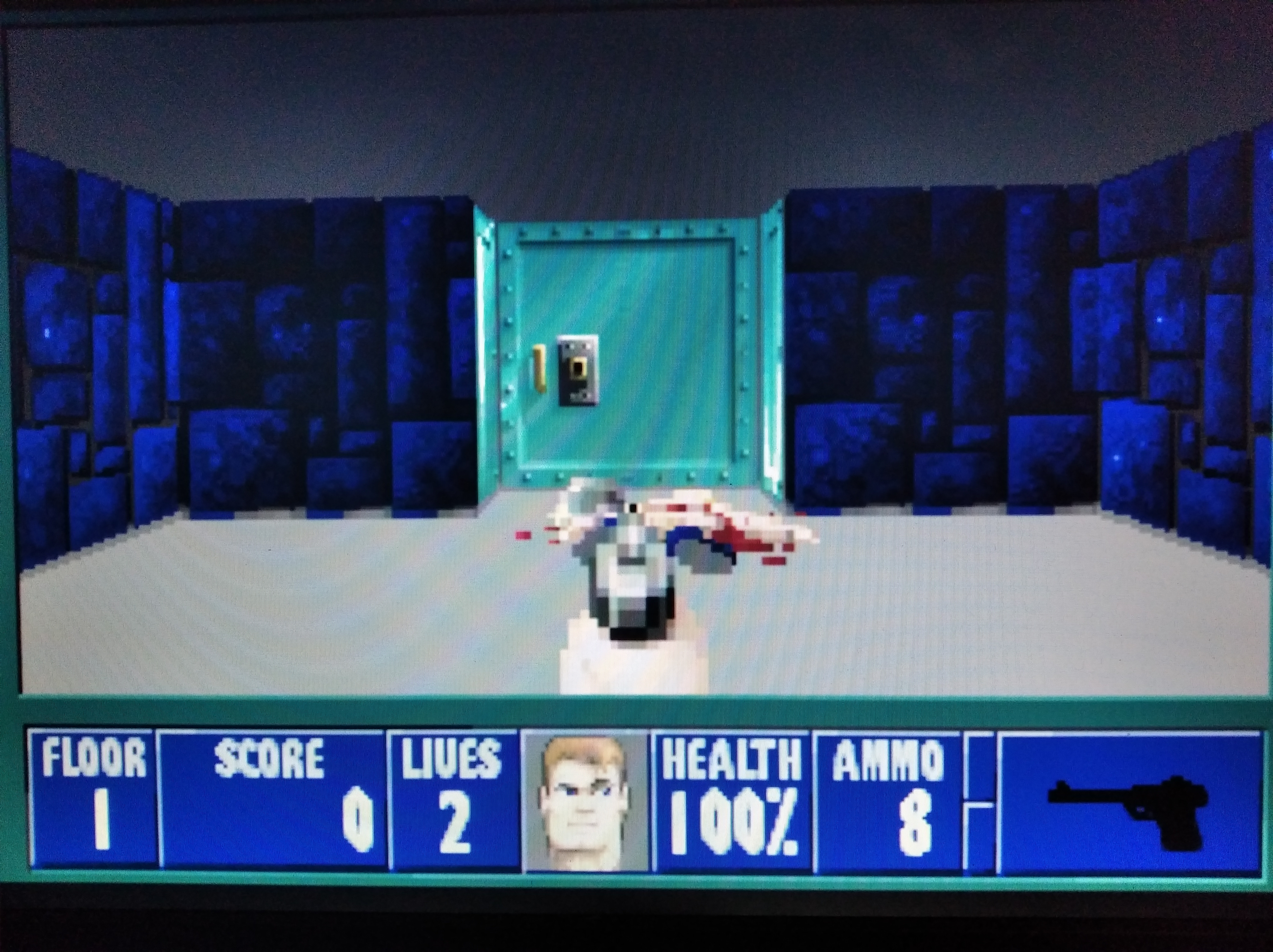
@alex_free, allow me to be the first poster to express my thanks and confirm that your handiwork is faultless.
🙂
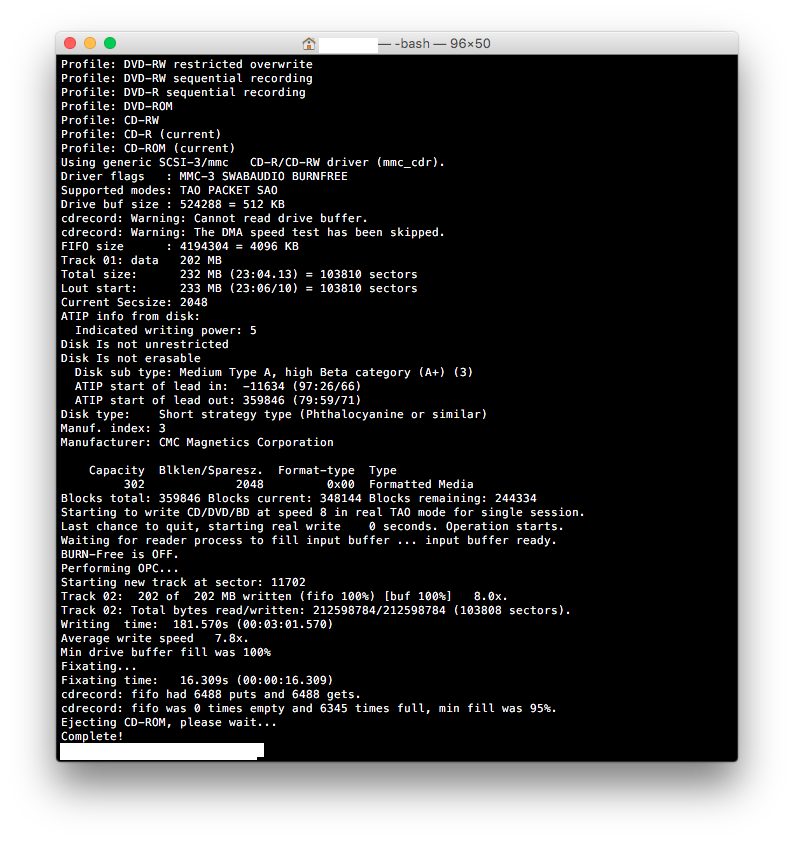
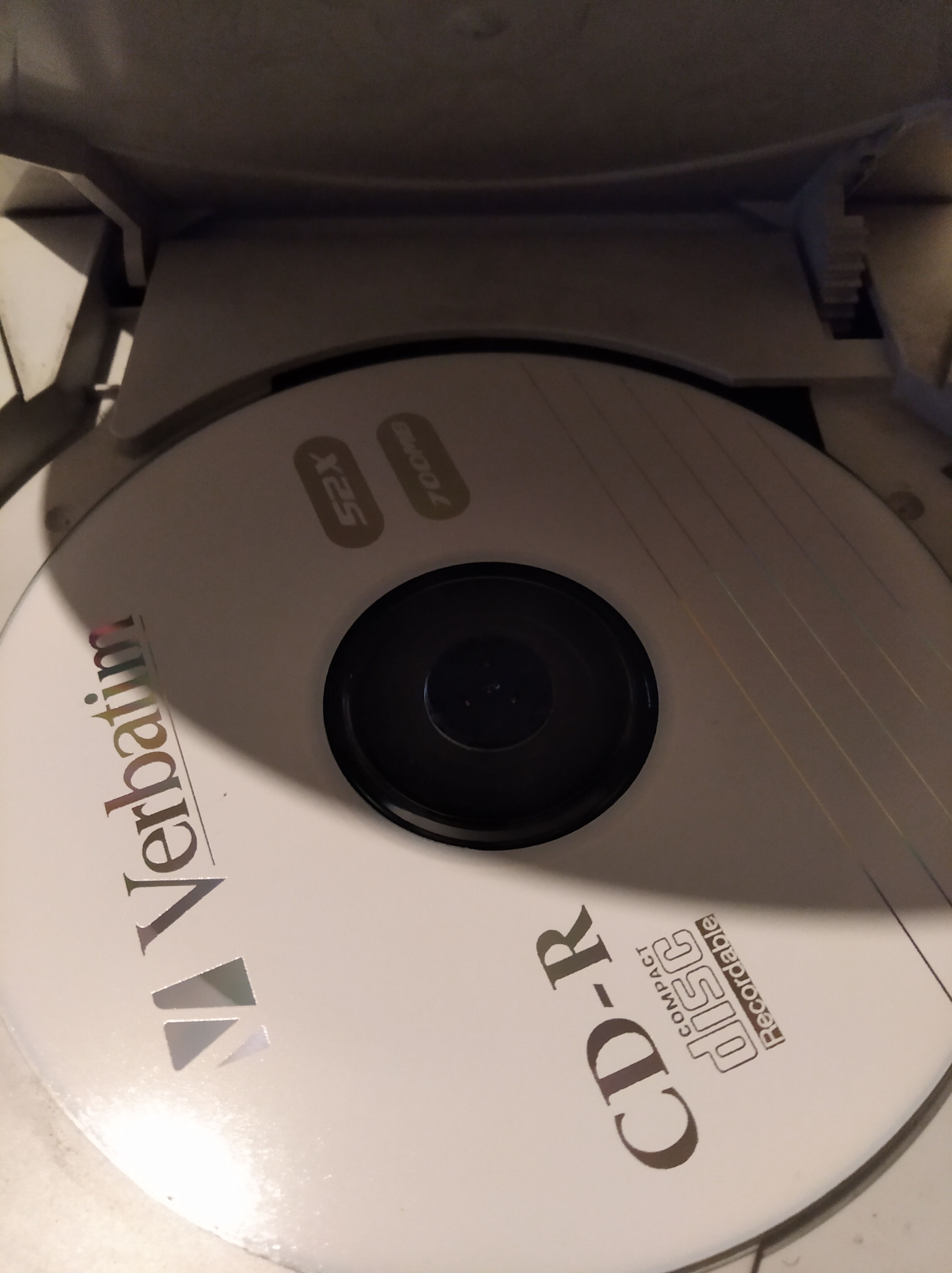
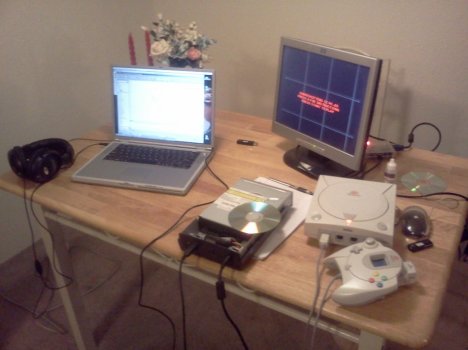
Following the instructions to the letter on my 2011 13" MBP under El Capitan, a CD-R was burned for me at 8x on the internal optical drive.
I placed the burned disc into the Dreamcast and it was time for the moment of the truth.
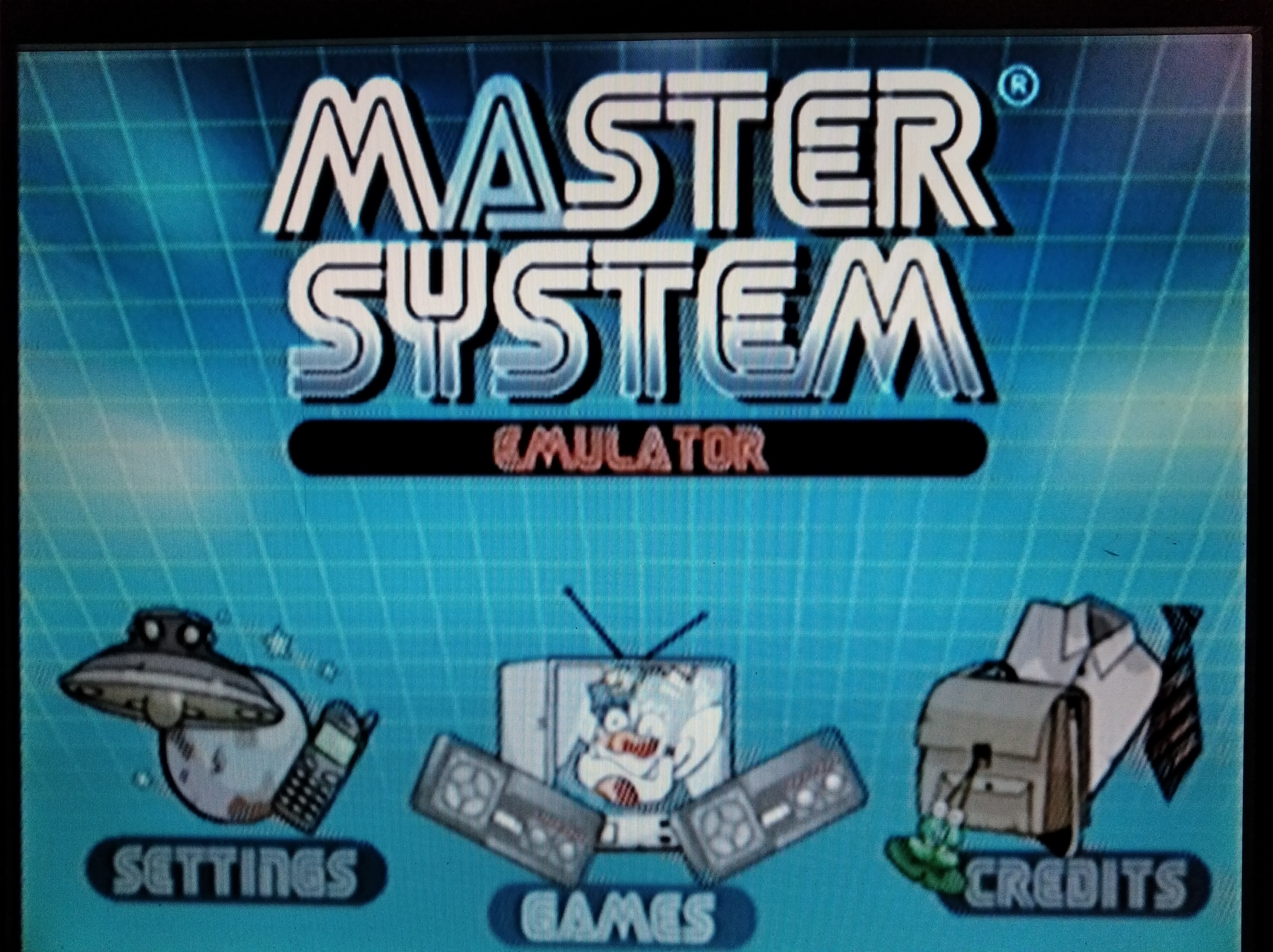
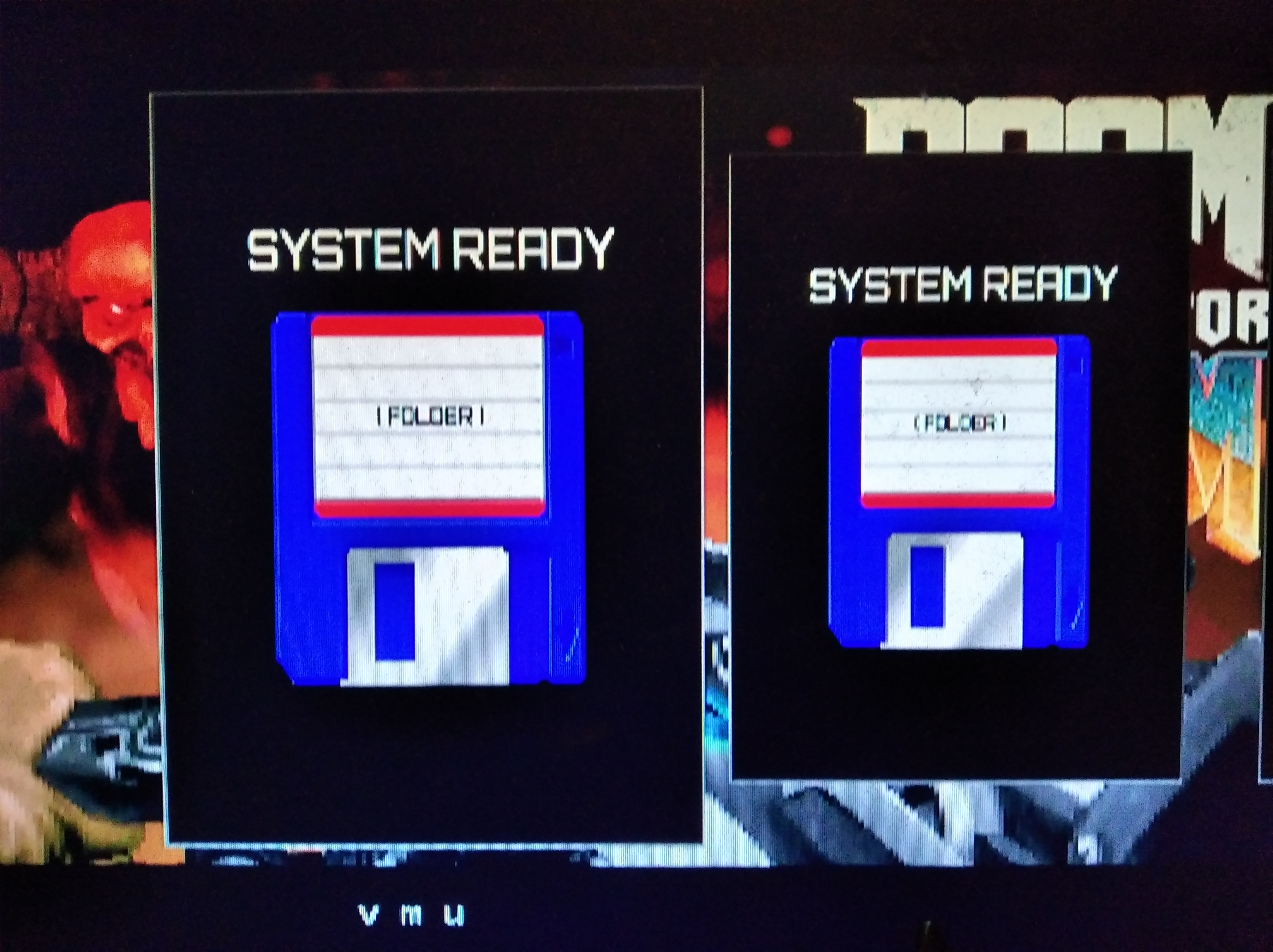
Hooray! It has reached the boot screen: so far, so good.
😀
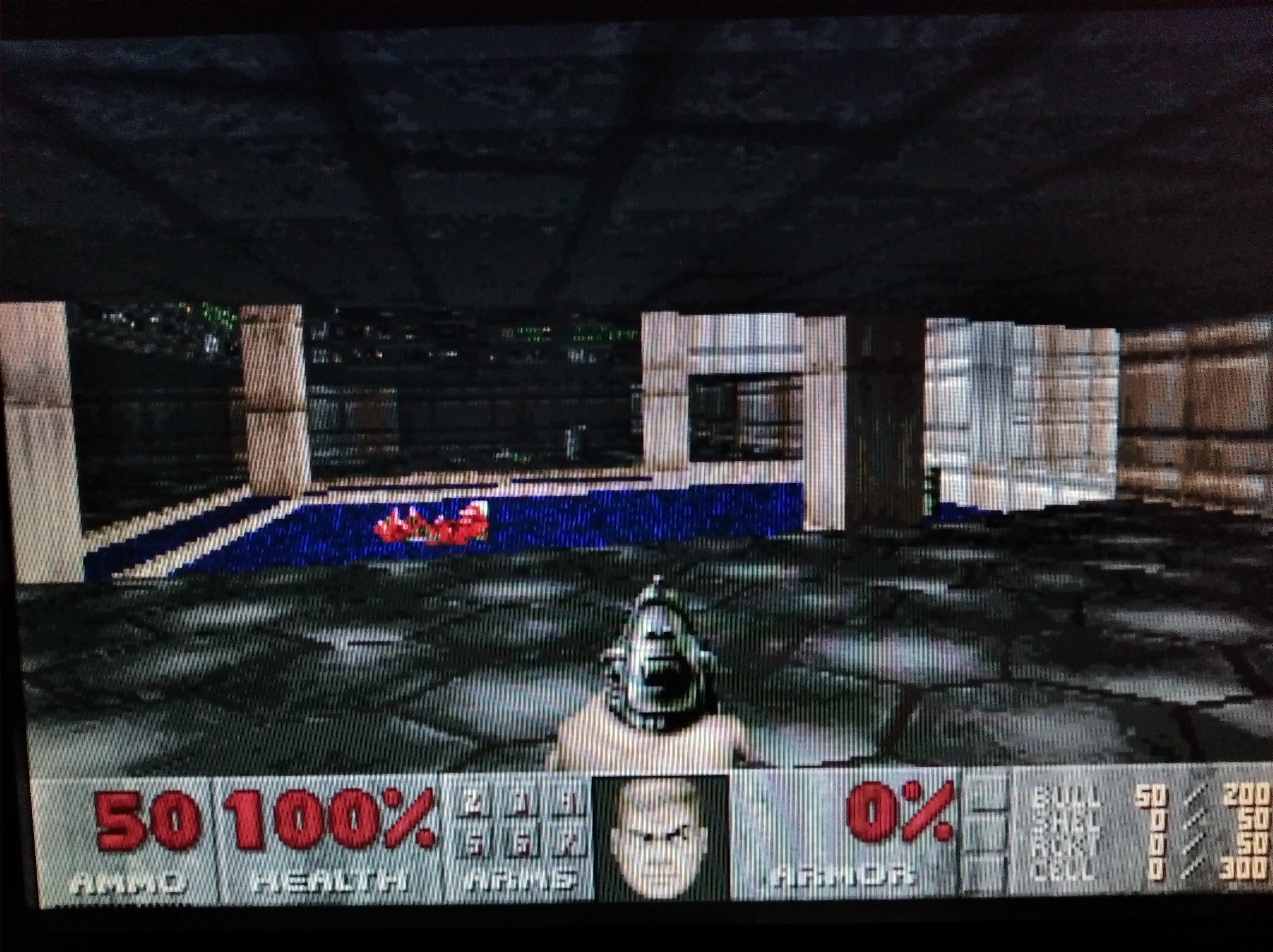
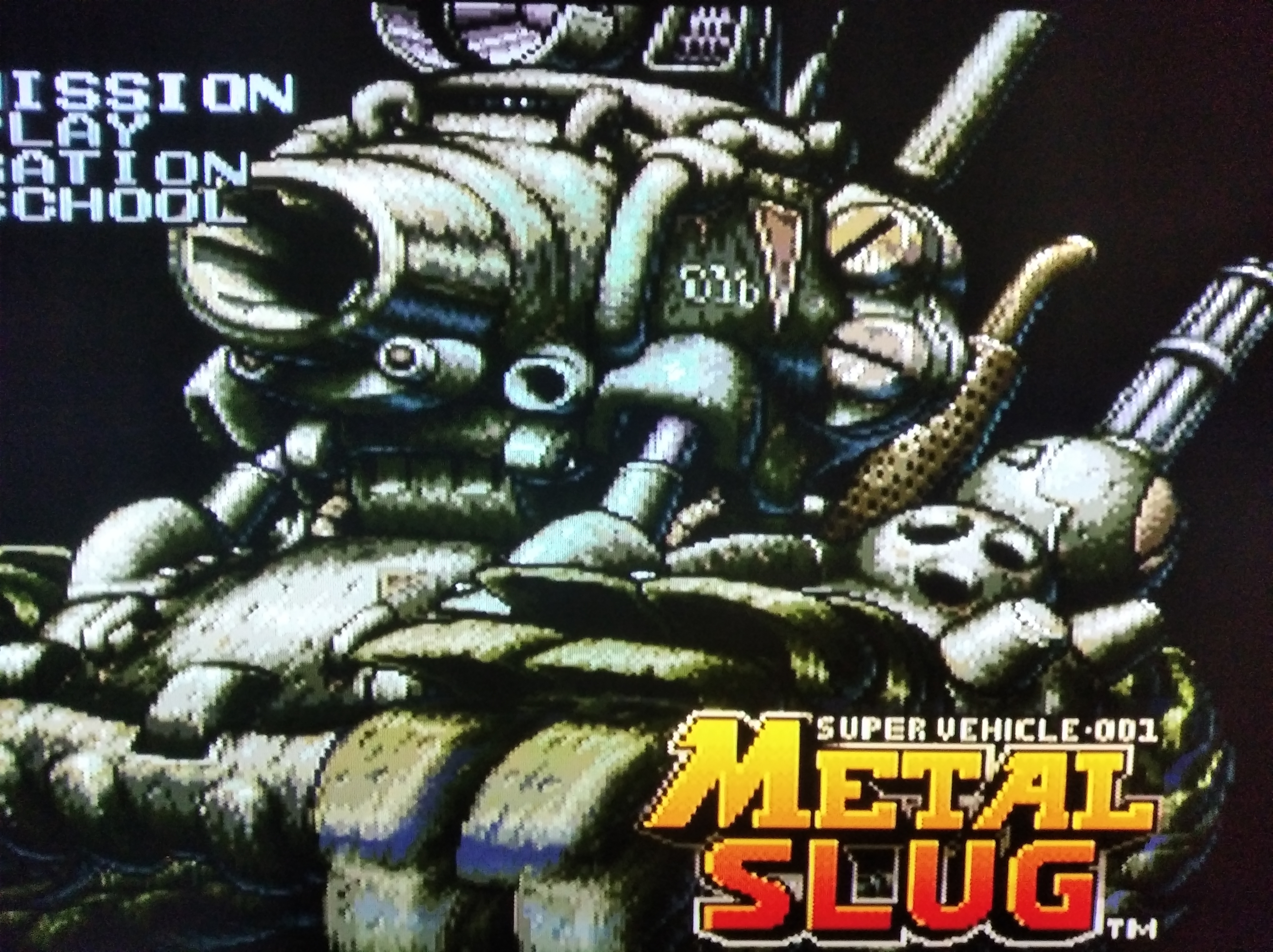
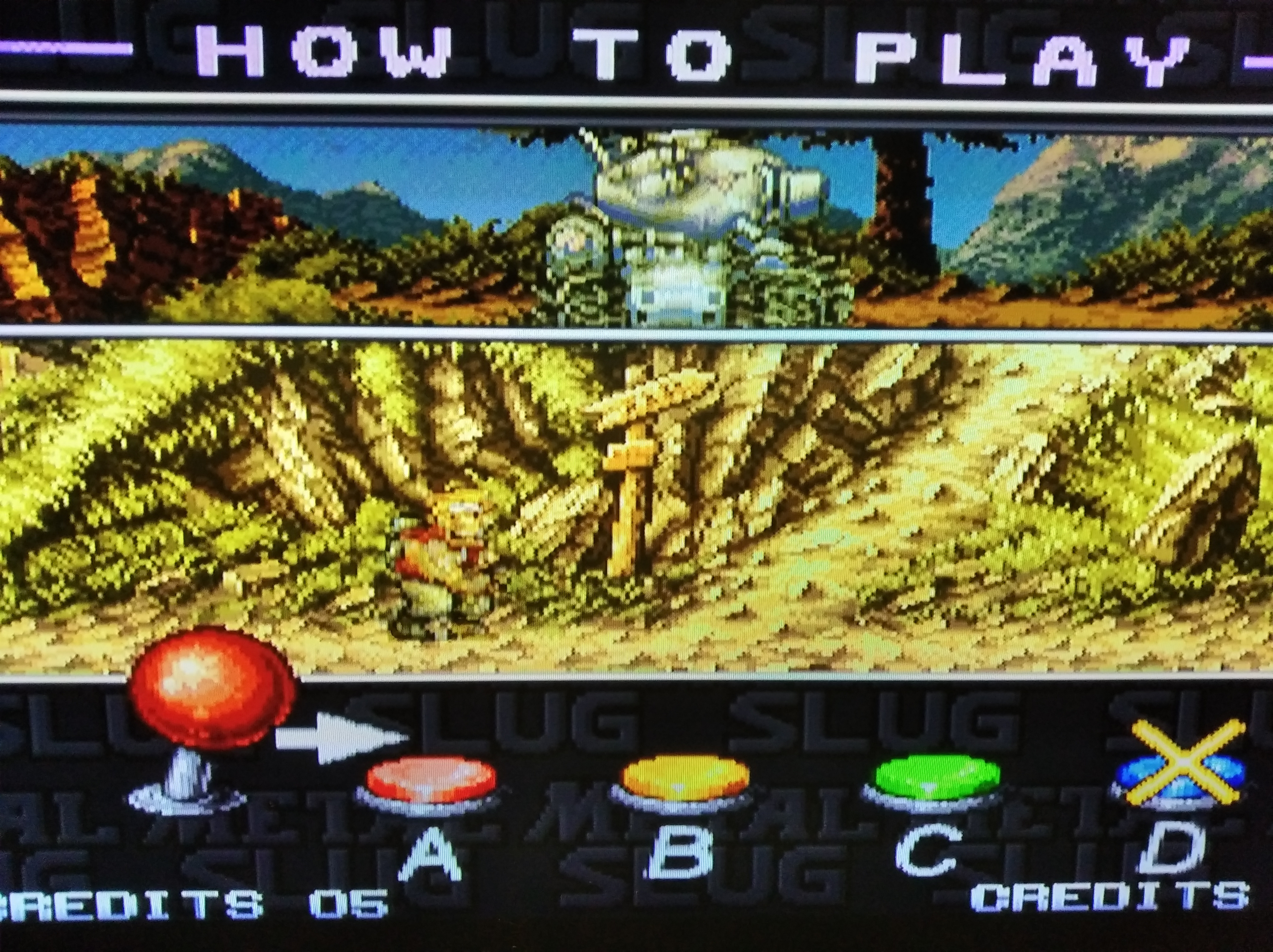
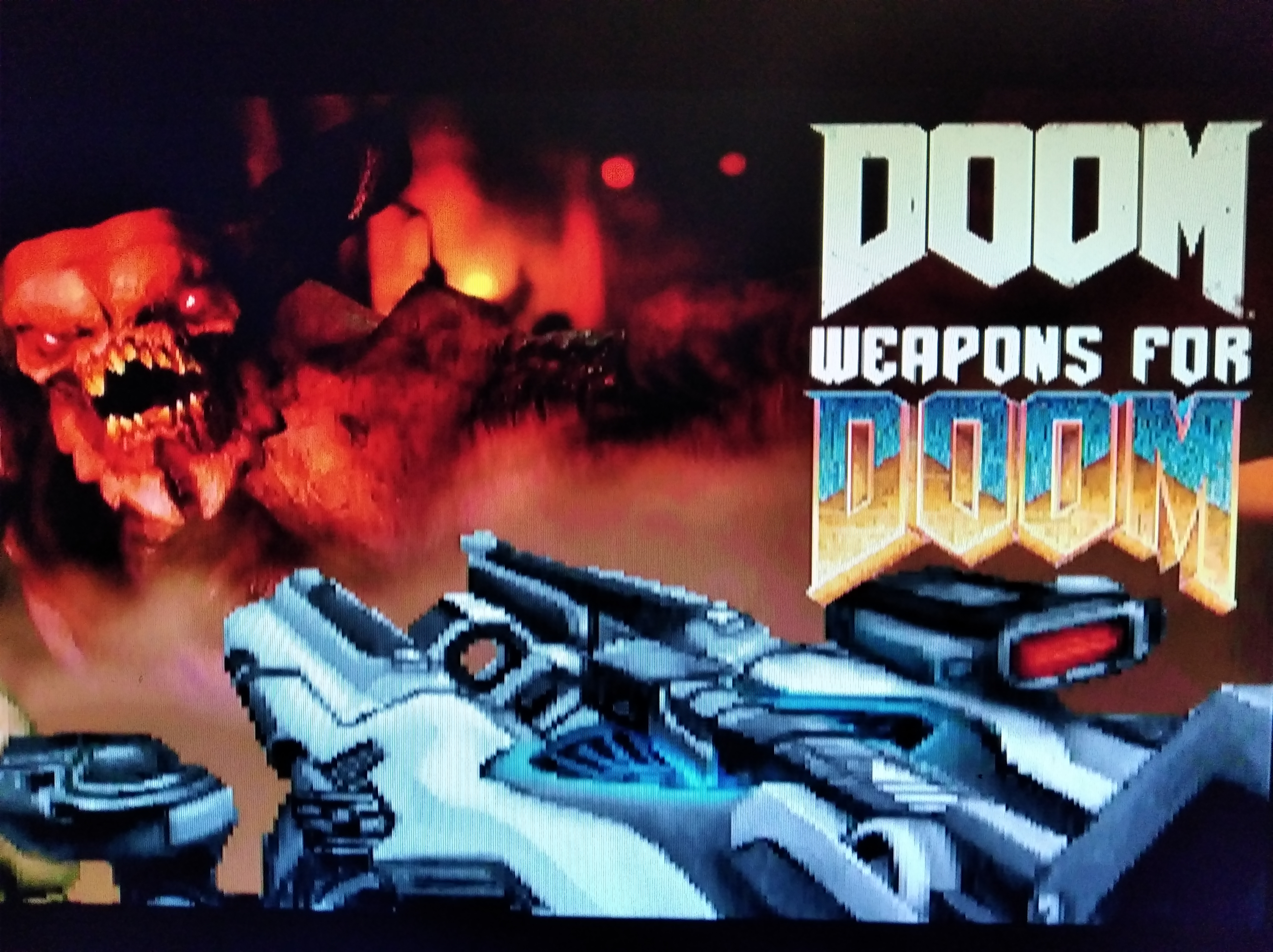
The emulator has loaded.
🙂
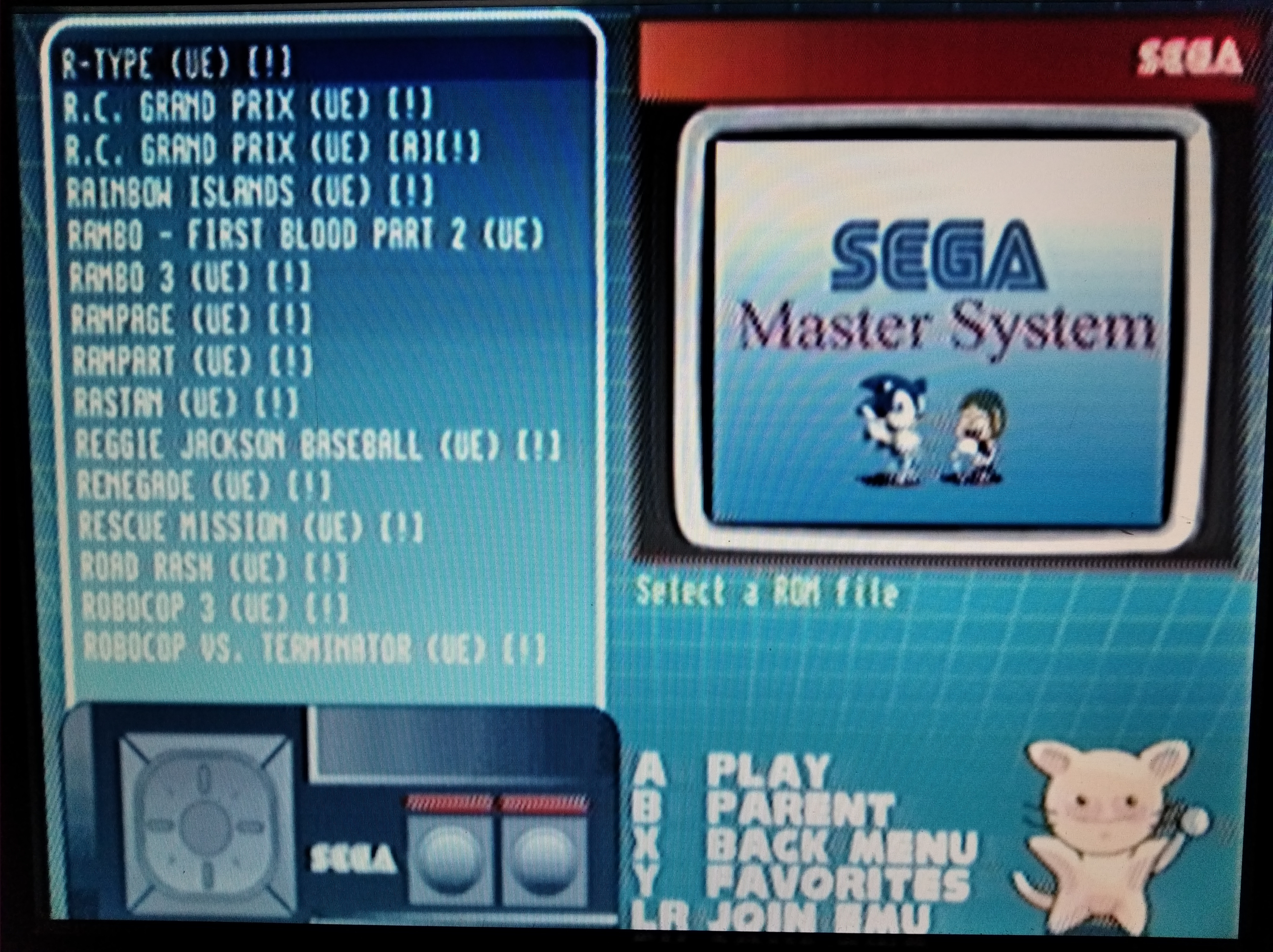
Let's pick a game and have some fun.
😉
This emulator works perfectly! I no longer need to seek out a Sega Master System and the cartridges at inflated prices (due to retro greed) because I can play the titles on the DC for zilch and with the advantage of much greater flexibility and options. I'm now in a situation where the sky is the limit in terms of what I can explore on the homebrew scene and retail DC games because creating a bootable CD-R from a CDI file is an automated cakewalk.
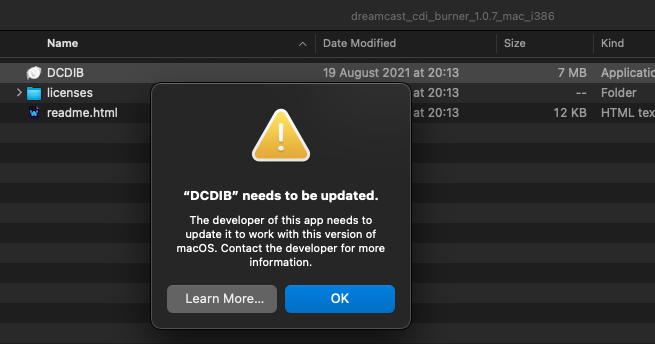
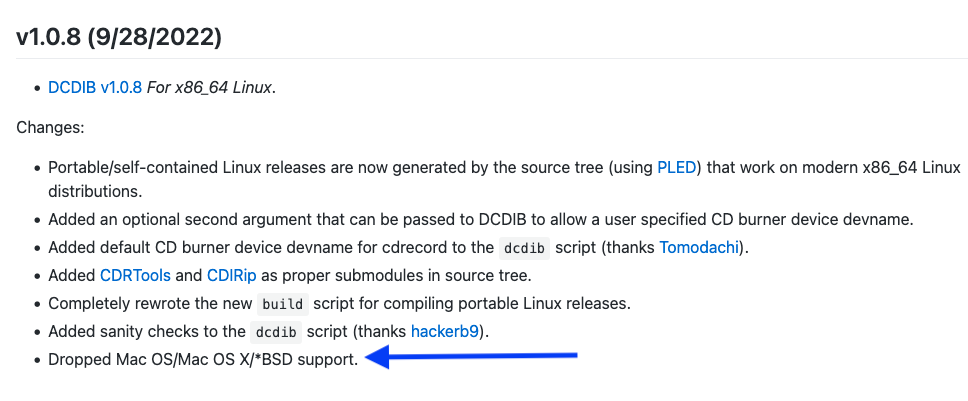
Alex, thanks so much for your continued efforts on countless fronts that have brought us so many boons in the Mac world. Just a week ago I had no idea that I'd end up owning a Dreamcast and now look at what's available to me without having to mess around with one of my Win boxes.
Astounding!
🙂