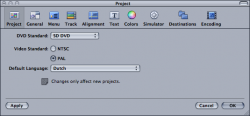
Getting the best out of the DVD Studio Pro has become a problem. I want to DVD a h264 file and I'm not let do this in SD only in HD which apparently will only play on a MAC. I need it to be universally accessible! Do anyone know the best format for DVD Studio Pro, at the moment I'm using DVPAL and I think it could be better. The DVD is approximately 9mins long, coming from Avid Media Composer .Animation codec is too big... Got any ideas.. This is a question for an expert. production@keyframemedia.net


Got a tip for us?
Let us know
Become a MacRumors Supporter for $50/year with no ads, ability to filter front page stories, and private forums.
DVD Studio Pro, HD or SD that is the question?
- Thread starter Declan3906
- Start date
- Sort by reaction score


 )
)