

Become a MacRumors Supporter for $50/year with no ads, ability to filter front page stories, and private forums.

MacRumors

macrumors bot
Original poster


Apple is continuing to tweak iOS 27 ahead of its September launch, and the fourth developer beta is available as of today. There are fewer changes than in prior betas, but Apple is still adding new features.

iOS-27-Feature-Warm-Dark.jpg

TV App

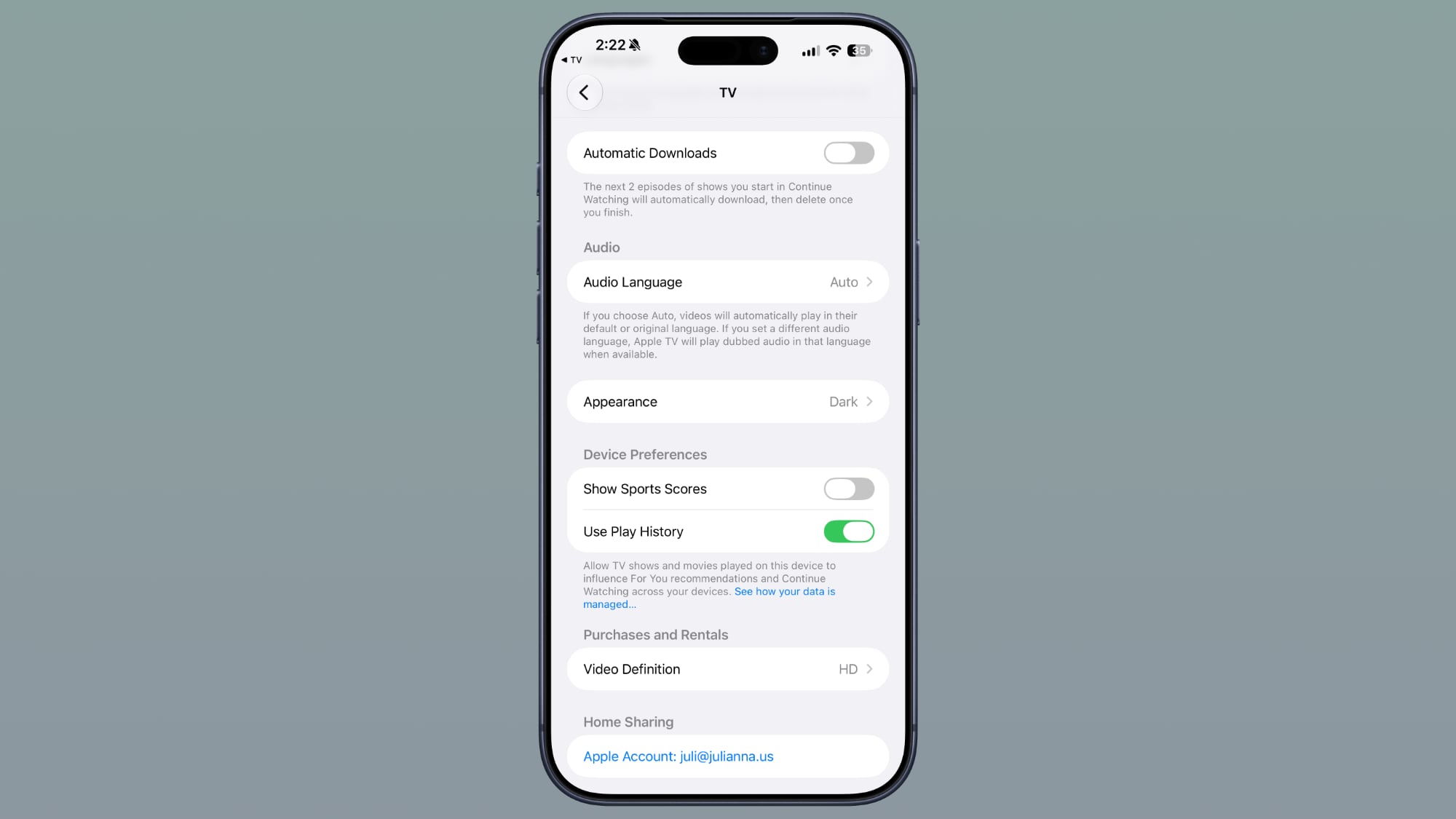
In the Settings section of the Apple TV app, there's a new Automatic Downloads toggle. Turning it on will automatically download the next two episodes of shows you start in Continue Watching. They'll be deleted when you finish the episodes.
ios-27-tv-app-auto-download-b4.jpg

Photos

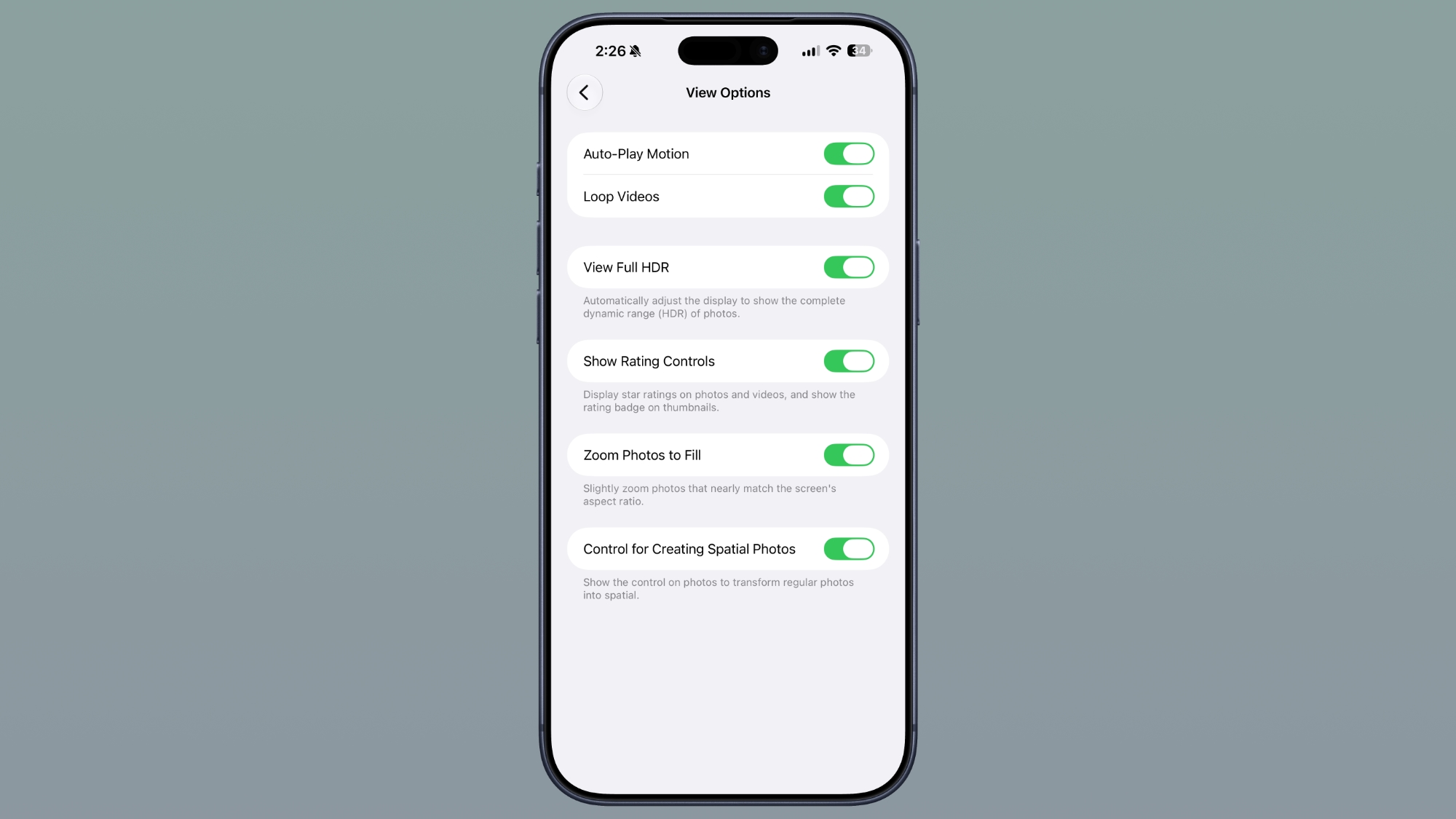
There is a "Zoom Photos to Fill" toggle in the Photos section of the Settings app. It slightly zooms photos that nearly match the screen's aspect ratio, and it is turned on by default.
ios-27-photos-zoom-to-fill.jpg

Wallpaper

Apple has removed the wallpaper feature that it added in the Notification Center in beta 3. When swiping, you would see a cutout of the subject of your wallpaper on the Home Screen, but that's no longer available.

iOS 27 beta 3 adds a new wallpaper animation which is so smooth pic.twitter.com/8LzBOx3HMD— Aaron (@Aaronp613) July 6, 2026


Siri Voices

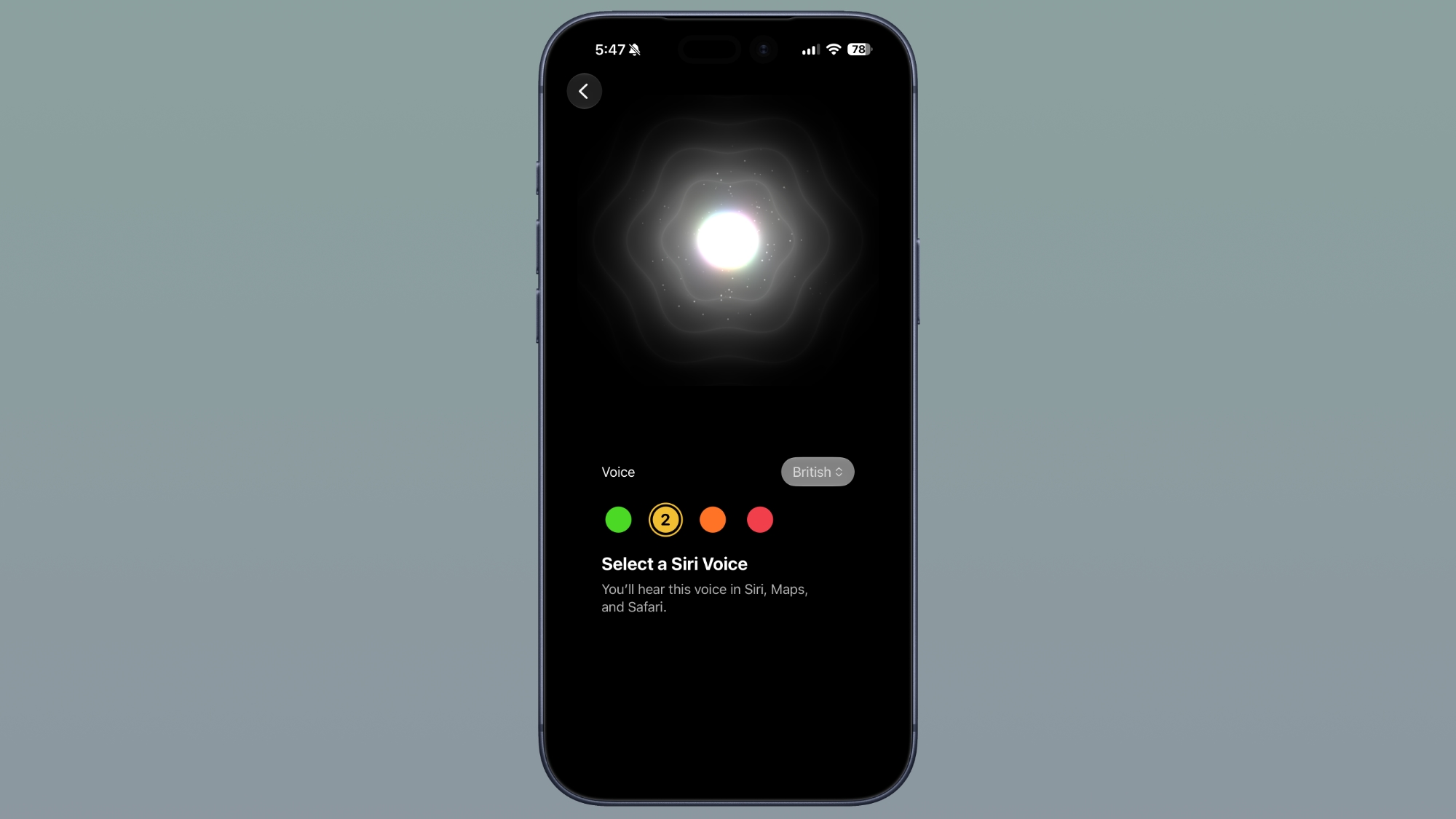
The Siri Voice selection interface has changed. On devices without the option to set a customizable voice, it has the custom voice look with voices and accents to select. On devices with custom Siri selections, there are more voices options, which Apple says are coming soon.
ios-27-siri-voice-b4.jpg

The customizable voice for Siri is limited to the iPhone 17 Pro, iPhone 17 Pro Max, and iPhone Air right now.

Siri Settings

In the Siri section of the Settings app, there's a new option to adjust the length of previews in the Siri app. You can choose up to five lines, or none.
ios-27-accessibility-siri-b4.jpg

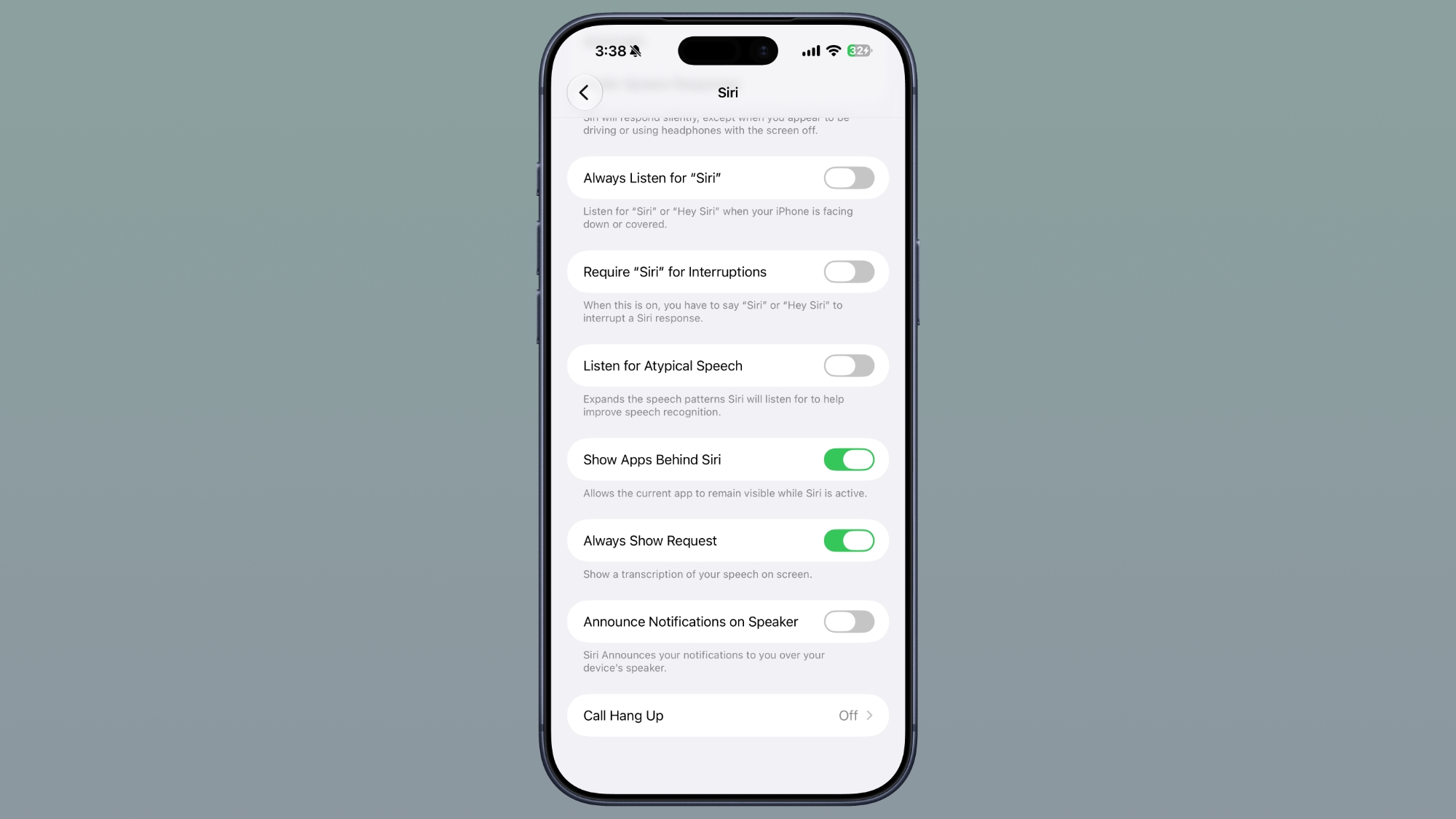
In Accessibility, there's a new "Always Show Request" toggle that shows a transcription of what you say to Siri on the screen.

Siri Search or Ask

When you swipe down to get to the Siri Search or Ask interface, there's now a splash screen that explains it.

ProRes Log Format

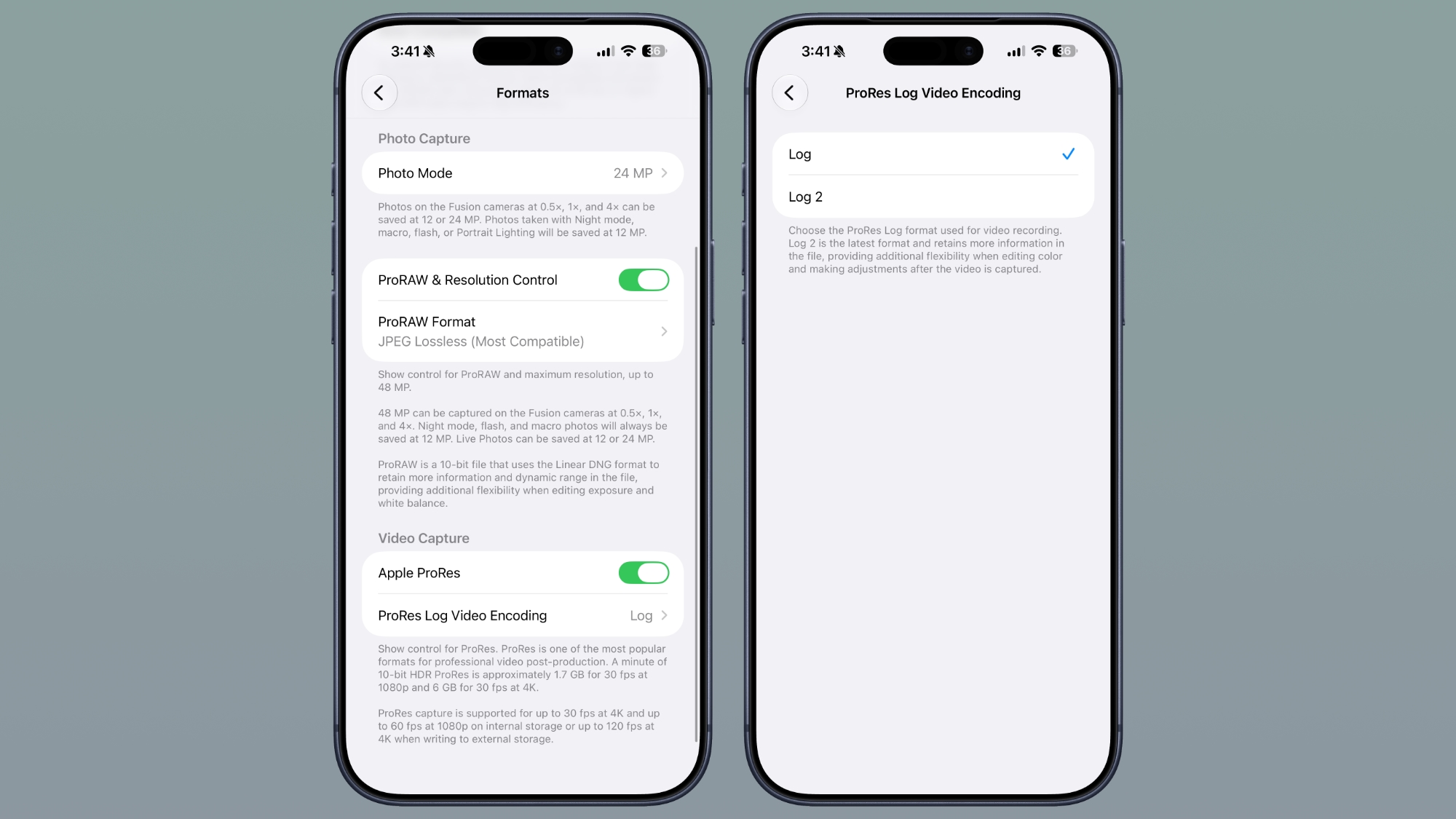
In the Camera section of the Settings app, there's an option to choose a ProRes log format if you toggle Apple ProRes on. You can tap on ProRes Log Video Encoding and select Log or Log 2.
ios-27-prores-video-b4.jpg

Log 2 is the latest format and retains more information in the file for additional flexibility when editing color and making adjustments after the video is captured.

Wi-Fi Assist

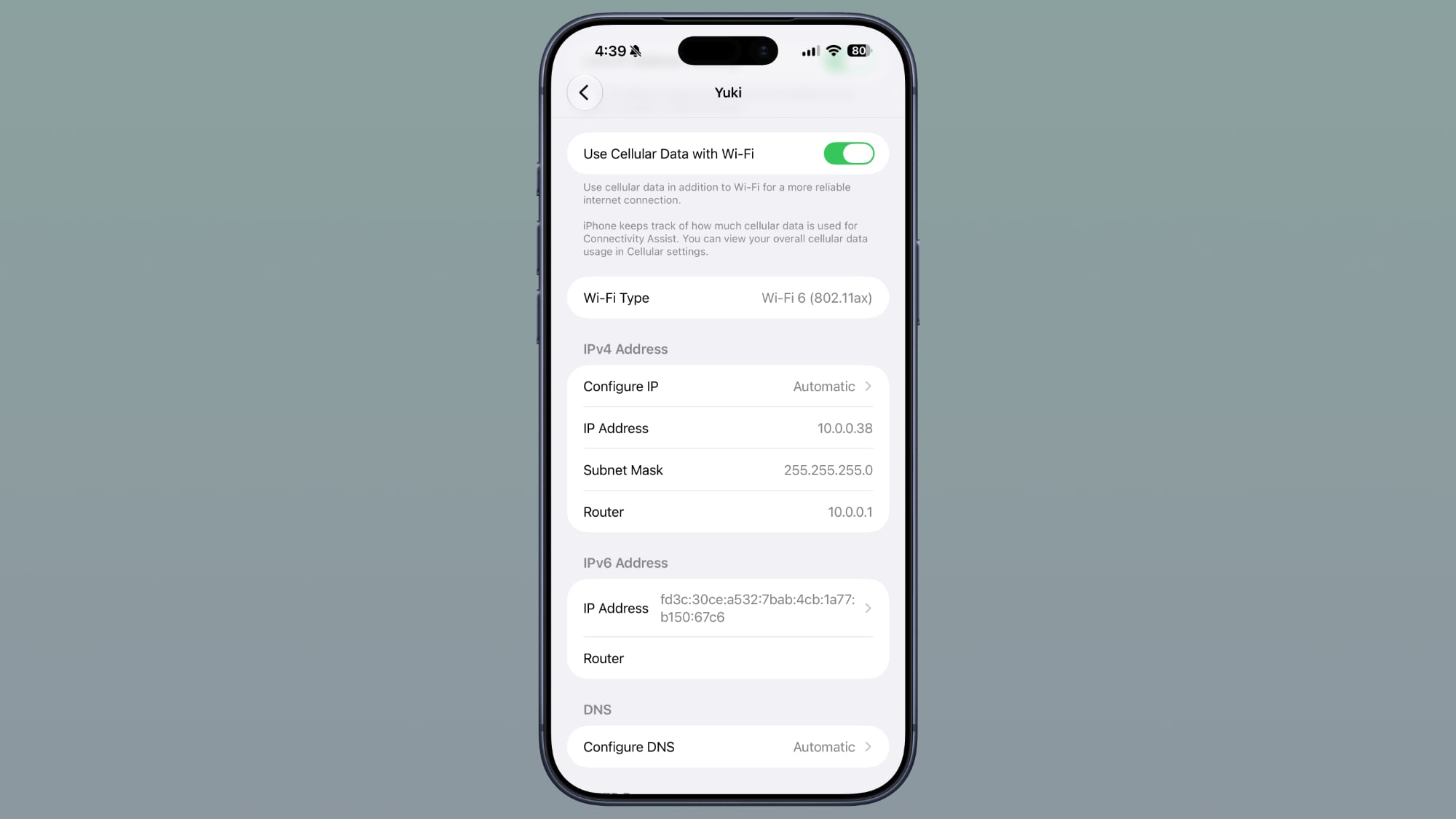
There's an option to enable or disable Connectivity Assist for each Wi-Fi network, regardless of whether the Connectivity Assist master toggle is on.
ios-27-wi-fi-settings-b4.jpg

AirPods

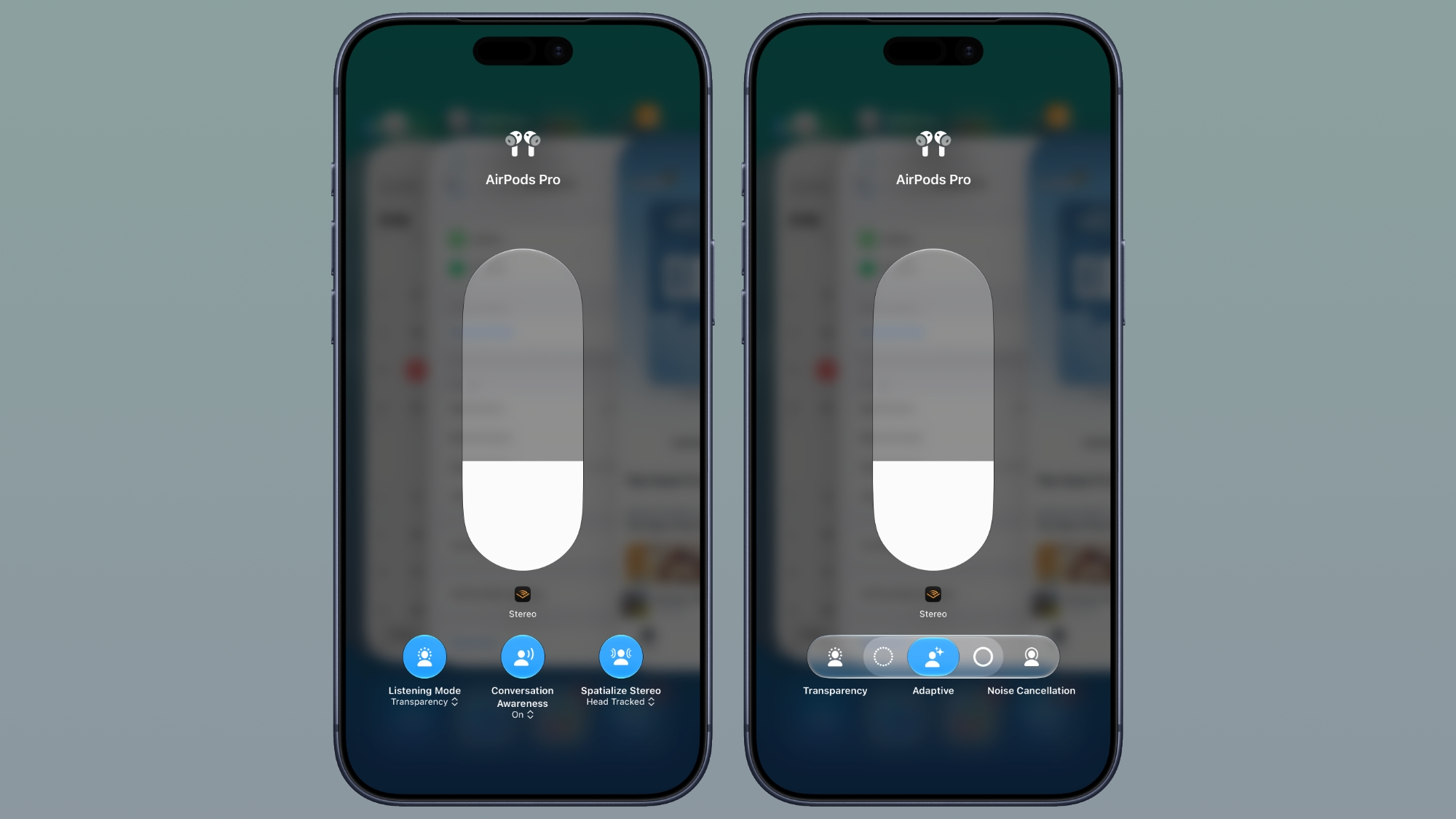
Apple changed the look of AirPods options in Control Center, including adding more options for Adaptive mode.
ios-27-airpods-settings-b4.jpg


Dual Battery iPhone References

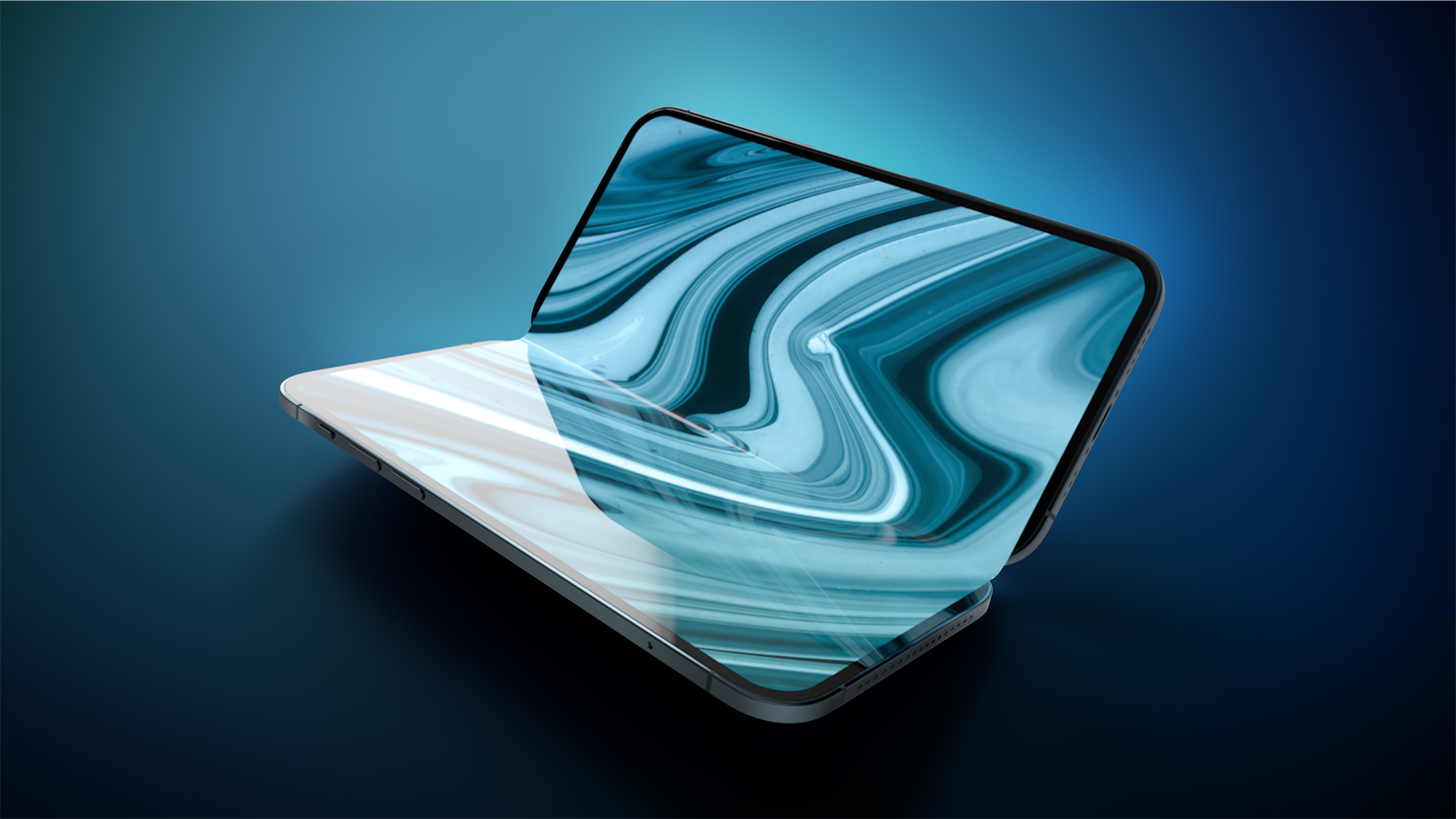
Code in the fourth beta of iOS 27 references an iPhone with two batteries, with strings like "The batteries in this iPhone are performing as expected."
Foldable-iPhone-2023-Feature-1.jpg


It may hint at the foldable iPhone Ultra, which is expected to have a dual-battery design.


Article Link: Everything New in iOS 27 Beta 4
 
  • Like
Reactions: artifex and mudflap
I figured the wallpaper change in beta 3 was a bug, but I’m glad it’s gone now, regardless of intent

Still disliking Siri neutering Spotlight. I don’t want to query and wait for a response for various actions Spotlight used to perform instantly. For instance, a celebrity’s name would bring up information like their bio, music, tv shows, and more. Now it’s hit or miss, my results are drastically different between Beyoncé, Elvis, and Drake.
 
Thank you. Lol. I downloaded the public beta and didn’t see much new, but it feels nicer and snappier than before (and better than any other public beta I’ve installed).
 
The Siri Voice selection interface has changed. On devices without the option to set a customizable voice, it has the custom voice look with voices and accents to select.
I have an iPhone 15 Pro Max (Clearly doesn't support the new more advanced Siri) yet I don't have this screen despite the screenshot 🤨 Anyone else experiencing this in the latest beta?
 
Should've rolled out some new improvements to the Notes App in iOS 27. Custom tables would've been great. Needs better organization tools.
Notes is still missing so many features, but I’m not sure where you draw the line between a simple note-taking app and turning it into a word processor. It still blows my mind you can’t resize images pasted into Notes. Same with tables. Why can’t you adjust the size and provide at least some very basic formatting options? Oy!
 
Holding out until August to put on my only iPhone.
iOS 26.6 still not resolving little issues for me. Like sometimes I go to safari and open a new tab and the bookmarks on the home page have disappeared until I force quit safari and reopen. It’s just a blank screen 😅
 
Seems like the typing lag in the new Siri app has been addressed in this beta. Or maybe I’m the only one who had this issue since I haven’t seen anyone else write about it anywhere?

Can I log a vote against the new Siri animation? The old glowing screen border animation was brilliant.
I especially liked it on my computer monitor with an iPad.
 
On the public beta, I have haptic feedback disabled. However, for example, when I long press to open in background in Safari or long press the space bar when typing, haptics are still on. Is this normal?
 
I have public beta on iOS and Watch. Does anyone else have this issue with AirPods - started playing Apple Music from my iPhone, but the AW does not register as music is playing so unable to skip/ pause etc.
 
Register on MacRumors! This sidebar will go away, and you'll see fewer ads.