Become a MacRumors Supporter for $50/year with no ads, ability to filter front page stories, and private forums.

alex_free

macrumors 65816
Original poster
Recently the Xbox 360 got an awesome soft-mod and I've been having a great time with it. One thing that bothered me was that the best tool for extracting original Xbox and Xbox 360 games was essentially unmaintained (you need to extract the ISOs then copy then to the HDD to play them, there are other formats yes but I like this one the best and it is very mod friendly too).

So I thought, how cool would it be to extract ISOs for the Xbox 360 (a powerpc console), with a powerpc Mac?

1751883434993.png

 
Recently the Xbox 360 got an awesome soft-mod and I've been having a great time with it. One thing that bothered me was that the best tool for extracting original Xbox and Xbox 360 games was essentially unmaintained (you need to extract the ISOs then copy then to the HDD to play them, there are other formats yes but I like this one the best and it is very mod friendly too).

Is that based on this mod which boots from a live USB on each session? It's something that I've been meaning to look into after seeing this video appear in my recommendations.


So I thought, how cool would it be to extract ISOs for the Xbox 360 (a powerpc console), with a powerpc Mac?

View attachment 2526518

Once again you're a legend, @alex_free - my 360 has been inactive for ages and this is a great incentive to put it back into regular use. You've also provided a version for Intel Macs: which means I'm sorted on both platforms but I'll give this a go on my iBook G4 under Tiger. 🙂
 
Is that based on this mod which boots from a live USB on each session? It's something that I've been meaning to look into after seeing this video appear in my recommendations.


Once again you're a legend, @alex_free - my 360 has been inactive for ages and this is a great incentive to put it back into regular use. You've also provided a version for Intel Macs: which means I'm sorted on both platforms but I'll give this a go on my iBook G4 under Tiger. 🙂
Thanks! And yes it is exactly that. What I posted is very easy to use (also can be done from a powerpc mac I think!). I recommend the xeunshackle ready to copy download. It has everything already in the right file structure so you just drag the files onto the USB drive (may have to use the 360hp command to deal with the hidden content folder Finder doesn't like, see readme and lmk if you need help). Love seeing my iBook G4 crunch through a Xbox 360 8.7GB ISO file (I copied it over via SSH).
 
  • Love
Reactions: TheShortTimer
Thanks! And yes it is exactly that. What I posted is very easy to use (also can be done from a powerpc mac I think!). I recommend the xeunshackle ready to copy download. It has everything already in the right file structure so you just drag the files onto the USB drive (may have to use the 360hp command to deal with the hidden content folder Finder doesn't like, see readme and lmk if you need help).

Excellent! 😀

I'll dig out my 360 tomorrow when I'll have the time to play around with all of this and I'll let you know how I get on.

Love seeing my iBook G4 crunch through a Xbox 360 8.7GB ISO file (I copied it over via SSH).

How long did it take?
 
  • Love
Reactions: alex_free
Excellent! 😀

I'll dig out my 360 tomorrow when I'll have the time to play around with all of this and I'll let you know how I get on.


How long did it take?
Not nearly as long as you'd think! Quite respectable. Again lmk I'm off work today I can help get you started I just learned all this 360 stuff a few months ago when this came out.
 
  • Love
Reactions: TheShortTimer
@TheShortTimer recently the Xbox 360 exploit got an update and the success rate has improved dramatically. I was a little crazy to use this as a daily driver previous to this (but my model of Xbox 360 is unable to be hardware modded and I’m patient so I accepted the ~30% success rate). But now, really even for normal people, I think this is a daily driver. You gotta give this a go with the new update: https://alex-free.github.io/360-hack-pack/
 
  • Like
Reactions: TheShortTimer
@TheShortTimer recently the Xbox 360 exploit got an update and the success rate has improved dramatically. I was a little crazy to use this as a daily driver previous to this (but my model of Xbox 360 is unable to be hardware modded and I’m patient so I accepted the ~30% success rate). But now, really even for normal people, I think this is a daily driver. You gotta give this a go with the new update: https://alex-free.github.io/360-hack-pack/

Thanks, Alex. 🙂

Do I just download the latest Xeunshackle update?
 
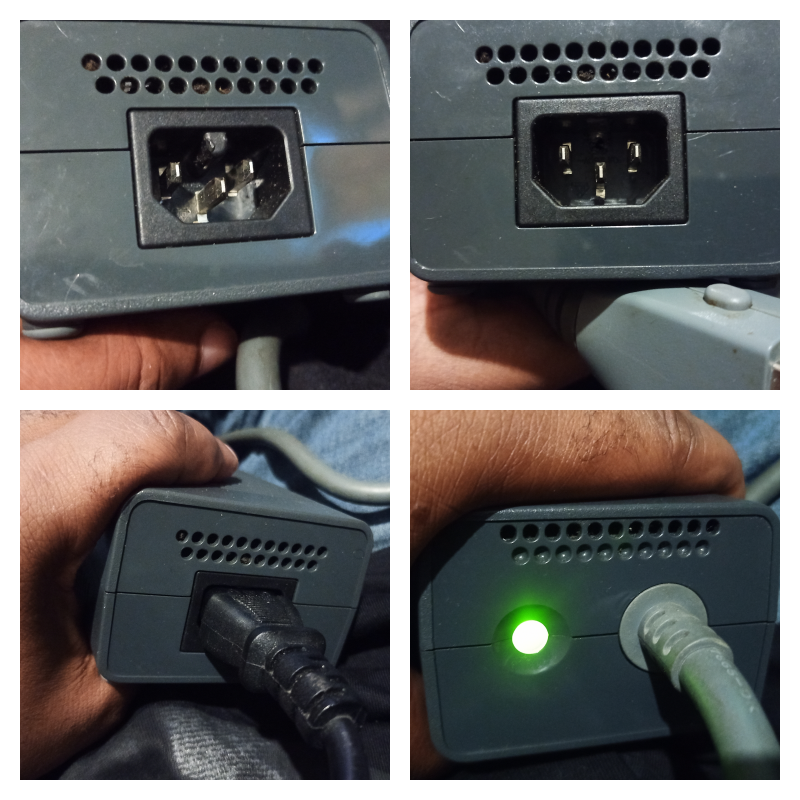
After eventually locating my 360 and the PSU, I realised that I'd mislaid the C15 cable. I've got plenty of C13's but they don't fit the PSU socket due to the notch preventing this from happening. A couple of minutes with a solder trimmer soon solved that. 😉

JXxaXEa.png

With the notch removed, a standard C13 cable definitely fits now! 😀

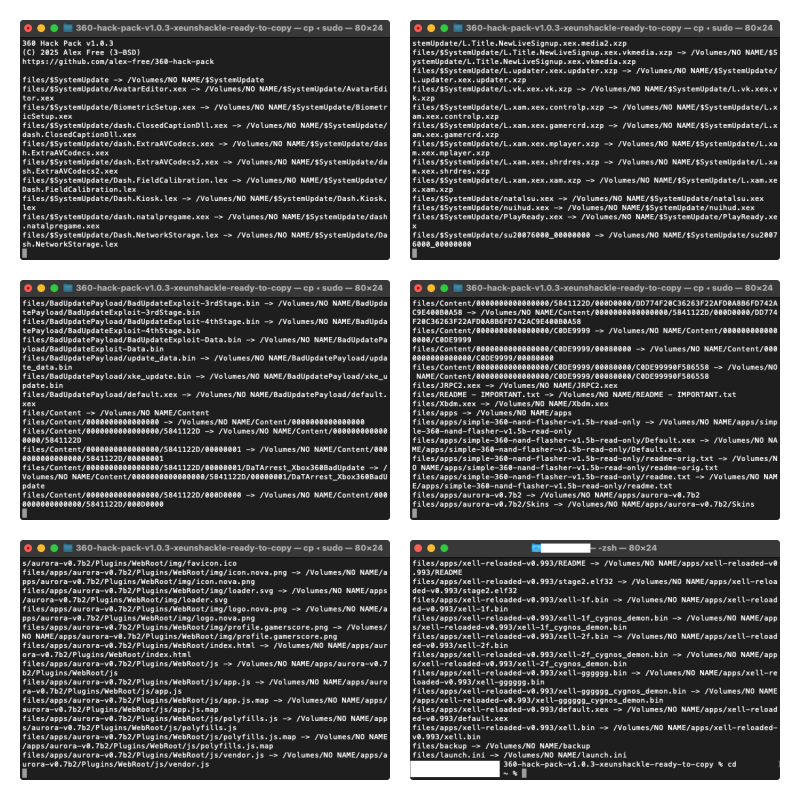
Next up, I formatted my USB stick on the 360 and then carried out the prep work on a Mac.
vD8cWqk.png

Nice and easy. The 360hp command writes the necessary files into the root directory and creates a Live USB installer for your 360 in a few minutes. Time for the moment of truth - I connected the USB stick to my 360 and powered it up...

qLYiZF3.jpeg


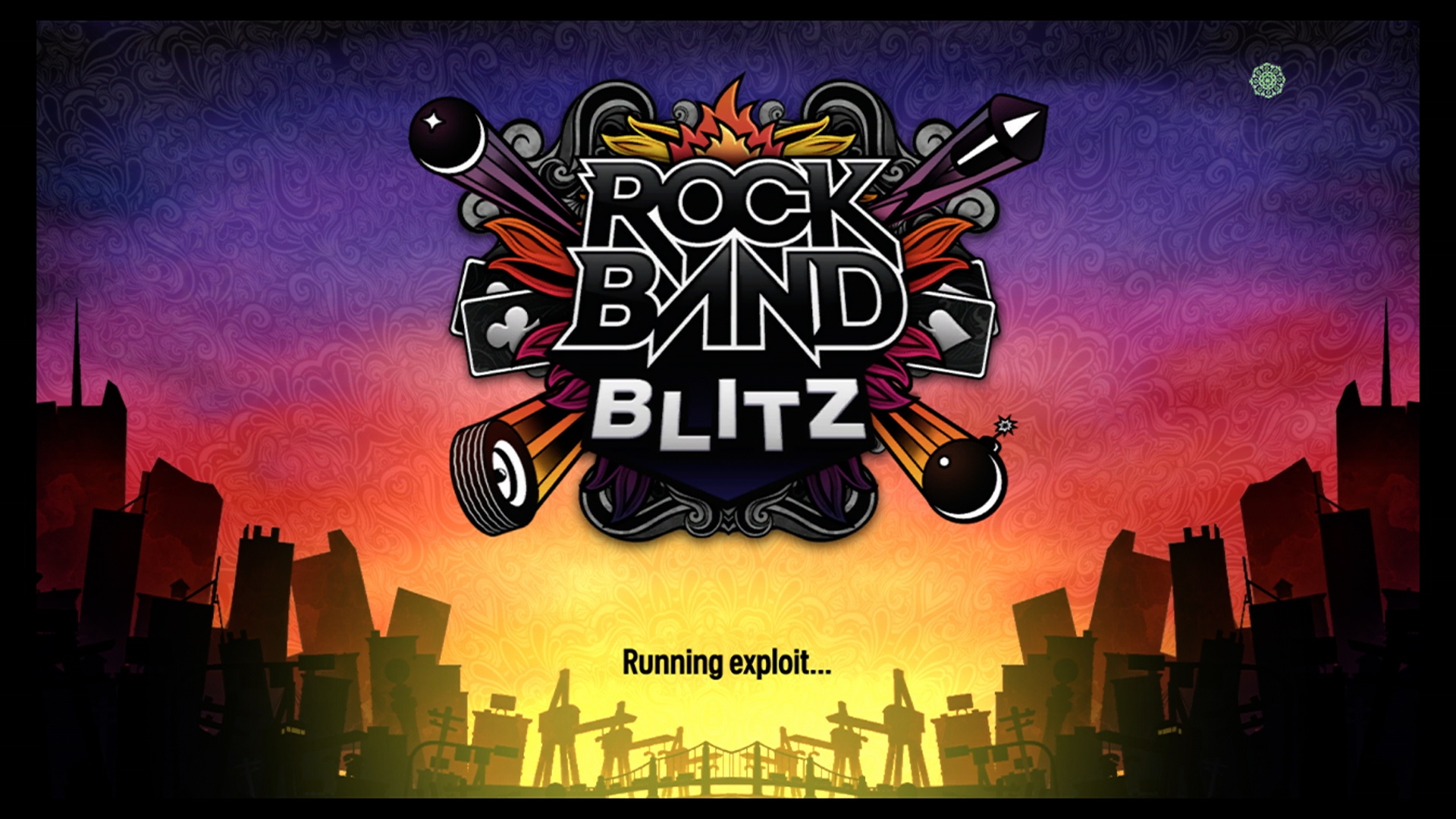
Let's run the exploit!

o9lSYA0.jpeg


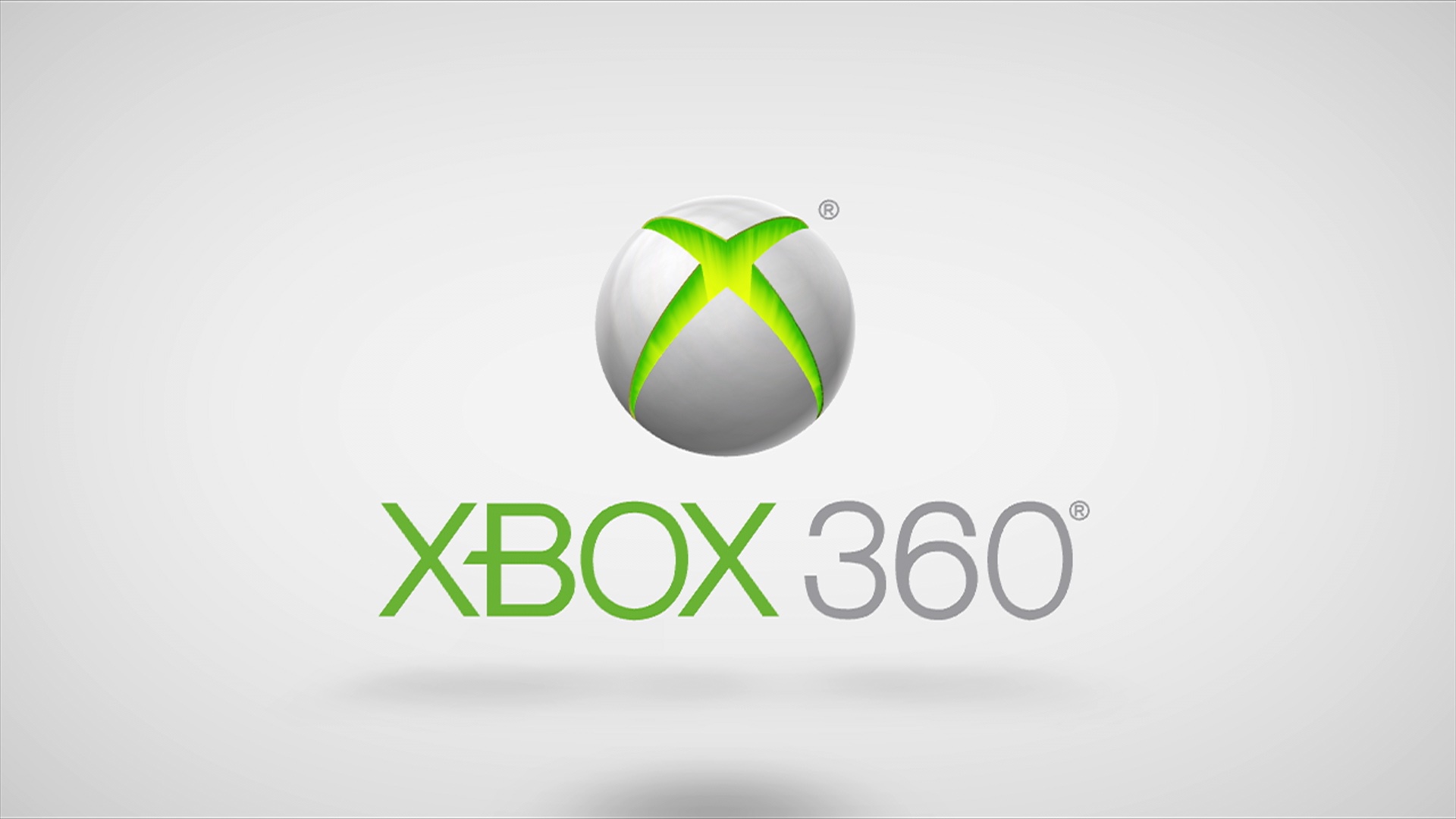
So far so good - and as an aside, if the animations freeze on the RBB title screen, reboot the 360 and repeat the process to run the exploit.

AMFWY9W.jpeg


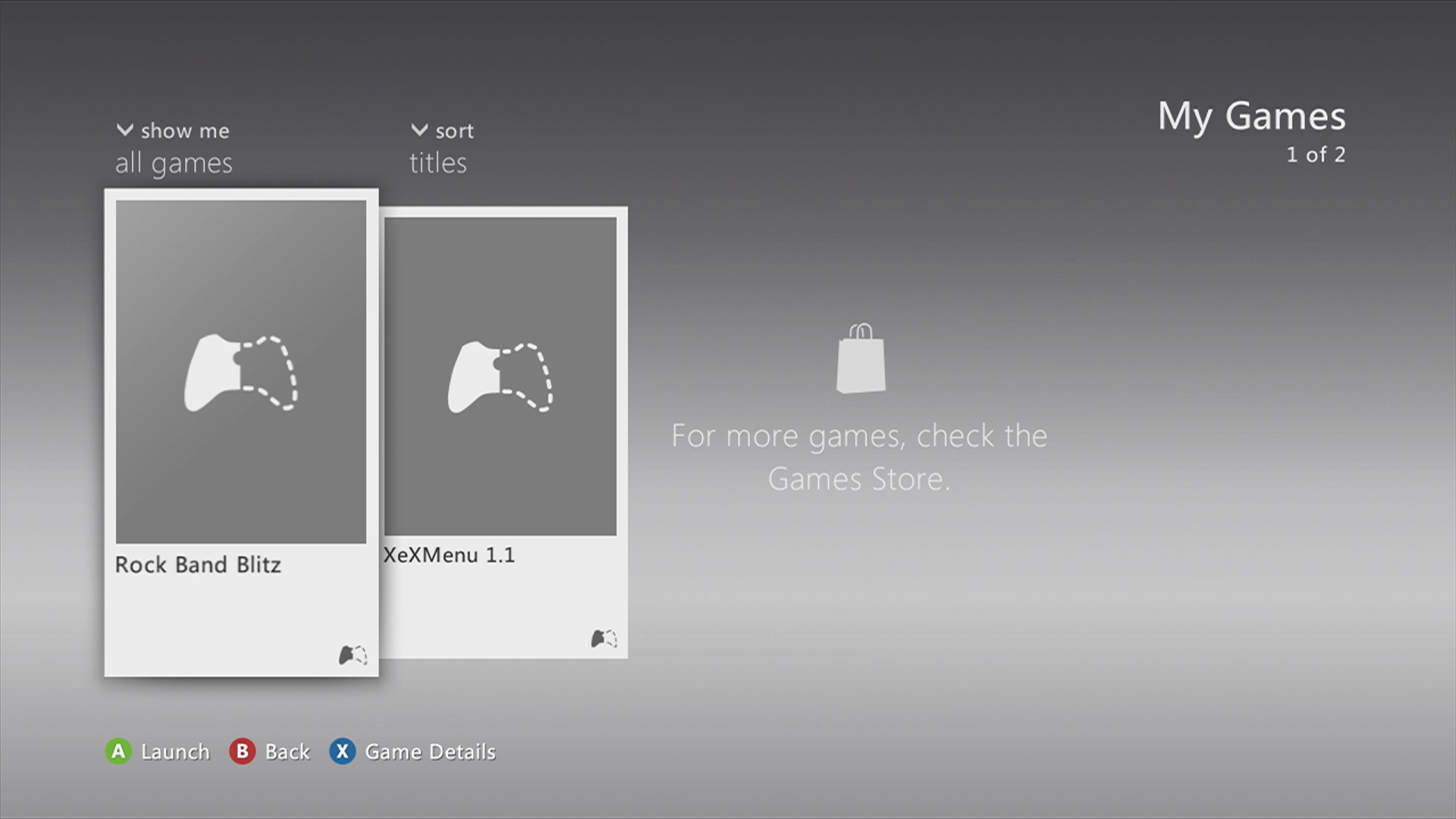
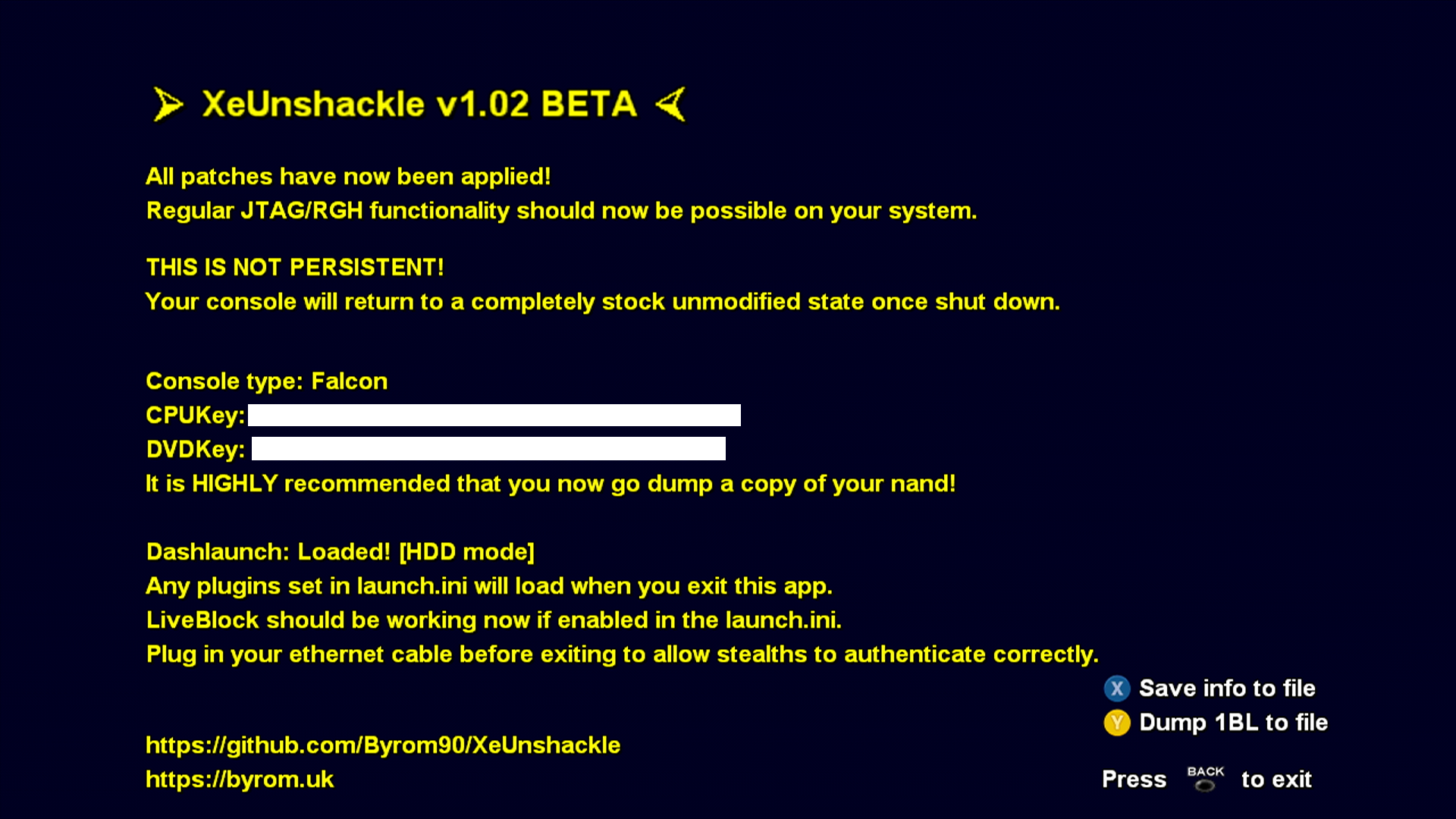
Yes, we're in business - the soft mod is in place and will remain so till shutdown or a reboot. 😀

eVFE3Ur.png


I dumped a copy of the NAND as recommended and I'd already prepared some Xbox Live/Arcade titles to play around with.

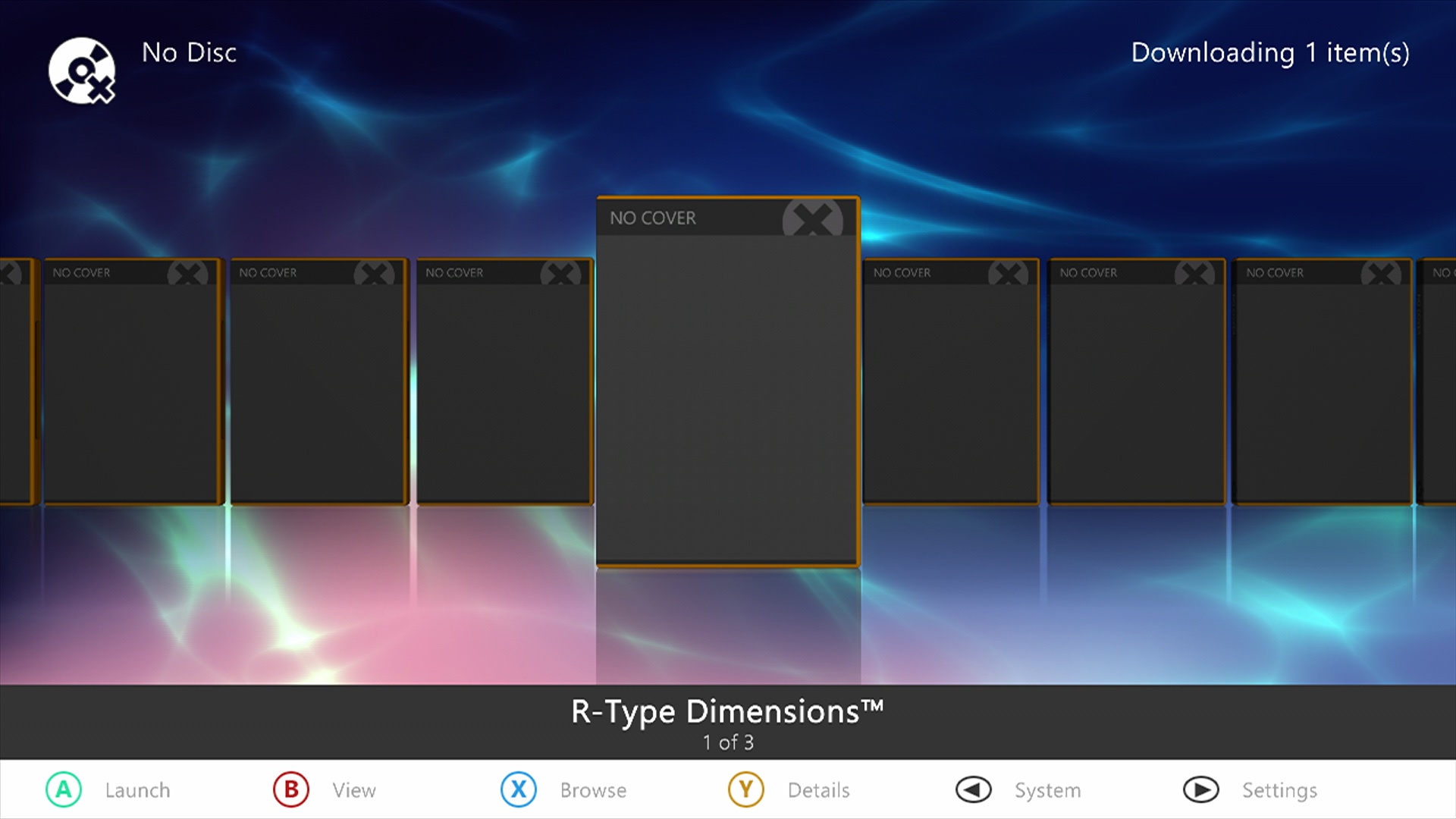
lakA38e.jpeg


The thumbnails are missing but most of them loaded and ran fine regardless.

LvclQr1.jpeg

TOaiyAN.jpeg


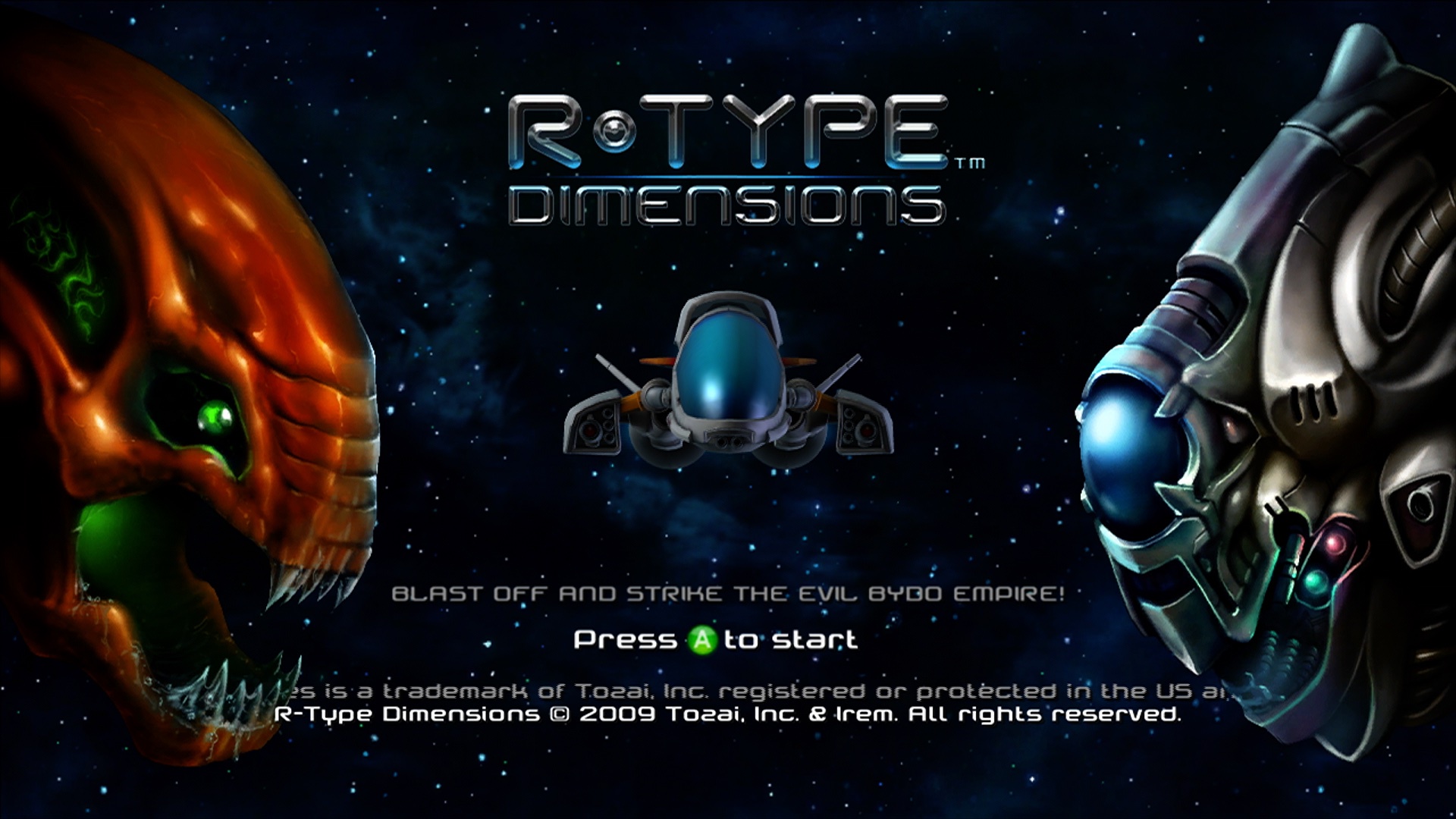
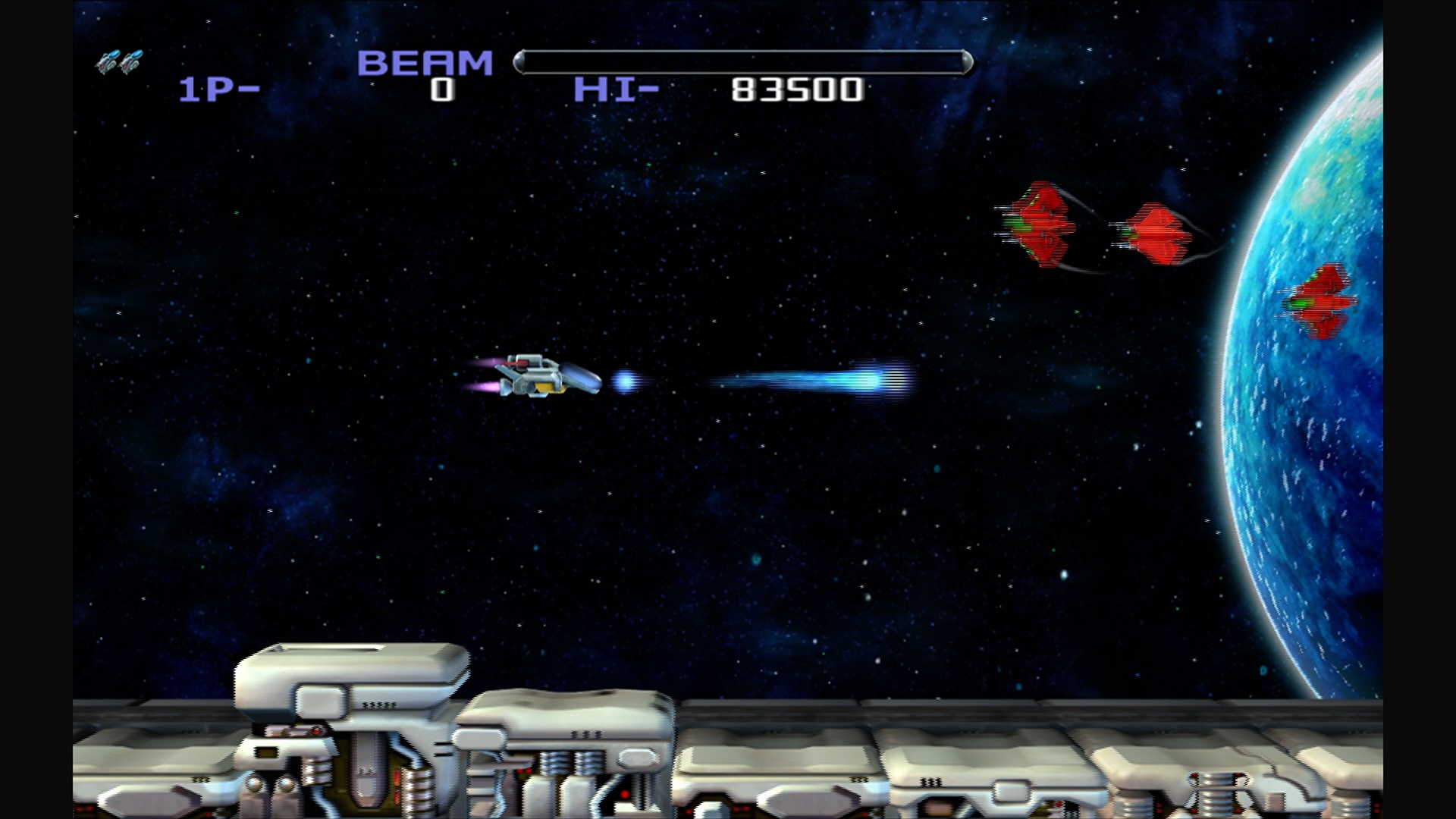
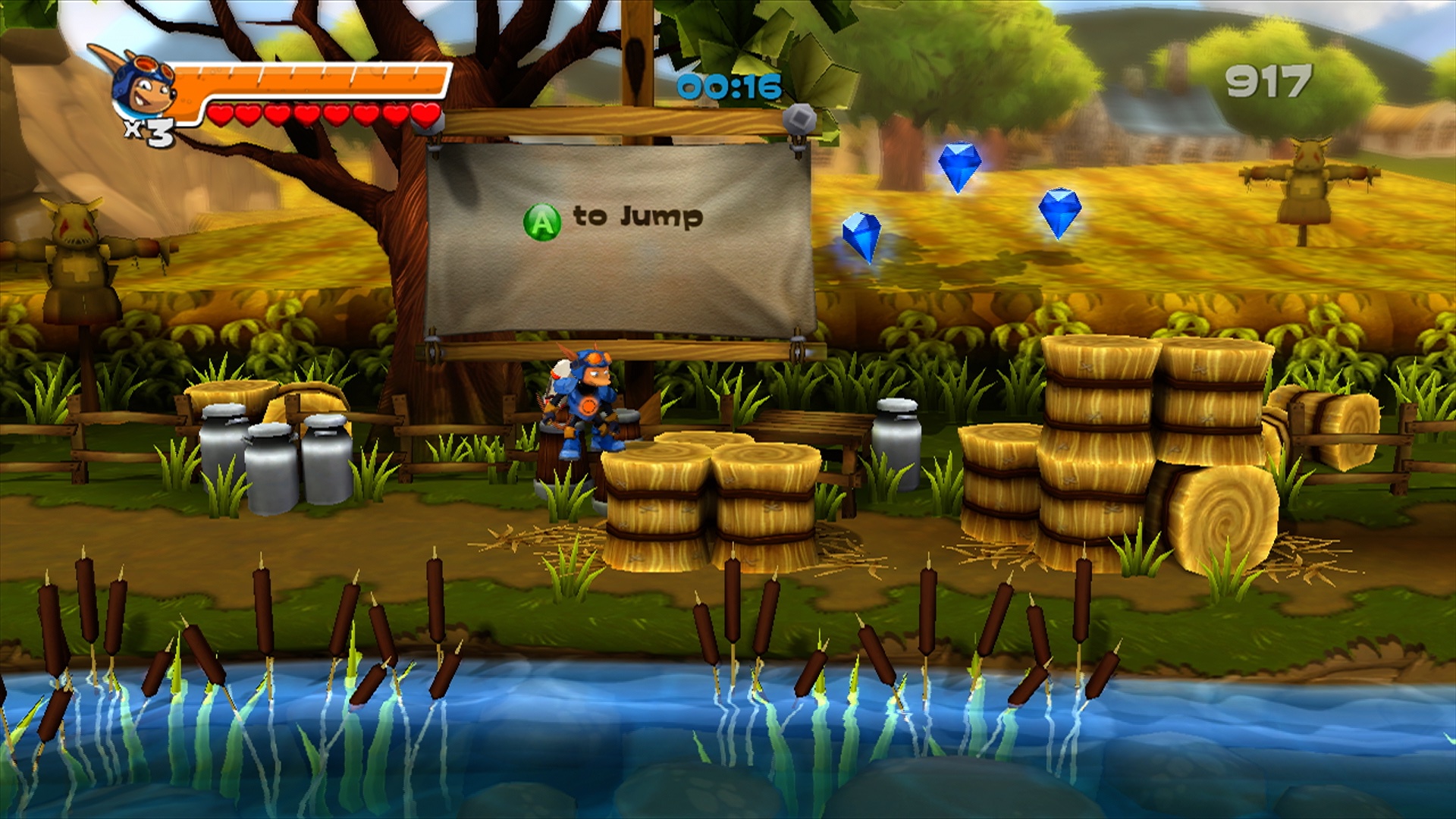
I'm ecstatic at finally getting the opportunity to play R-Type Dimensions but how about Rocket Knight?

41jP9EE.jpeg


Brilliant!

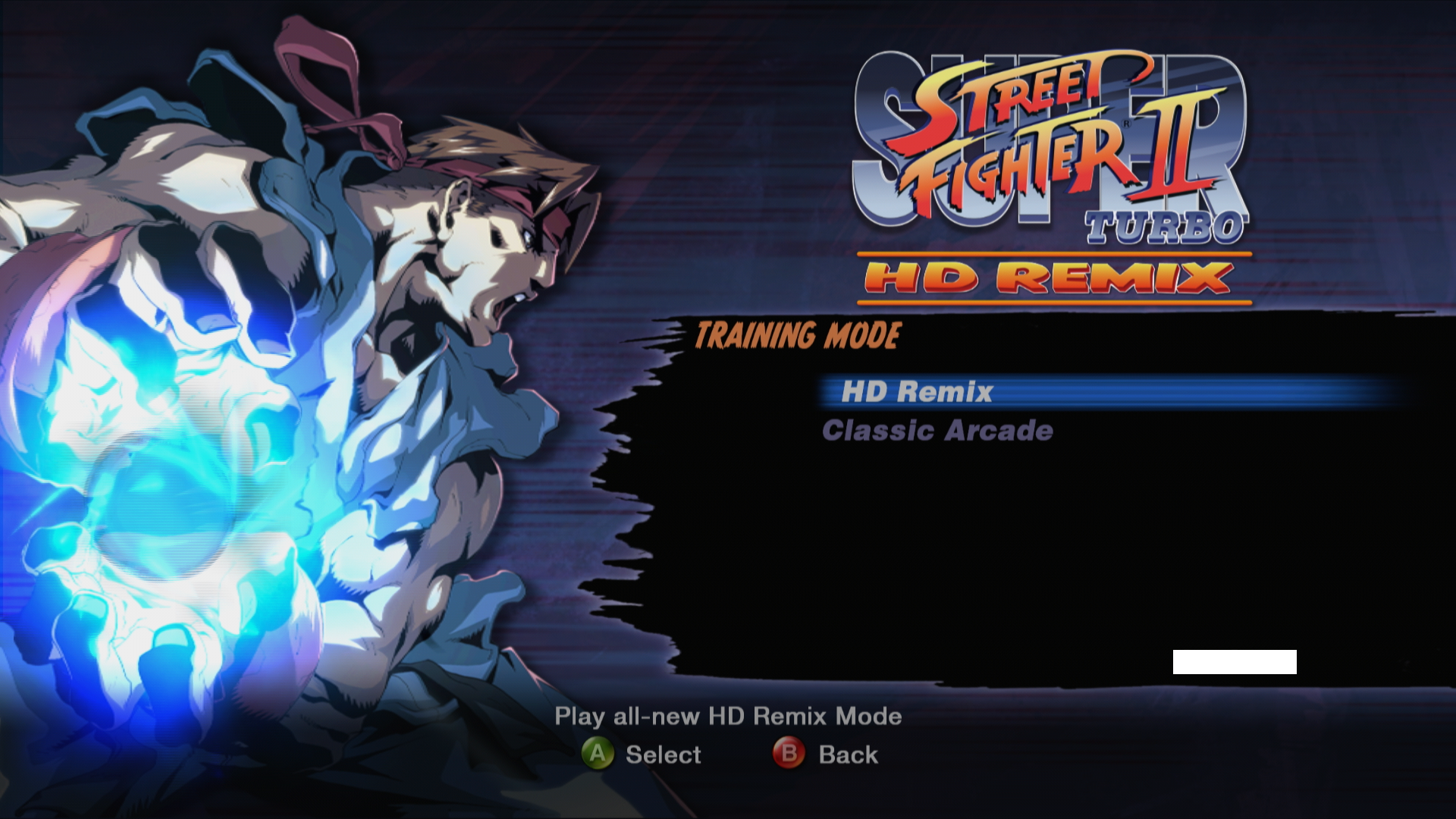
Now, last but certainly not least…

AVfOlhH.png


Oh, this is too much fun and it's nice to see my 360 no longer going neglected and it's also relief that it hasn't succumbed to the dreaded Yellow Light of Death during the years that it was inactive. Thanks @alex_free for being the catalyst that made this happen. 🙂

At some point soon I'll have a look at extracting ISOs and the media player angle.

(For those who are curious, the images were obtained by capturing the 360's HDMI output into a MacBook Air via Thunderbolt using an UltraStudio Mini Recorder and I'll create a post about this process elsewhere.)
 
Last edited:
Here's an invaluable tip that I came across on Reddit whilst trying to deduce why one of my XBLA downloads wouldn't run in Aurora - no matter whichever mirror file I tried. A huge haul of trial versions of XBLA titles can be found with a little bit of searching and that includes a version of the game which does work - albeit in trial mode.

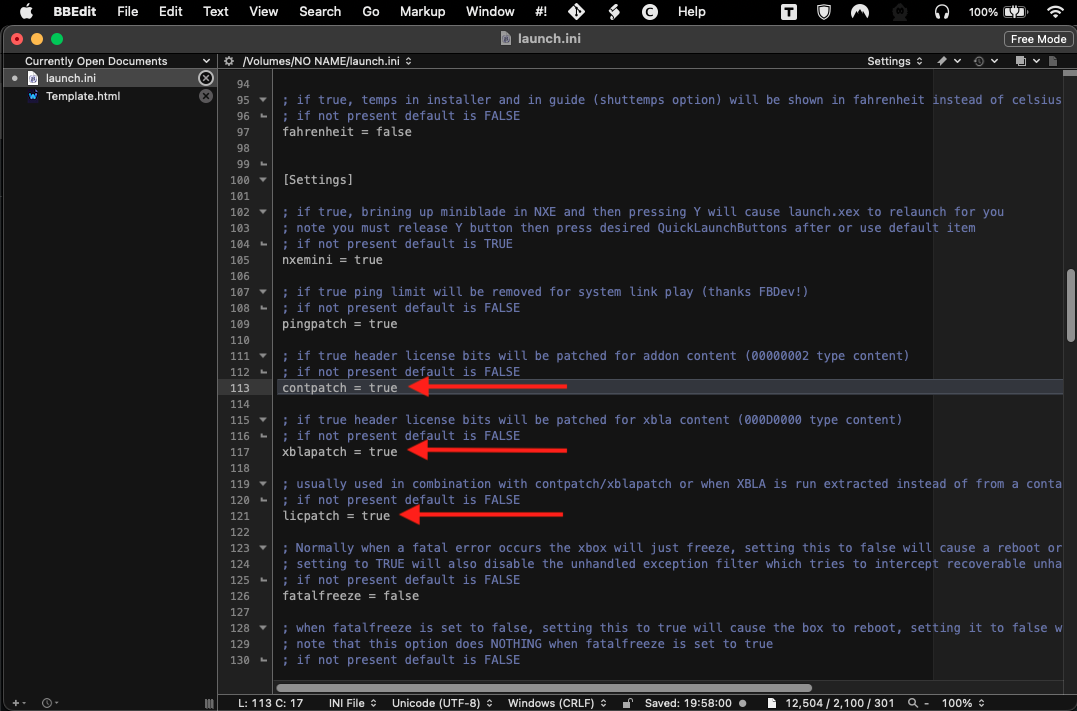
However, all XBLA trial games will unlock and run in their full versions if you modify three settings in the launch.ini file on the Live USB stick as highlighted below...

cJNy67R.png


...from "false" to "true"...

8FBq6aB.png


Save the modified settings and when you boot into Aurora, all of your trial versions will be replaced with the full games. I've tested this and it's working for me with all of my XBLA game demos. 😀

(If you don't have BBEdit, you can modify the launch.ini file with TextEdit or whichever program takes your fancy.)
 
  • Haha
Reactions: alex_free
Here's an invaluable tip that I came across on Reddit whilst trying to deduce why one of my XBLA downloads wouldn't run in Aurora - no matter whichever mirror file I tried. A huge haul of trial versions of XBLA titles can be found with a little bit of searching and that includes a version of the game which does work - albeit in trial mode.

However, all XBLA trial games will unlock and run in their full versions if you modify three settings in the launch.ini file on the Live USB stick as highlighted below...

cJNy67R.png


...from "false" to "true"...

8FBq6aB.png


Save the modified settings and when you boot into Aurora, all of your trial versions will be replaced with the full games. I've tested this and it's working for me with all of my XBLA game demos. 😀

(If you don't have BBEdit, you can modify the launch.ini file with TextEdit or whichever program takes your fancy.)
They believed so much that this would never be possible! Nice find. I’ve only played retail games so far. Speaking of, I might put together a beginner/crash course on retail games and extracting isos. Glad your having as much fun as I!
 
  • Love
Reactions: TheShortTimer
Xeunshackle again, right? Also, does the 360hp command need to be re-run for this new version? 🙂
yup exactly. Recently played Tomb Raider (2013) and Rise Of The Tomb Raider (2015), those games push the hardware like crazy! Triple AAA games on a 10 year old system at that point in time was wild.
 
  • Love
Reactions: TheShortTimer
@TheShortTimer how’d it go? I’ve been playing a ton of 360 recently. The library is so much more than just fps, and the emulators and hombrew now.

Not to mention it is basically a PowerPC G5 with a 2005 ATI GPU that every game had free anti aliasing performance wise due to special hardware (10MB EDRAM) and up until the very end of its life cycle a mandatory 720p requirement… I miss old Microsoft for sure.

Too bad they don’t have any engineers that now even know how to make a fix for this exploit in the architecture (some rumor I heard from another forum from someone’s uncle that worked at Nintendo Microsoft). Half kidding, but half believable now a year later. When I first started working in this in march 2025, I had instantly bought the same 360 model I had bought brand new in 2015, after getting my first job, saving up for the summer, etc. (360e which can’t be hard modded really to this day) because I was absolutely certain this would be patched in days…

Months went by, and I asked someone. Some ‘insider’ knew Microsoft couldn’t patch it, but because it wouldn’t be worth it to test every single game, library, console, and the employees who knew anything about PowerPC G5 had all left by 2025 when this was released. The bug is really deep that is used to exploit it… But they did release an update that adds ads for Xbox series whatever to the dash, (which we replace right after exploit so jokes on them) apparently they know how to do that!

What a baller move, grimdoomer managed to make the most secure console vulnerable at the worst time, not even knowing this, and now no one knows how to even fix it and it’s apparently not worth it to the a multi billion dollar company. So we get an unpatched soft-mod forever. No way they are fixing it at this point!

Now I have a PS5 on a known exploitable firmware (12.7), last game I played was Resident Evil 9 which was one of the best I’ve played in years. So I might be in the same position once that is fully developed 😉
 
Last edited:
  • Love
Reactions: TheShortTimer
@TheShortTimer how’d it go? I’ve been playing a ton of 360 recently. The library is so much more than just fps, and the emulators and hombrew now.

I appear to have mislaid the original Live USB, so I had to start from scratch.

2orocqr.png


A cinch yet again. 🙂

In a while I'll share some grabs but this new version is a noticeable improvement over its predecessor and I've had a much better experience with Aurora this time around because I've paid more attention to the settings!

Can you tell me more about the homebrew scene please?

Not to mention it is basically a PowerPC G5 with a 2005 ATI GPU that every game had free anti aliasing performance wise due to special hardware (10MB EDRAM) and up until the very end of its life cycle a mandatory 720p requirement… I miss old Microsoft for sure.

That description makes me wistful for the games support that the PM G5 never received because it possessed the capability to trounce the 360 as a gaming platform. A missed opportunity - one that Microsoft would've never let slip by if the positions had been reversed.

Too bad they don’t have any engineers that now even know how to make a fix for this exploit in the architecture (some rumor I heard from another forum from someone’s uncle that worked at Nintendo Microsoft). Half kidding, but half believable now a year later. When I first started working in this in march 2025, I had instantly bought the same 360 model I had bought brand new in 2015, after getting my first job, saving up for the summer, etc. (360e which can’t be hard modded really to this day) because I was absolutely certain this would be patched in days…

Months went by, and I asked someone. Some ‘insider’ knew Microsoft couldn’t patch it, but because it wouldn’t be worth it to test every single game, library, console, and the employees who knew anything about PowerPC G5 had all left by 2025 when this was released. The bug is really deep that is used to exploit it…

Can't say that I'll be shedding any tears for Redmond over this and I suspect that neither will you. 😉

But they did release an update that adds ads for Xbox series whatever to the dash, (which we replace right after exploit so jokes on them) apparently they know how to do that!

That's as annoying as when they incorporated adverts into the base of Windows Live Messenger's UI. It was easily patched but still irritating to see that a multi-billion dollar corporate giant had to monetise even that application somehow.

What a baller move, grimdoomer managed to make the most secure console vulnerable at the worst time, not even knowing this, and now no one knows how to even fix it and it’s apparently not worth it to the a multi billion dollar company. So we get an unpatched soft-mod forever. No way they are fixing it at this point!

Excellent news, that shall make my 360 adventures all the more enjoyable! Don't forget to edit the launch.ini file to unlock the entire XBLA demo library into their full versions.

Now I have a PS5 on a known exploitable firmware (12.7), last game I played was Resident Evil 9 which was one of the best I’ve played in years. So I might be in the same position once that is fully developed 😉

Speaking of PPC consoles, is there any chance that you'll take a look at the G3 powered Wii-U at some point and see what can be done there? 🙂
 
In a while I'll share some grabs but this new version is a noticeable improvement over its predecessor and I've had a much better experience with Aurora this time around because I've paid more attention to the settings!

I never thought that I'd find praise for Microsoft but kudos to them for not enforcing HDCP during standard operations on the 360 - unlike Sony with the PS3. At least they relented with the PS4… Anyhow, here's some grabs that document my experiences with the ABadAvatar exploit.

Sometimes it stalls at this point but when that happens, I initiate a reboot and repeat the process.

AxD0LCu.png


Note the updated version number.

FnVMSsa.png


A tip that I hope will help others - it took me a while to figure this out because I was rusty with configuring the settings. Don't forget to go into Content and add the path to your Games directory, otherwise Aurora won't be able to see them and increase the Scan Depth to 9. If I'd understood this the first time around, I wouldn't have spent so much time reducing the folder paths for XBLA titles so that they'd be detected. Also switch on AutoScan so that it'll pick up new additions automatically.

ladHJbJ.png


With that sorted out, my entire games library is available. 🙂

What shall I play?

p6F0JSh.png

FXnQdg6.png


Along with the homebrew Dreamcast version, this remake is a wonderful update on the original ZX Spectrum game. Next, I'm going to look into adding 360 ISOs and perhaps generation one Xbox games although this appears to be a tad complicated but what's life without challenges to overcome? 😀
 
  • Love
Reactions: alex_free
I never thought that I'd find praise for Microsoft but kudos to them for not enforcing HDCP during standard operations on the 360 - unlike Sony with the PS3. At least they relented with the PS4… Anyhow, here's some grabs that document my experiences with the ABadAvatar exploit.

Sometimes it stalls at this point but when that happens, I initiate a reboot and repeat the process.

AxD0LCu.png


Note the updated version number.

FnVMSsa.png


A tip that I hope will help others - it took me a while to figure this out because I was rusty with configuring the settings. Don't forget to go into Content and add the path to your Games directory, otherwise Aurora won't be able to see them and increase the Scan Depth to 9. If I'd understood this the first time around, I wouldn't have spent so much time reducing the folder paths for XBLA titles so that they'd be detected. Also switch on AutoScan so that it'll pick up new additions automatically.

ladHJbJ.png


With that sorted out, my entire games library is available. 🙂

What shall I play?

p6F0JSh.png

FXnQdg6.png


Along with the homebrew Dreamcast version, this remake is a wonderful update on the original ZX Spectrum game. Next, I'm going to look into adding 360 ISOs and perhaps generation one Xbox games although this appears to be a tad complicated but what's life without challenges to overcome? 😀
Turns out XBLA isn’t too different from retail… I played the leaked 007 goldeneye n64 remaster from rare that was never was supposed to see the light of day with a friend today and it was awesome. My tutorial is pretty much done on retail games but I want to flesh it out with more edge cases and popular multi disc games like GTA V, we will see if it gets there before I first release it…
 
  • Like
Reactions: TheShortTimer
Register on MacRumors! This sidebar will go away, and you'll see fewer ads.