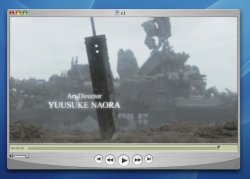
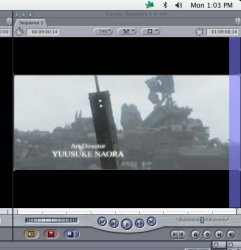
720x400... OK, I don't wanna know how you got that res from a DVD.
What you need to do is export from QT pro a new movie with a correct resolution. First open said file in QT. Then choose export as a DV stream and customize the settings.
Choose DV25, interlaced, 16:9- here's the important part I need you to understand- your asset is not actually 16:9... so choose preserve aspect using letterbox. And choose 48khz audio.
When you import your file into FCP your project settings should be DV 48khz, anamorphic.
You can use the motion tab after double-clicking an asset on your timeline to resize the image, choose your own level of cropping, if you don't want the black bars.
Let me know how this goes for you. If it doesn't work, post details of codec/ format and what happened when you put it on your timeline. If a red render bar shows for the video, I need to know more.
Cheers
B