
Found this cool and nifty hidden trick. I'm not sure if this is exclusively new to Big Sur, but go to System Preferences > Network, then on your Wi-Fi settings page, click Advanced. You'll see under "preferred networks" a checkmark to auto-join. Press Esc. Now, press and hold Option, click Advanced, and you'll see "Hidden" and "Shareable" checkmark columns in addition to "auto-join".
Without holding/pressing option:

With holding/pressing option:
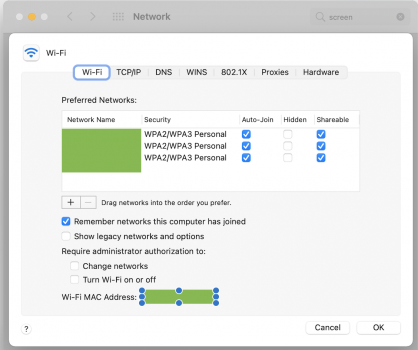
Did anyone else know about this trick?
Without holding/pressing option:
With holding/pressing option:
Did anyone else know about this trick?