

When Siri AI is enabled, macOS 27 adds a contextual "lightweight UI" when you type or select text. The floating button can expand into Ask Siri, Edit with Siri and Writing tools, or other contextual actions.
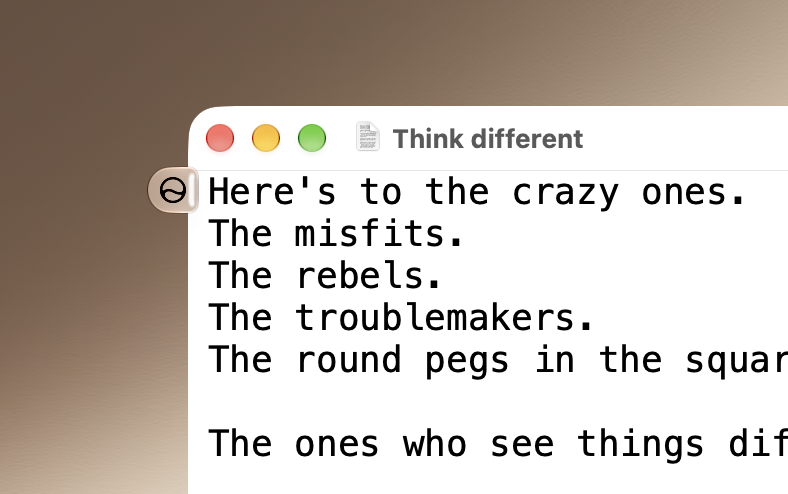
To disable it, run the following command in the Terminal:
and restart your Mac. To restore:
To disable it, run the following command in the Terminal:
Bash:
sudo mkdir -p /Library/Preferences/FeatureFlags/Domain && \
sudo defaults write /Library/Preferences/FeatureFlags/Domain/WritingTools LightweightUI_macOS -dict Enabled -bool false
and restart your Mac. To restore:
Bash:
sudo defaults delete /Library/Preferences/FeatureFlags/Domain/WritingTools LightweightUI_macOS
