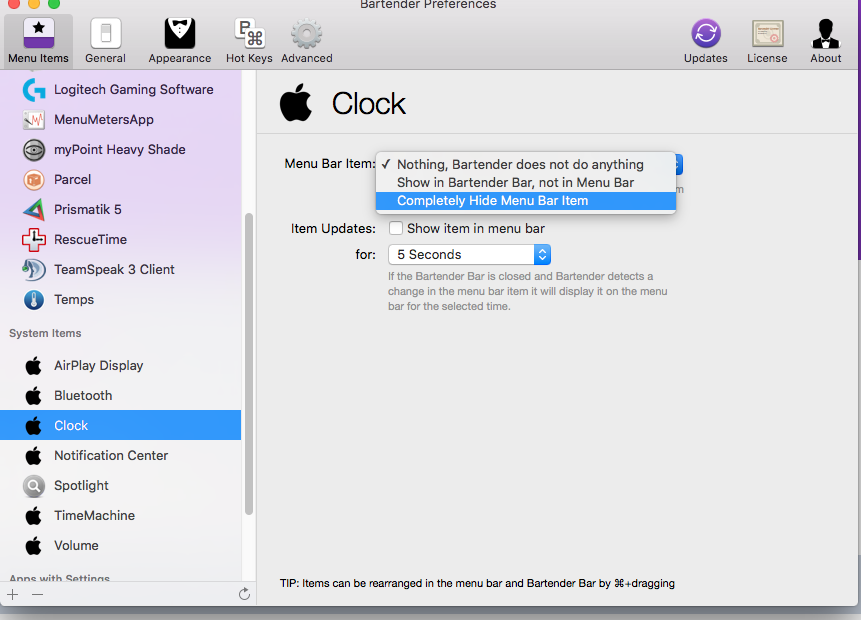
If you can't Command-drag them off, check the app's preferences to see if there's an option to show or hide the icon on the Menu Bar. You can also Option-click the icon and you may find an option there. If the icon appears on every restart, check the following locations for apps that automatically launch on startup and delete any you don't need/want:
- System Preferences > Accounts > yourusername > Login Items
(Lion and ML users: System Preferences > Users & Groups > yourusername > Login Items)
- /Library/LaunchAgents/
(Lion and ML users: In Finder, click Go > Go to Folder > then enter the path above)
- ~/Library/LaunchAgents/
(Lion and ML users: In Finder, click Go > Go to Folder > then enter the path above)
- /Library/StartupItems/
(Lion and ML users: In Finder, click Go > Go to Folder > then enter the path above)