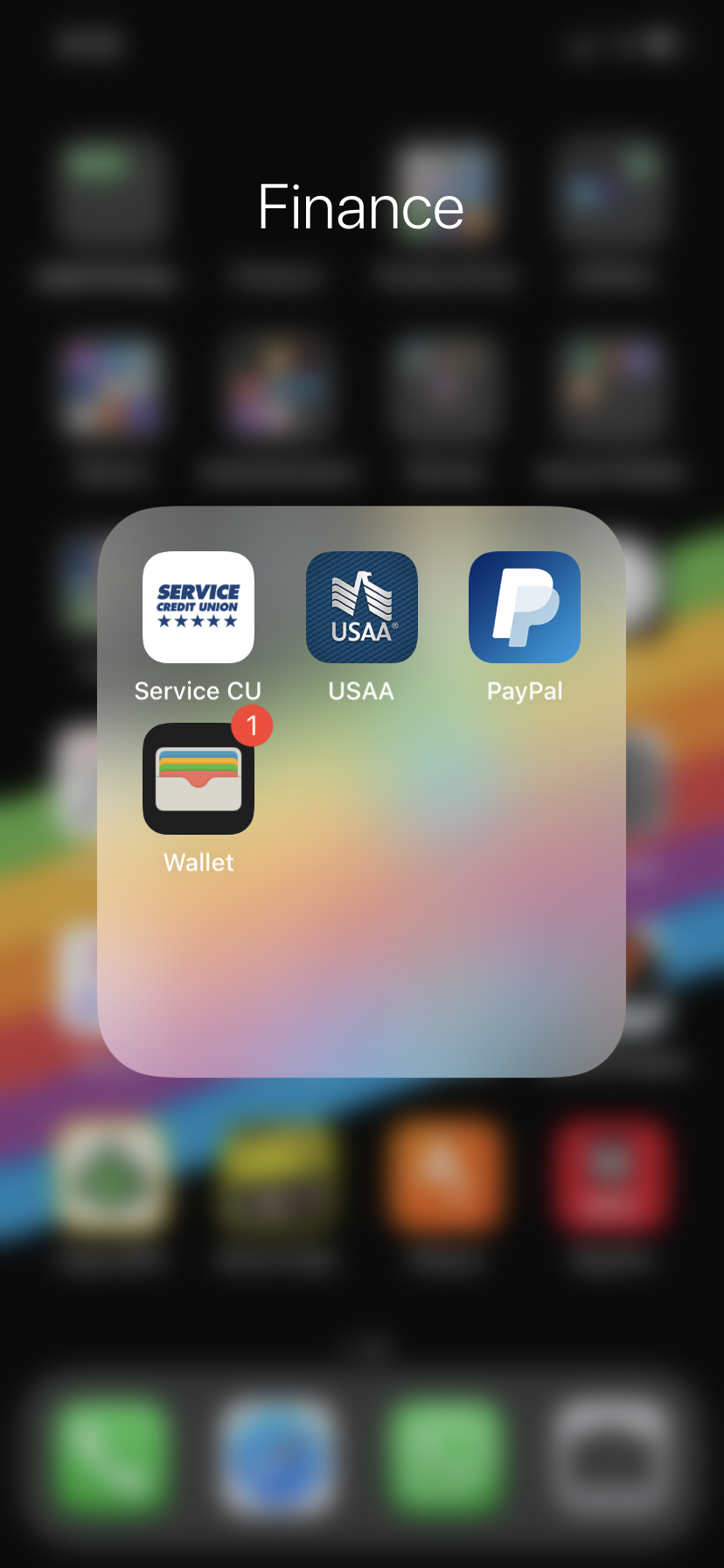
johannnn macrumors 68030 Jul 20, 2020 #2 Settings → Notifications → Wallet → turn off "Badges". Or you could open Wallet and see what you have in there and why it might give you a badge. Reactions: akash.nu, ericwn and lowendlinux
Settings → Notifications → Wallet → turn off "Badges". Or you could open Wallet and see what you have in there and why it might give you a badge.
lowendlinux macrumors 603 Original poster Jul 20, 2020 #3 johannnn said: Settings → Notifications → Wallet → turn off "Badges". Or you could open Wallet and see what you have in there and why it might give you a badge. Click to expand... Thanks!
johannnn said: Settings → Notifications → Wallet → turn off "Badges". Or you could open Wallet and see what you have in there and why it might give you a badge. Click to expand... Thanks!