

Got a tip for us?
Let us know
Become a MacRumors Supporter for $50/year with no ads, ability to filter front page stories, and private forums.
How organized is your iPhone??
- Thread starter 2015Girl
- Start date
- Sort by reaction score
You are using an out of date browser. It may not display this or other websites correctly.
You should upgrade or use an alternative browser.
You should upgrade or use an alternative browser.

ardchoille50
macrumors 68020
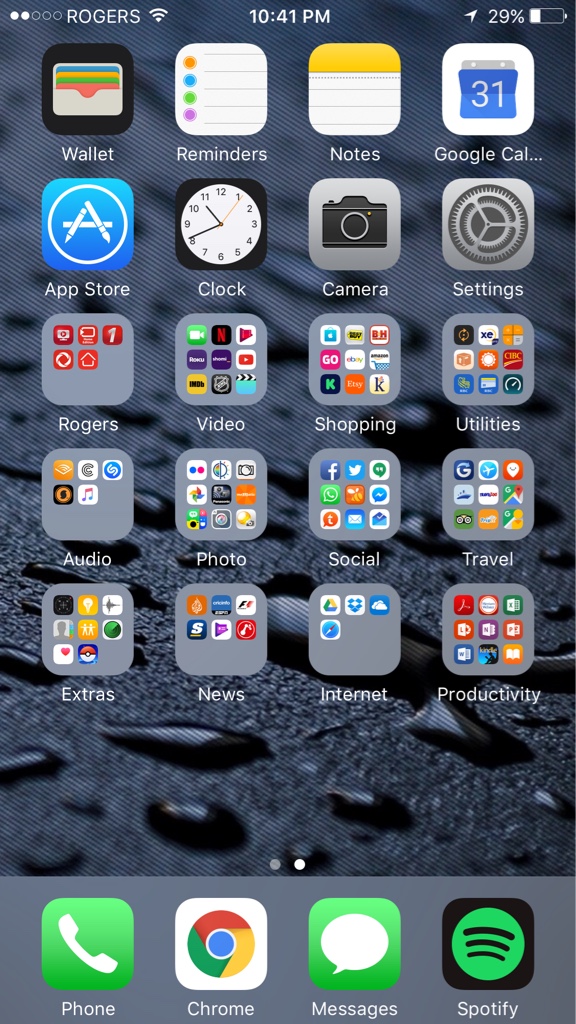
The icons on my home screens are always kept in alphabetical order with no folders. This seems to work best for me.

sabesh
macrumors regular

CMoore515
macrumors 6502a
Very. Everything I have is in folders except for Calendar, Weather, Camera, Photos, Mail, Wallet, Settings, and the App Store on the first screen. Plus my springboard dock, which is Messages, Phone, Safari and Music.


Very. Everything I have is in folders except for Calendar, Weather, Camera, Photos, Mail, Wallet, Settings, and the App Store on the first screen. Plus my springboard dock, which is Messages, Phone, Safari and Music.View attachment 664106View attachment 664107
That's a lot of applications. Nicely organized through.
What is a springboard dock?Very. Everything I have is in folders except for Calendar, Weather, Camera, Photos, Mail, Wallet, Settings, and the App Store on the first screen. Plus my springboard dock, which is Messages, Phone, Safari and Music.View attachment 664106View attachment 664107


eyoungren
macrumors Nehalem

krazirob
macrumors regular
That doesent even look like an iPhone. Why is it different?
eyoungren
macrumors Nehalem
My iPhone is jailbroken.That doesent even look like an iPhone. Why is it different?

ideal.dreams
macrumors 68020
My phone is organized but by a standard more than just alphabetization. All of my apps are just where I like them. The home screen are all of the stock Apple apps plus Facebook, Twitter, 1Passsword, and Youtube. Second page are all third party utilities that I use most. Third and fourth pages are games I play, from frequent to infrequent. Any overflow goes into a folder on the fourth page. Fifth page is more utilities/things I don't use often.
I avoid using folders unless I have at least 6 apps that I can put in there. A folder with 2 apps in it looks ridiculous in my opinion. I'm not crazy that we only get a 3x3 grid (especially on a 12.9" iPad "Pro" and 5.5" iPhone, seriously Apple????) so I tend to avoid using them altogether.
I avoid using folders unless I have at least 6 apps that I can put in there. A folder with 2 apps in it looks ridiculous in my opinion. I'm not crazy that we only get a 3x3 grid (especially on a 12.9" iPad "Pro" and 5.5" iPhone, seriously Apple????) so I tend to avoid using them altogether.
Last edited:

lordofthereef
macrumors G5
I personally can't stand folders on my first page as I feel it defeats the point. For me that page is reserved for items I use daily, closer to the bottom and items I use at least weekly (up top) with the idea that daily use is quickly accessible one handed.
I keep everything else in folders on page two.
I keep everything else in folders on page two.


tallazzPilipino
macrumors 6502
mitchsaunders
macrumors 6502
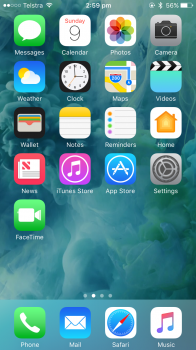
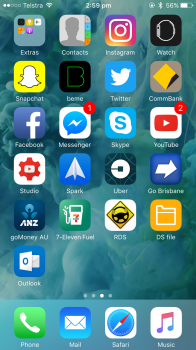
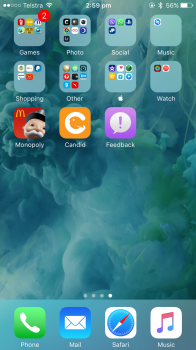
First page: Default Apple Apps
Second page: Apps I use often/everyday (or need to get to quickly)
Third page: Apps I don't use that often, but use here and there (Monopoly and Candid aren't in folders because they're apps that will be deleted soon)
Second page: Apps I use often/everyday (or need to get to quickly)
Third page: Apps I don't use that often, but use here and there (Monopoly and Candid aren't in folders because they're apps that will be deleted soon)
Attachments
joeblow7777
macrumors 604
The icons on my home screens are always kept in alphabetical order with no folders. This seems to work best for me.
I've never thought about it before, but there really should be a setting to toggle that will automatically alphabetize your apps.

Shanghaichica
macrumors G5

akash.nu
macrumors G4
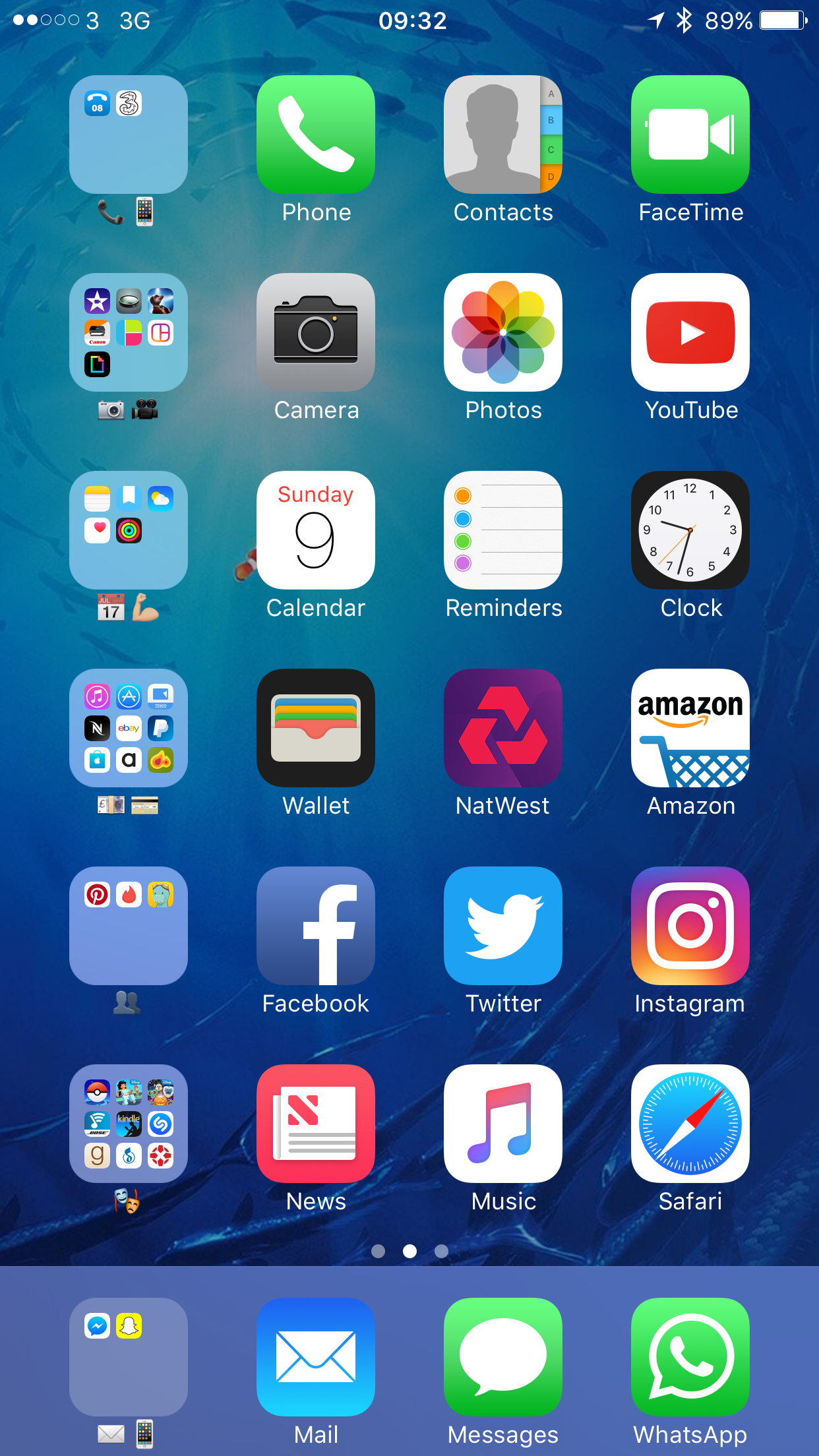
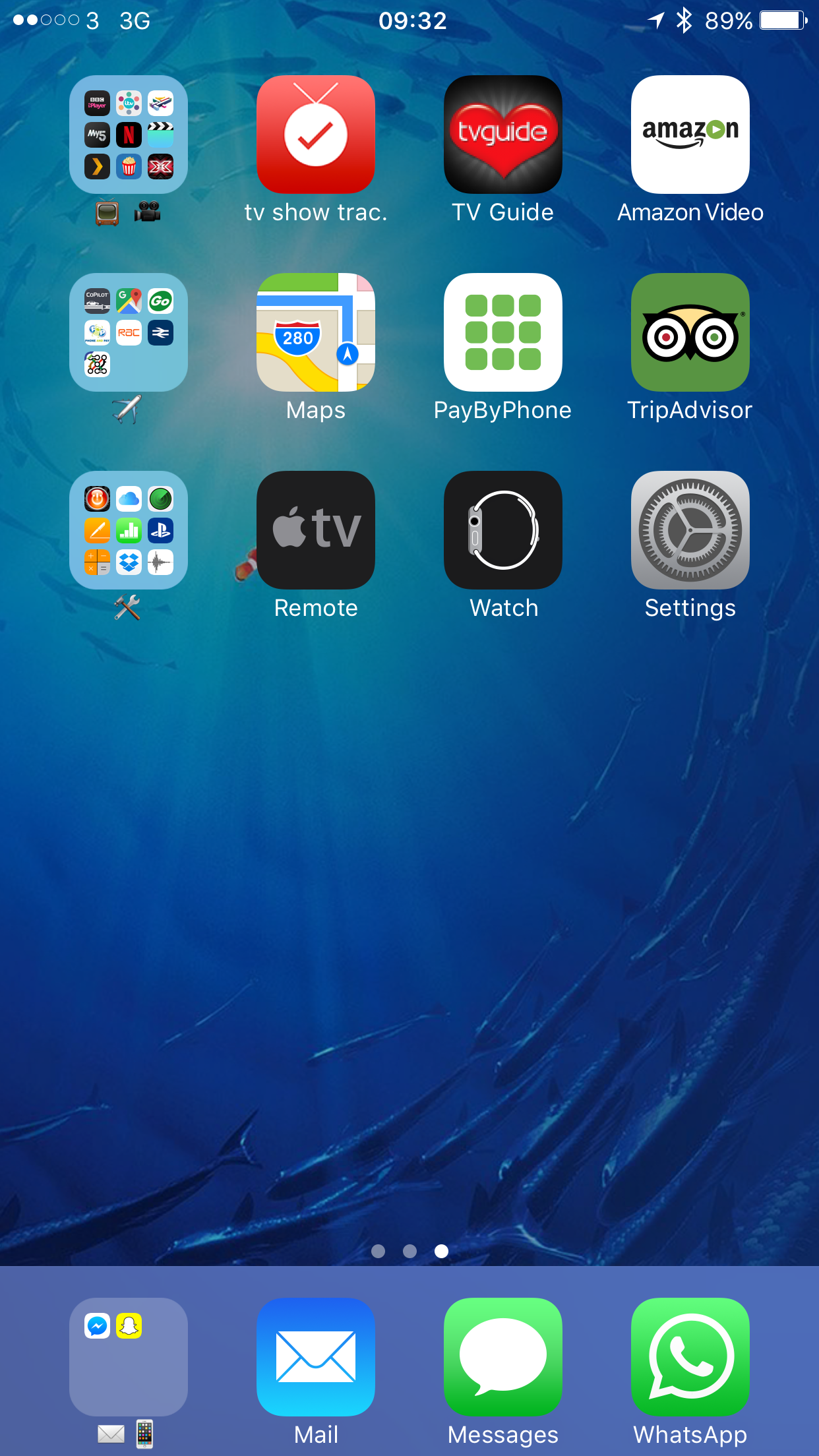
Semi organised but it works for me


Liking the emoji in folder name approach.
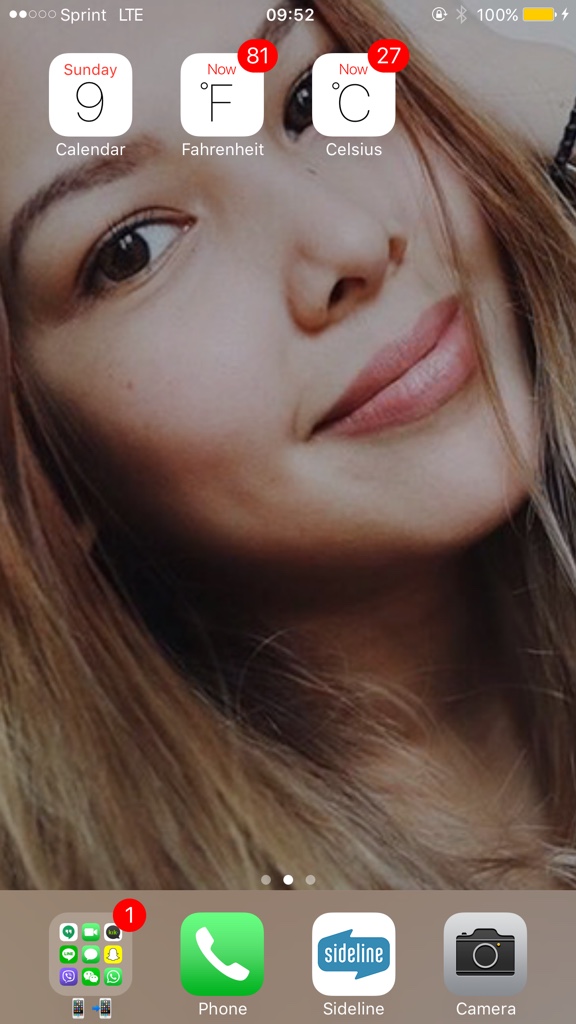
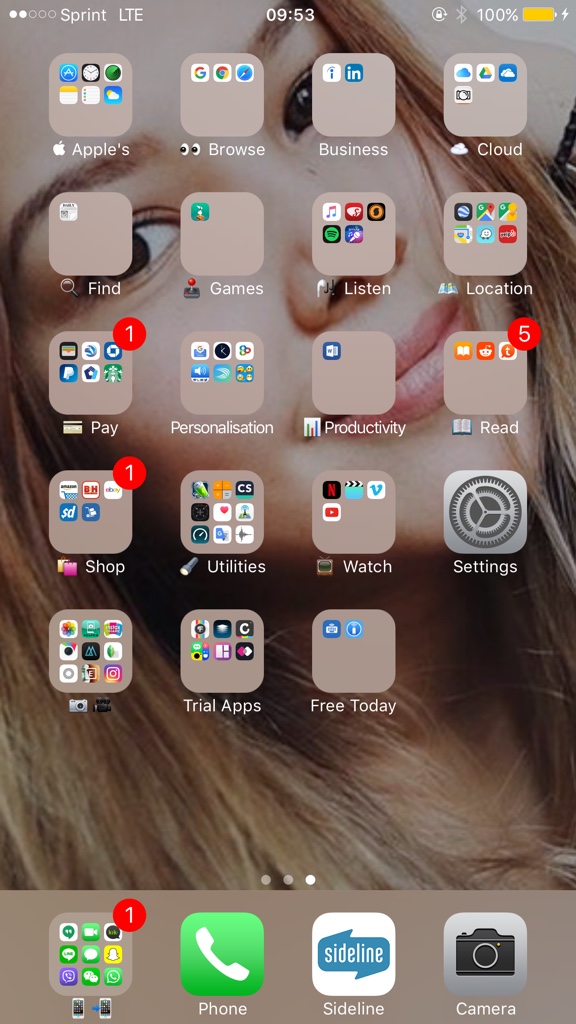
I have a folder/category per row, with my three most used from each category sitting to the right of it to finish each row. I find this system really works for me and I like how it looks. I also like using emojis for the folder names.
Had to be a bit flexible with some of my catsgorising such as putting safari in the entertainment row, for easy access as I like it near the bottom.
Only issue with this system is the rows become messed up when viewing in landscape mode. But I rarely use the home screen in landscape mode so I'm happy to overlook that.
[doublepost=1476002584][/doublepost]
Had to be a bit flexible with some of my catsgorising such as putting safari in the entertainment row, for easy access as I like it near the bottom.
Only issue with this system is the rows become messed up when viewing in landscape mode. But I rarely use the home screen in landscape mode so I'm happy to overlook that.
[doublepost=1476002584][/doublepost]
They've jailbroken, which allows you to customise a lot more and basically change the entire OS.That doesent even look like an iPhone. Why is it different?

Bigads
macrumors regular
The icons on my home screens are always kept in alphabetical order with no folders. This seems to work best for me.
I am exactly the same. iPhone, iPad, MacBook all organised the same way.

TrueBlou
macrumors 601
First page contains the things I use regularly enough to warrant them being there (last spot is always for whatever app I'm currently developing.)
Everything else gets tucked away neatly into folders.
Yeah so I'm boring, I just like a bit of organisation to make my life easier 😀


Everything else gets tucked away neatly into folders.
Yeah so I'm boring, I just like a bit of organisation to make my life easier 😀

Ulenspiegel
macrumors 68040
First page is simply the wallpaper I have been using.
Second page stock apps along with those third-party ones that I use most (dictionaries, password manager, banking etc.).
Third page apps that I need but rarely use.
Fourth page stock apps I never use.
I don't like folders, so I have none.
Second page stock apps along with those third-party ones that I use most (dictionaries, password manager, banking etc.).
Third page apps that I need but rarely use.
Fourth page stock apps I never use.
I don't like folders, so I have none.

mrex
macrumors 68040
How organized is your iPhone??
deadly boring organized but cant do anything to it without jb :/
Don’t like having many pages, as well as screen full with apps\icons, i prefer having a gap between the dock and the rest of the apps, so in the first page im having 3 raws with the apps im using on a daily basis, second page im having 2 raws with folders that contains all the other apps that im using few times a year, but need to have them around for that special moments.

maflynn
macrumors Broadwell
Fairly organized, I have only two screen panels, a handful of folders and my apps are organized by productivity first then games.
I don't have that many apps on my phone, I purposely limit what I install and that benefits my usage patterns
I don't have that many apps on my phone, I purposely limit what I install and that benefits my usage patterns