Adora
macrumors 68020
So what was the problem exactly when the drive had been recognized by the iPad?Yes, that's very likely true. I've had the same version of all those programs since I first got them., (with some minor updates). It's very possible that a new OS could cause something in them to spit the dummy.
I should have said, the drive was recognised, but it had the wrong name. Well, that is, I thought it was the wrong name, but i found out later that it wasn't. I know all my SSDs have insufficient power to work, but this was a powered one. Big Seagate brute of a thing.
I'm going to nab my nephew and pick his brain about iPads. He's a whizkid with them. In person, I'll ask a lot of annoying questions one after the other, and he'll have to tell me where I'm going wrong, hehe..
Cheers.
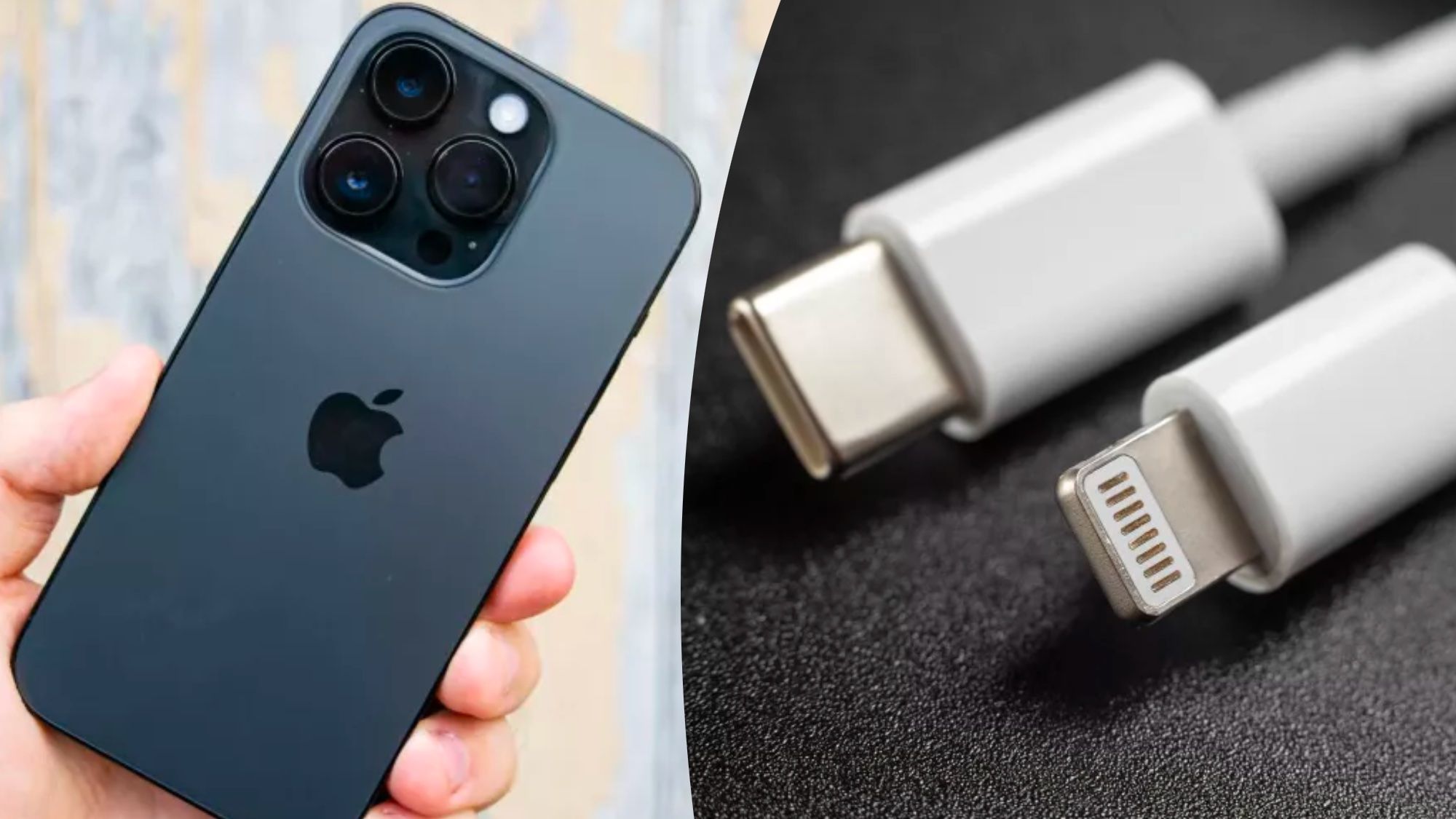
I just connected an external 4TB SSD to my iPhone SE2 with a Lightning to USB-A-Adapter. At first I didn't see anything in the Files app. Then I removed it while the Files App was open and connected it again and both partitions were immediately there. No power source needed.