Become a MacRumors Supporter for $50/year with no ads, ability to filter front page stories, and private forums.

strawbale

macrumors 6502
Original poster
I'm trying to allow my MM2018 to start up from an external disk (to test if the initial clone works).

Following this: https://support.apple.com/en-gb/HT208198#open
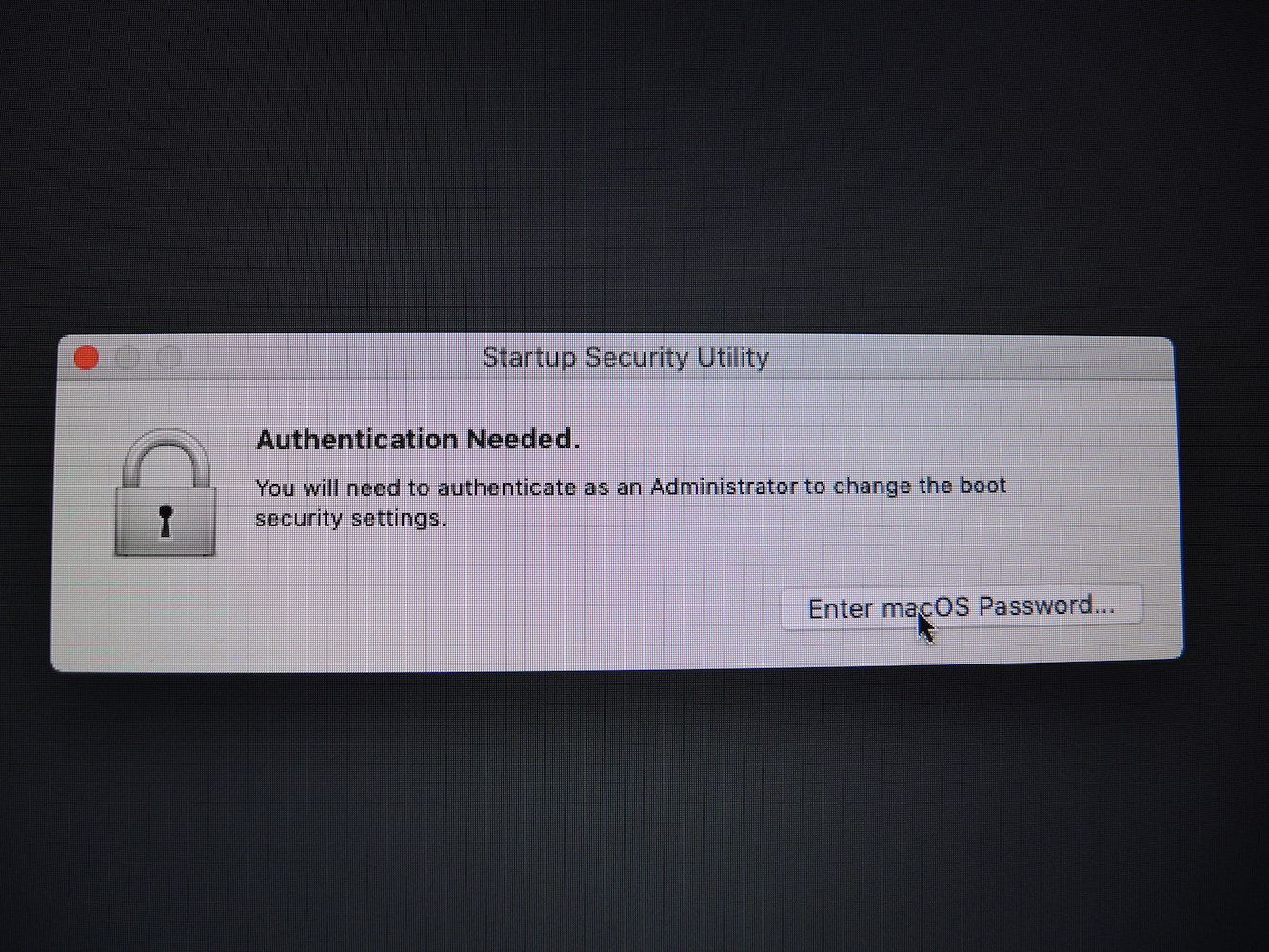
I get stuck at #3 (When you're asked to authenticate, click Enter macOS Password, then choose an administrator account and enter its password.)

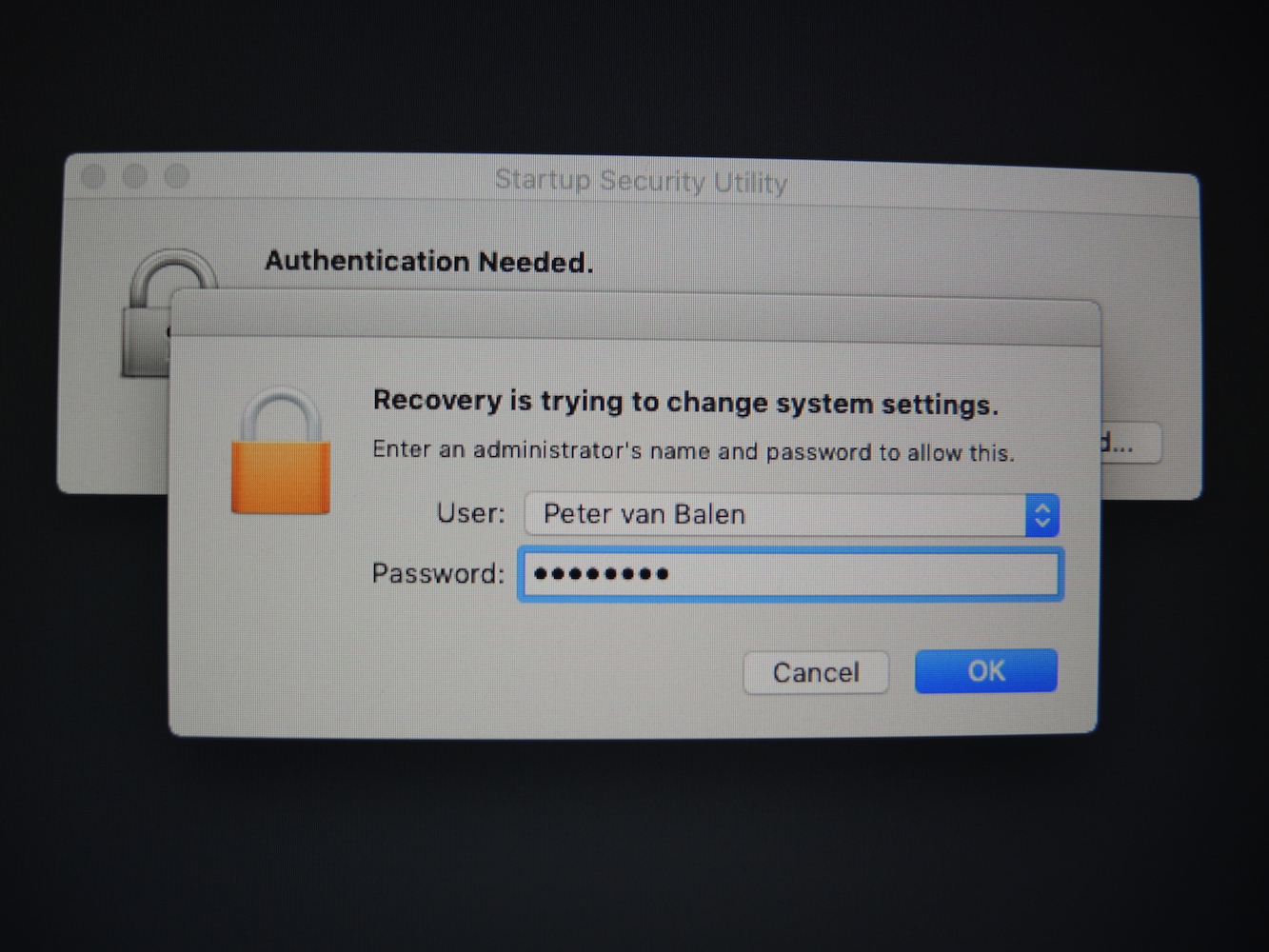
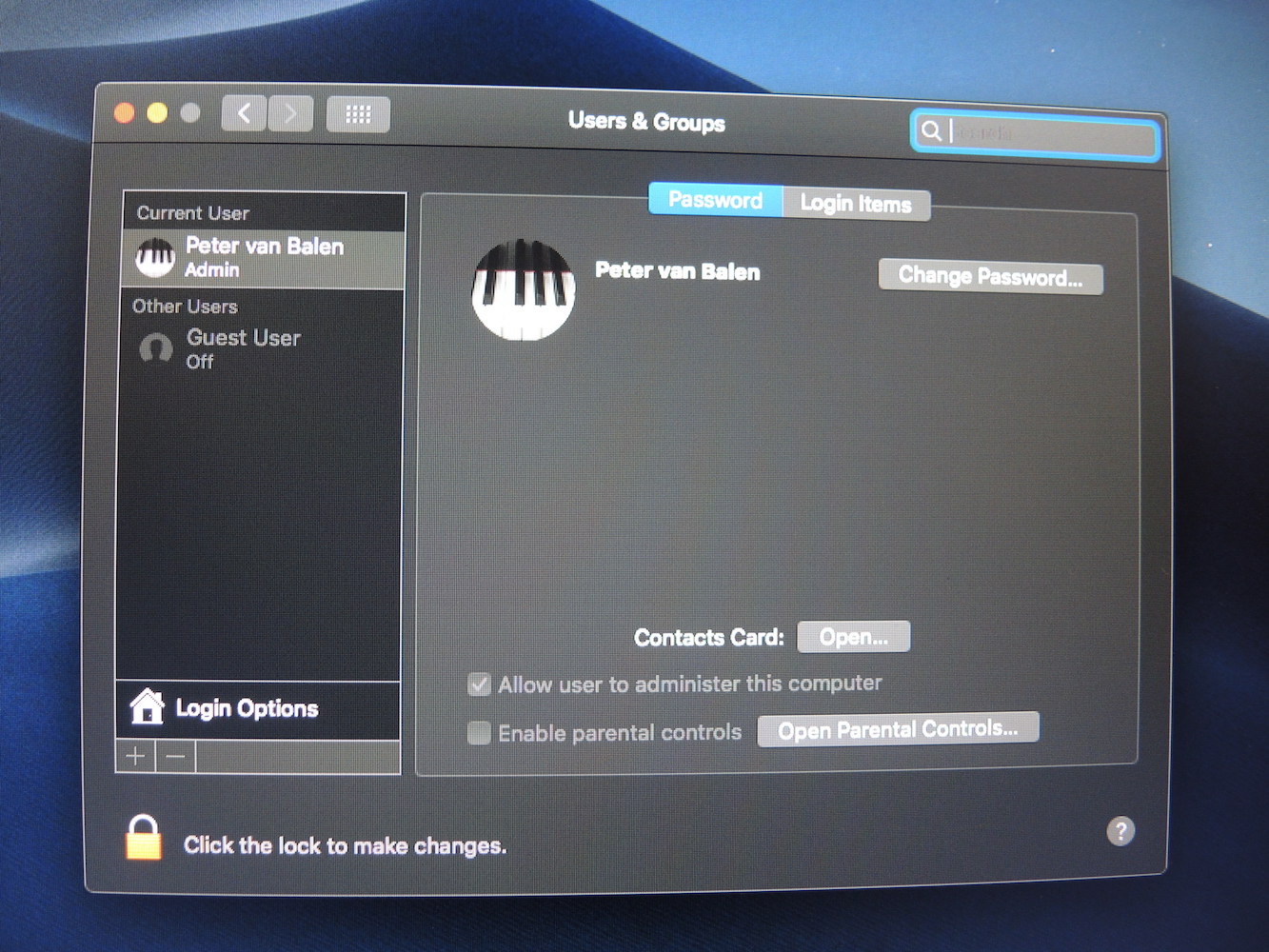
After clicking 'Enter macOS Password' on the 'Authentication Needed' window, my name's already filled in the 'User' area, but it doesn't accept my Password? I'm the only user and 'Users & groups' show me as Administrator. What to do?

Any help much appreciated!
DSCN8692.JPG


DSCN8693.JPG


DSCN8694.JPG
 
Preferences/Startup Disk choose the external
As I understand that should be done after a T2-chip protected Mac, like my MM2018, has been set to allow starting up from an external disk in the first place - see the first link in my first post.
[doublepost=1543774823][/doublepost]Update: the suggestion to torn on and then turn off FileVault (https://discussions.apple.com/thread/8486592) doesn't work either (for me).
[doublepost=1543775431][/doublepost]
Preferences/Startup Disk choose the external

Like I said earlier, when you do what you suggest, on a T2 protected Mac you get

Screenshot 2018-12-02 at 19.27.20.png


And it's in that process (Command-R > macOS recovery > Startup Security Utility that my Admin password is not accepted.
[doublepost=1543775920][/doublepost]Just to add: my Admin password is the original password I chose when setting up the Mac mini and has not been changed.
 
Update: I found the 'solution' - my (French) keyboard was apparently not recognised in the Command -R recovery procedure, so retyping my admin password as if on a US/UK keyboard worked - phew!
 
Update: I found the 'solution' - my (French) keyboard was apparently not recognised in the Command -R recovery procedure, so retyping my admin password as if on a US/UK keyboard worked - phew!
When a problem is happily solved, it is aways a good idea to add "RESOLVED" at the beginning of the title of your thread.
Cordiales salutations.
Ed
 
  • Like
Reactions: strawbale
When a problem is happily solved, it is aways a good idea to add "RESOLVED" at the beginning of the title of your thread.
Cordiales salutations.
Ed
Indeed, but how/where?

Edit: found it! 😉
 
Last edited:
Register on MacRumors! This sidebar will go away, and you'll see fewer ads.