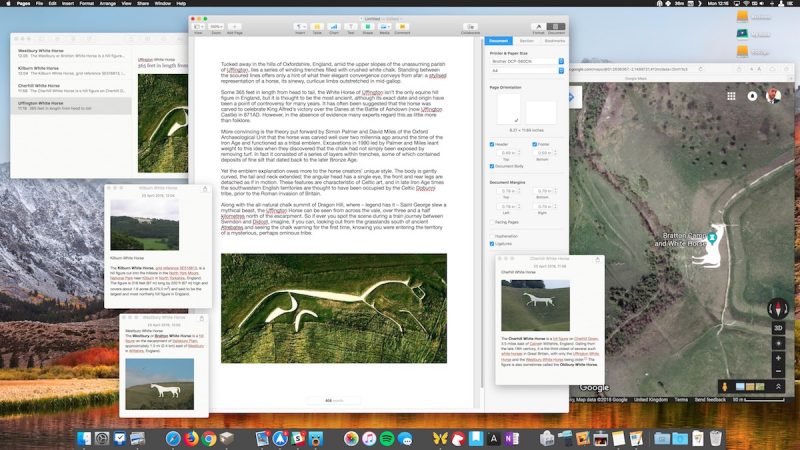
Honestly, the HUD function of Dashboard is really perfect for little stuff like this -- provided you uncheck that "Dashboard as Space" nonsense so dashboard just flashes up on top of whatever you were doing and disappears just as easily. Basically zero disruption to your workflow, perfect for something you just need to refer to or check on really quickly and don't want eating up space on your screen at all times. You do need to reclaim the F4 button from Launchpad though, unless you have an older Mac keyboard with the Dashboard icon on it (FunctionFlip works for this). Sadly Dashboard is on life support these days and every widget is super dated, but most of them still work and you can still make web clippings in Safari which is a great way to snag part of a web page for a piece of information.
All that said, floating notes is a great little feature -- I rely on Notes more and more these days and find it a very worthy replacement for Evernote (for my purposes anyway).