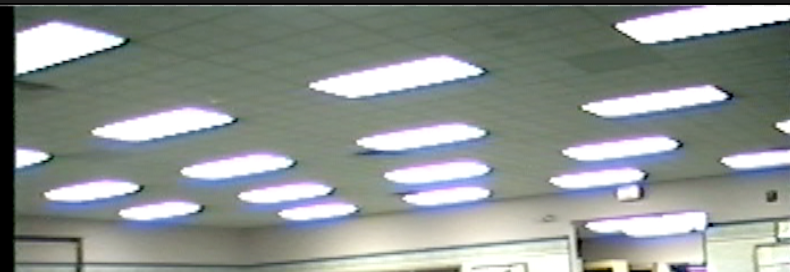
waloshin macrumors 68040 Original poster Feb 17, 2017 #1 How to get rid of purple fringing in FCPX 10.3?
Unami macrumors 68000 Feb 18, 2017 #2 get a better lens with less chromatic aberation for filming 🙂 for real: use the color correction filter, add a color mask and try to select the purple - then desaturate that
get a better lens with less chromatic aberation for filming 🙂 for real: use the color correction filter, add a color mask and try to select the purple - then desaturate that
e1me5 macrumors 6502a Feb 18, 2017 #3 Unami said: use the color correction filter, add a color mask and try to select the purple - then desaturate that Click to expand... this might help:
Unami said: use the color correction filter, add a color mask and try to select the purple - then desaturate that Click to expand... this might help: