sailboatking
macrumors newbie
Don't be a beta tester people, save your time and let Apple pay people to beta test this. Why are we doing it for free?

is there a way to get the ISO so i can test it as a VM via parallels?
edit: found the ipsw, but doesnt seem to be working currently on parallels. might need to wait for an update for it.
You need the Xcode 27 beta installed (or some component of it) so that the system knows how read the new ISPW file. BUT...as someone pointed out, there is a bug with it.I have 26.5.2 on my M5 Pro and Xcode 26.6. it doesnt even start the install, let alone get to 70-80%.
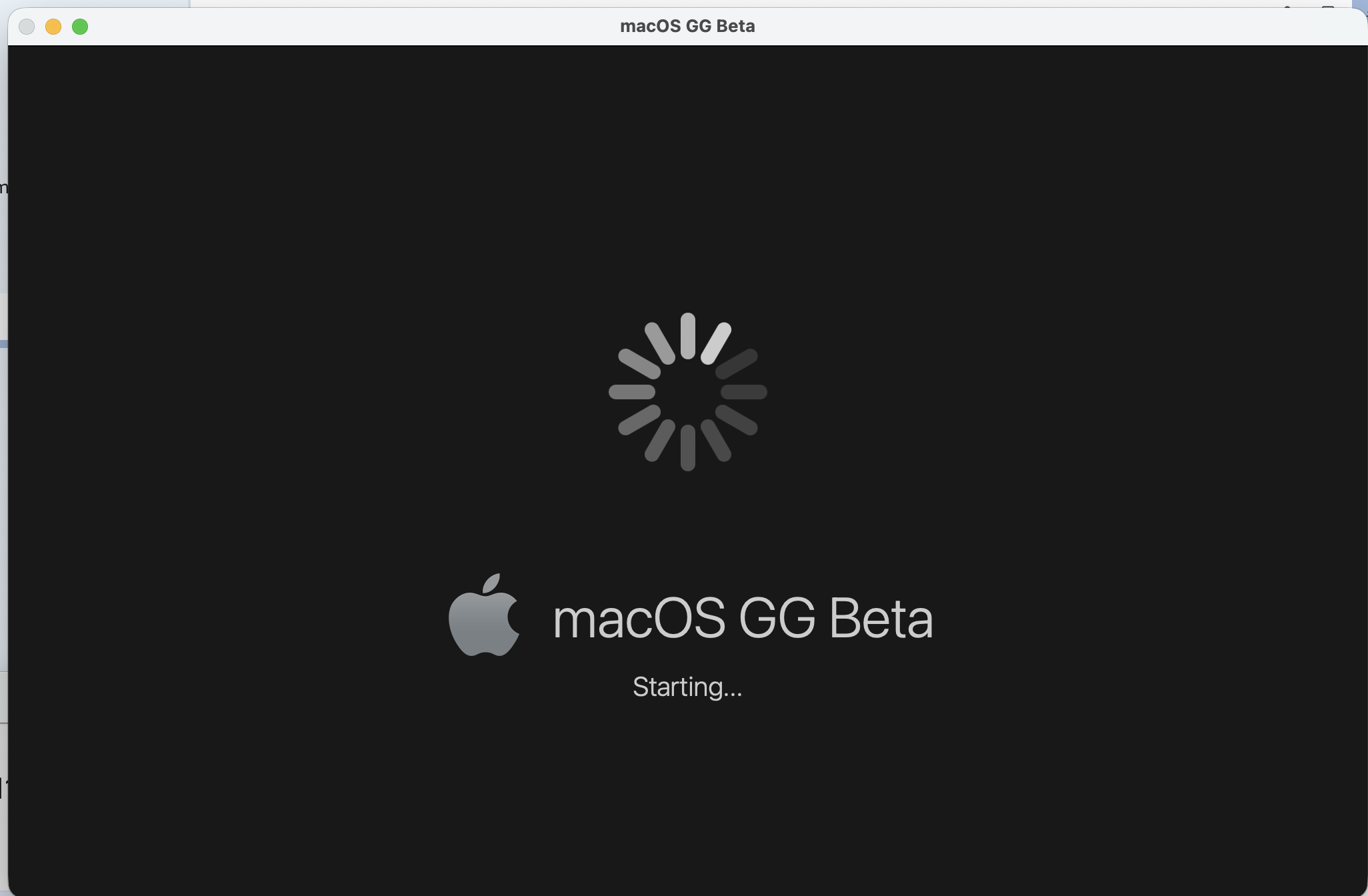
i turn on the VM, and it displays this for about a second, and then shuts down.
I don't think this is accurate. My Mac is running Tahoe. I'm able to create VMs for Sequoia and older OSes with the IPSW, and I also have a VM running Golden Gate that was created by using the full installer.
I ended up installing the standard macOS via parallels, whatever version that installs by default, and then using the .pkg to install golden gate on top of itYou need the Xcode 27 beta installed (or some component of it) so that the system knows how read the new ISPW file. BUT...as someone pointed out, there is a bug with it.
Personally, I've never bothered with that. I don't want Xcode, let alone a beta version, installed on my main machine. As a workaround, I always use the latest IPSW (Tahoe in this case), then use the full installer to install the macOS beta in the VM.
I don't think this is accurate. My Mac is running Tahoe. I'm able to create VMs for Sequoia and older OSes with the IPSW, and I also have a VM running Golden Gate that was created by using the full installer.


I haven't had most of those issues, though I don't use many apps, though I have seen the menu bar disappear and reappear under circumstances I haven't taken the time to characterize, on my M1 Mabook Pro running just its internal display. When it disappears, I can get it to reappear by bringing the Finder to the front.I’ve got it running as a second install and I’ve experienced quite a few app crashes, some apps not working properly at all, menu bar / menus not working properly on a dual monitor setup, app launcher not working. Just a few things off the top of my head.
It’s mostly stable, but it’s definitely a beta and there’s more than a few times I needed to reboot into Tahoe to get work done.
This article is a more comprehensive step-by-step description, this time with illustrations, than the previous articles. It's geared more towards people who might be less familiar with the steps involved in how to get public betas, and the locations for the System Settings prefpanes where you set this up.Why are MacRumors pushing this so hard? Must be the 4th or 5th how to install a macOS beta in the last few weeks.


Having reviewed previous posts, I have to disagree.This article is a more comprehensive step-by-step description, this time with illustrations, than the previous articles. It's geared more towards people who might be less familiar with the steps involved in how to get public betas, and the locations for the System Settings prefpanes where you set this up.
Well sure, another article on this subject might help increase MacRumors' clicks, but it's likely that the bulk of the people clicking on the story will be people who might have missed the prior articles, or needed a description more thorough like this one contains. People who already know how to do this, including those who learned from the prior articles, seem unlikely to click on this one too, but if so, why not? As Thomas Jefferson said, "It neither picks my pocket nor breaks my leg."Having reviewed previous posts, I have to disagree.
I’m inclined to agree with another commentator on the real reason.
I stayed with Sequoia on my Macs for the time being.I tried developers version on my 14” M1 pro. I know that beta can make battery life worse and such. But I had same problem with 26 betas and final versions. So, I decided to clean install Sequoia. Better battery life and smoother performance. Wish I could do the same with my iPhone and ipad.

This has been driving me insane until I realized recently the fix to make it snap out of that freeze is simply... control+arrow key. This will make it complete the switch between full-screen apps successfully and hence everything starts responding again. Then in terminal do "killall Dock" to restore swiping gesture functionality with trackpad as well.Someone who has installed it, can you confirm whether there is an issue with using Spaces? I saw there might be an issue with freezing when moving between desktops/fullscreen apps so if there is an issue I'd prefer to hold off on beta till addressed.

NICE! thanks for the terminal suggestion, remember having to use that years ago for something else that fixed. I use option arrow for the majority of moves between Spaces and full screen apps but I guess use the gesture from time to time. I'm about to go ahead and do Beta 4 and will report back if I ever get a freeze and update your own experience when you do the update as well.This has been driving me insane until I realized recently the fix to make it snap out of that freeze is simply... control+arrow key. This will make it complete the switch between full-screen apps successfully and hence everything starts responding again. Then in terminal do "killall Dock" to restore swiping gesture functionality with trackpad as well.
I wouldn't say this happens super often, but it does occasionally. For me the above fix is plenty enough now to deal with it until it's fully fixed (I'm on beta3 now, will update to beta4 soon).
