I'm so excited!
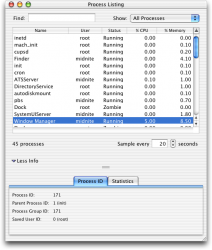
I've long used Max Rudberg's Aqua Extreme scrollbars and progress bars in Jaguar, Panther, Tiger and Leopard and now I have them working perfectly in Snow Leopard!
All you need is your custom Extras.rsrc and Extras2.rsrc files from your Leopard backup (you made a backup right?) and copy the files to:
At first I didn't think this worked because in Leopard, in order to see the new theme changes, you only had to re-launch an app, but it Snow Leopard you have to do a full log out and log back in.
Make sure you log out after replacing the files.
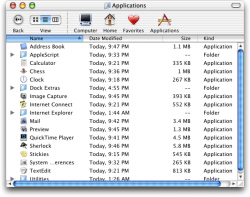
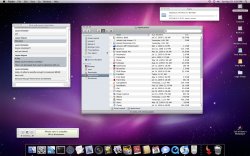
Note: Make backups of the original files just in case, but here's a screenshot of what my Finder looks like now.
I've long used Max Rudberg's Aqua Extreme scrollbars and progress bars in Jaguar, Panther, Tiger and Leopard and now I have them working perfectly in Snow Leopard!
All you need is your custom Extras.rsrc and Extras2.rsrc files from your Leopard backup (you made a backup right?) and copy the files to:
Code:
/System/Library/Frameworks/Carbon.framework/Versions/A/Frameworks/HIToolbox.framework/Versions/A/Resources/At first I didn't think this worked because in Leopard, in order to see the new theme changes, you only had to re-launch an app, but it Snow Leopard you have to do a full log out and log back in.
Make sure you log out after replacing the files.
Note: Make backups of the original files just in case, but here's a screenshot of what my Finder looks like now.


 For those who like, you can get all that stuff over on the