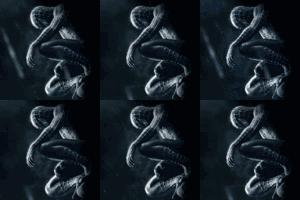
SoldOutMatinee macrumors regular Original poster Apr 23, 2007 #1 I need these .GIFs to be less than 40kb. How do I do this? 80kb 110kb Any help at all would be greatly appreciated. 🙂
I need these .GIFs to be less than 40kb. How do I do this? 80kb 110kb Any help at all would be greatly appreciated. 🙂
Super Macho Man macrumors 6502a Apr 23, 2007 #2 Reduce pixel area, reduce color palette, reduce # of animation frames...
SoldOutMatinee macrumors regular Original poster Apr 23, 2007 #3 Super Macho Man said: Reduce pixel area, reduce color palette, reduce # of animation frames... Click to expand... Using Photoshop, right?
Super Macho Man said: Reduce pixel area, reduce color palette, reduce # of animation frames... Click to expand... Using Photoshop, right?
Plymouthbreezer macrumors 601 Apr 23, 2007 #5 In Photoshop, if you choose the "Save for web" option, you get a number of choices with lower file size.
In Photoshop, if you choose the "Save for web" option, you get a number of choices with lower file size.
Mydriasis macrumors 6502 Apr 24, 2007 #6 not less than 40k but close... Attachments number1.gif 40.4 KB · Views: 315 number2.gif 43.6 KB · Views: 323
SoldOutMatinee macrumors regular Original poster Apr 24, 2007 #7 Mydriasis said: not less than 40k but close... Click to expand... Thank you, that was extremely nice of you. 🙂
Mydriasis said: not less than 40k but close... Click to expand... Thank you, that was extremely nice of you. 🙂

 80kb
80kb 110kb
110kb