Recently upgraded my 2020 i7 imac to Tahoe….huge mistake as it bricked my complete machine.
I have tried-
Restoring an older OS however getting nowhere as none will install.
I have tried internet recovery installing the latest compatible OS, it just brings up an error at the end.
I have creating a bootable Os install usb drive but the same situation.
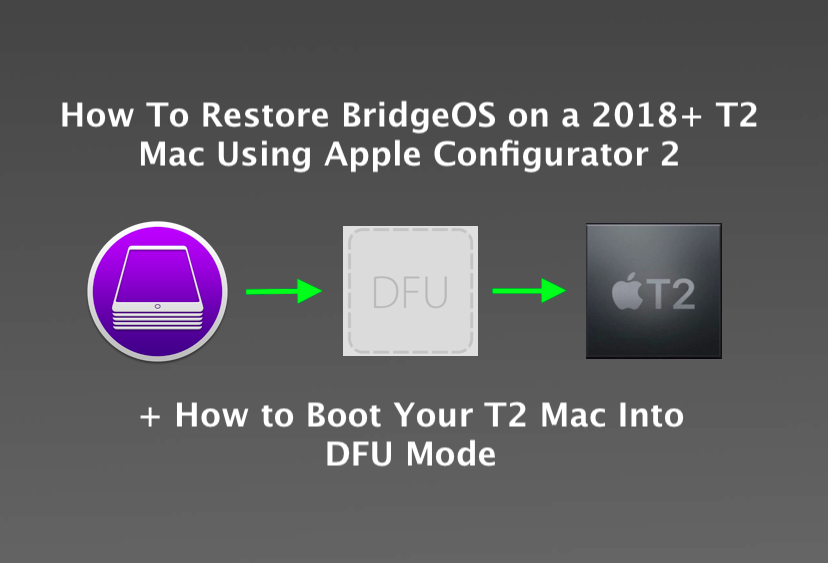
I have done a DFU restore and still every OS install fails at the final bit (from what i understand that is the bit where the T2 chip is used for verification)
I can install via internet recovery Catalina as that was the last os before the t2 was used for verification, so i was told.
So I have Catalina however cannot update via App Store as same situation bringing up the error.
A little stuck now, apple ran a diagnostic over the air and said all hardware looks fine and the fact i can install Catalina means the t2 isnt damaged.
It is a 1tb machine and I was able to copy the 900gb date from disk utility over to a external hd before I did any of this, so also don't think it is a hd issue.
Any advise would be really recommended, apple said it was due to me using starling and apple computers failing the verification stage over starling.....but I think they were just clueless tbh, I also took the machine to a family member with great internet and the problems were still the same.
Thanks guys
I have tried-
Restoring an older OS however getting nowhere as none will install.
I have tried internet recovery installing the latest compatible OS, it just brings up an error at the end.
I have creating a bootable Os install usb drive but the same situation.
I have done a DFU restore and still every OS install fails at the final bit (from what i understand that is the bit where the T2 chip is used for verification)
I can install via internet recovery Catalina as that was the last os before the t2 was used for verification, so i was told.
So I have Catalina however cannot update via App Store as same situation bringing up the error.
A little stuck now, apple ran a diagnostic over the air and said all hardware looks fine and the fact i can install Catalina means the t2 isnt damaged.
It is a 1tb machine and I was able to copy the 900gb date from disk utility over to a external hd before I did any of this, so also don't think it is a hd issue.
Any advise would be really recommended, apple said it was due to me using starling and apple computers failing the verification stage over starling.....but I think they were just clueless tbh, I also took the machine to a family member with great internet and the problems were still the same.
Thanks guys