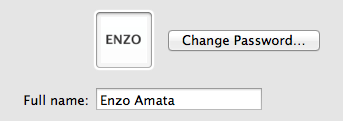
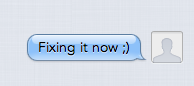
I got a new iMac and with iMessage my avatar doesn't sync across, it's synced on all other devices and it's the same within Preferences but within iMessage I get a blank avatar.
I think you have to had a contact Avatar for yourself because all my contacts use the picture I have for the person from the Contacts application for that person. Plus you have to have that contact synced with iCloud.
I'm not in front of a Mac so this may be slightly off but I suggest that you open up the Contacts.app on your iMac, locate the entry for you, edit it (not sure you actually need to change anything), and then save it and see if that works.
Open iMessage and next to the apple at the top, select MESSAGES, change my picture. Changing it in contacts doesn't work, only via messages menu. I had to use my MacBook, not the phone or iPad to access the menu options.