Become a MacRumors Supporter for $50/year with no ads, ability to filter front page stories, and private forums.

Tommy Hewitt

macrumors member
Original poster
Hi!

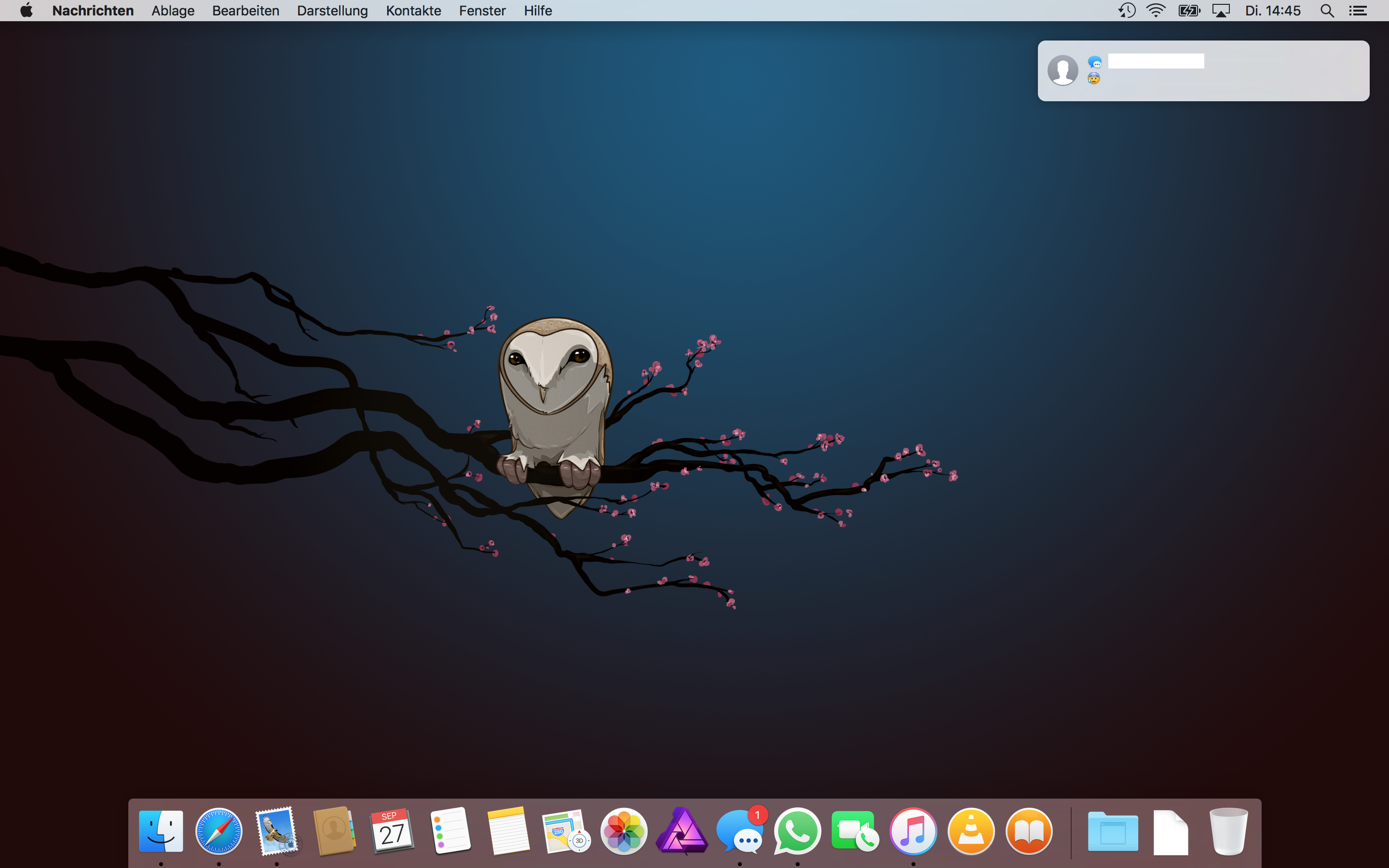
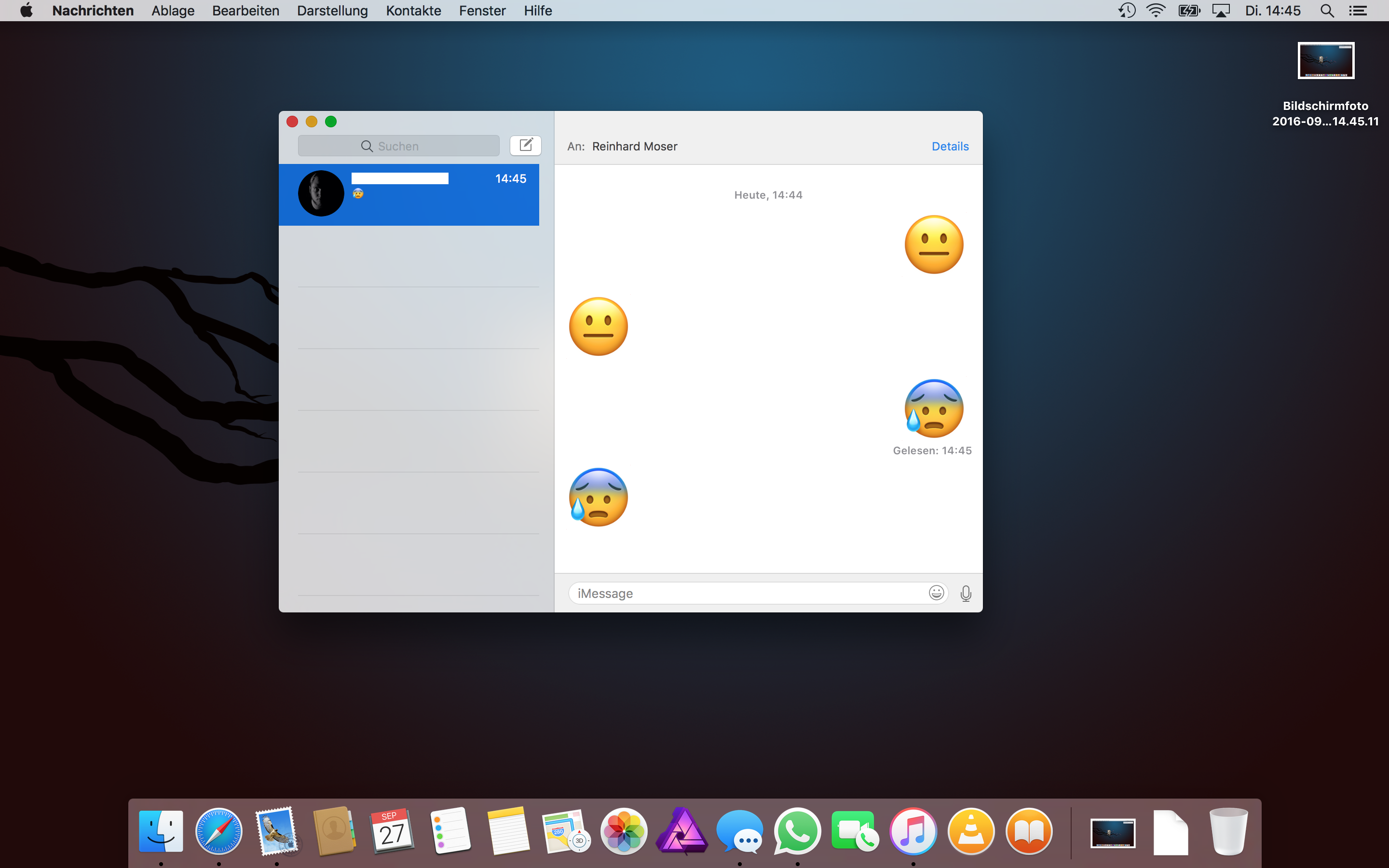
Since I've updated my MBP to Sierra, the iMessage-notifications no longer show contact images. Neither a clean install nor adding new images to my contacts fixed it. Has anyone else experienced the same issue?
 
Last edited:
In iOS there is a setting in messages for turning on/off contact photos. I can't have a look at my Mac atm because I am not at home. Maybe there is a setting for it in the messages settings in macOS too?
 
Yeah, I'm aware of the setting in iOS. But as far as I know there's no such setting in macOS. Furthermore within the App everything's fine, it only addresses the notifications.

bildschirmfoto2016-09ybarc.png


bildschirmfoto2016-093nbst.png
 
I have the same problem on Sierra. I googled it in hope to find a solution and found this thread 🙂
 
Last edited:
Register on MacRumors! This sidebar will go away, and you'll see fewer ads.