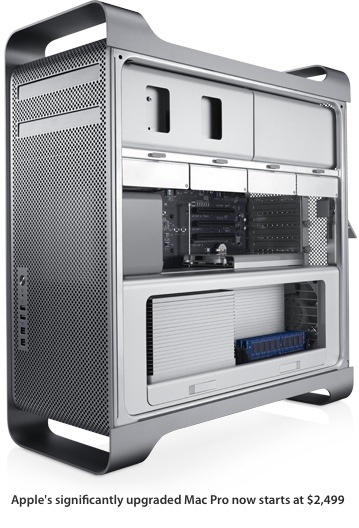
Because earlier MacPros had a couple IDE cables leading up to the optical bay, if you needed SATA, you had to get an extra cable and run it from the logic board yourself.
2009 has a SATA cable there, and that's a SATA drive, so no problems. Get a 3.5" to 5.25" adapter so the drive can be physically secured in the bay, and use the existing SATA data/power cabling.
The cable to each ODD bay in your machine contains both Data + Power (aka backplane connector), so you only need to plug it in, and you're good to go in terms of hooking it up. 🙂
As per mounting, you can use a simple metal adapter if you wish (the one you linked would do the trick), or you could even use Zip ties or velcro if you wanted. Up to you. Given it's going to be a mechanical disk however, I don't recommend leaving it loose as you can do with an SSD due to no moving parts.