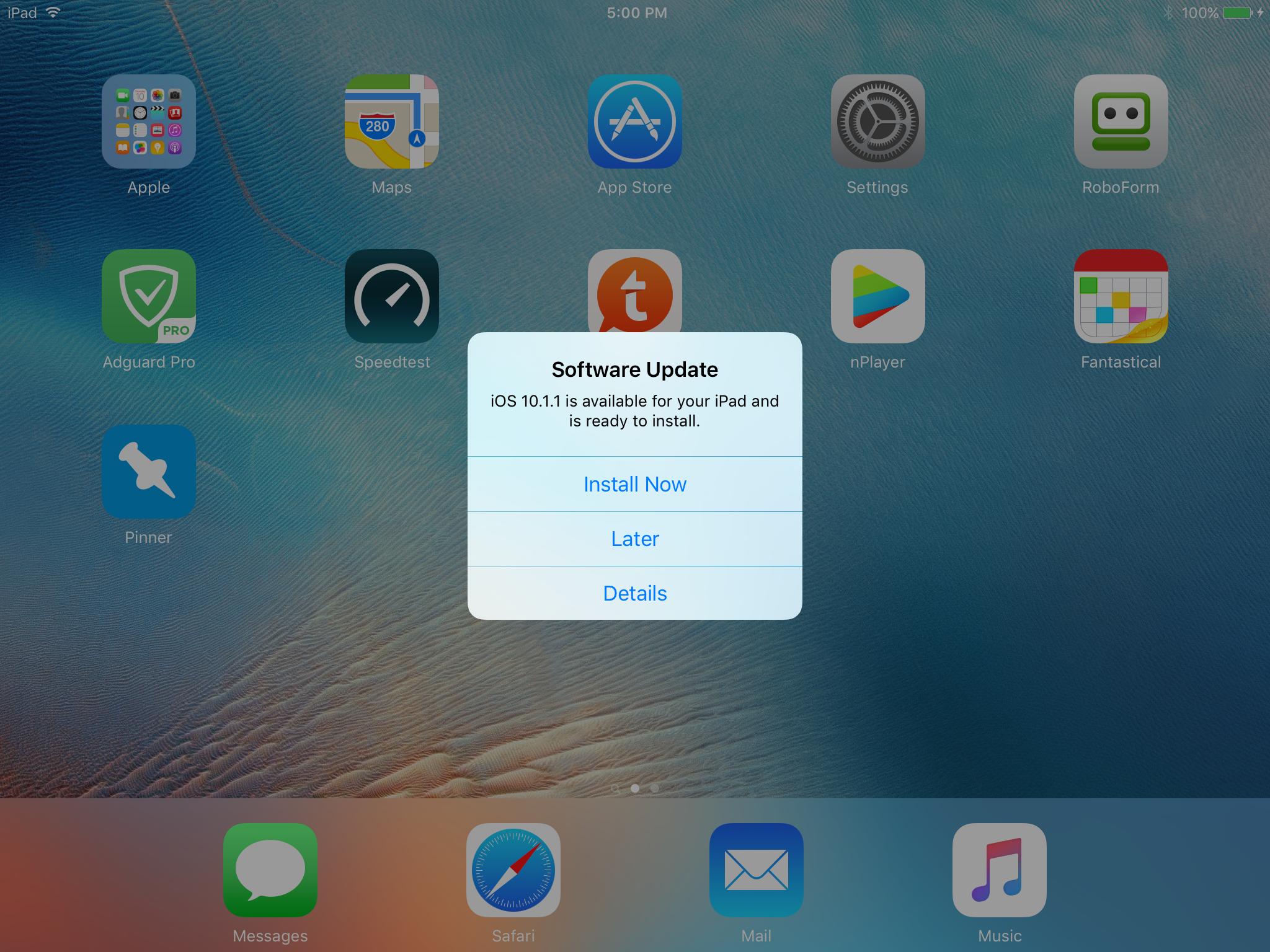
M max2 macrumors 604 Original poster Nov 10, 2016 #1 I just got this on my jailbroken iPad. Yes I did install mikoto and made sure the right options were selected. How do I stop it from happening again?
I just got this on my jailbroken iPad. Yes I did install mikoto and made sure the right options were selected. How do I stop it from happening again?
C C DM macrumors Sandy Bridge Nov 10, 2016 #2 Sounds like it the update was downloaded. You should be able to delete it from storage settings. Last edited: Nov 11, 2016
Applejuiced macrumors Westmere Nov 11, 2016 #4 Weird, what JB ios version are you on? I thought the JB disabled that option.
Will22 macrumors 65816 Nov 11, 2016 #5 Applejuiced said: Weird, what JB ios version are you on? I thought the JB disabled that option. Click to expand... I'm guessing it is iOS 9.3.3 Reactions: Applejuiced
Applejuiced said: Weird, what JB ios version are you on? I thought the JB disabled that option. Click to expand... I'm guessing it is iOS 9.3.3
mikecwest macrumors 65816 Nov 14, 2016 #6 max2 said: I just got this on my jailbroken iPad. Yes I did install mikoto and made sure the right options were selected. How do I stop it from happening again? Click to expand... Install the Apple TV beta profile...You won't get it again.
max2 said: I just got this on my jailbroken iPad. Yes I did install mikoto and made sure the right options were selected. How do I stop it from happening again? Click to expand... Install the Apple TV beta profile...You won't get it again.