DragonRider
macrumors member
Worked on my 7Plus, took about 10 mins, OTA, TMobile.
Now my 2018 13 MBP is a another story, stuck at 3.47 GB......
Now my 2018 13 MBP is a another story, stuck at 3.47 GB......



First time I've seen that... but then again, I just switched to a Face ID phone a week ago, so what do I know ♂️Is this new? The swipe to unlock is at the top now?

Mines also offering 12, ****! What do we do?
Adam.
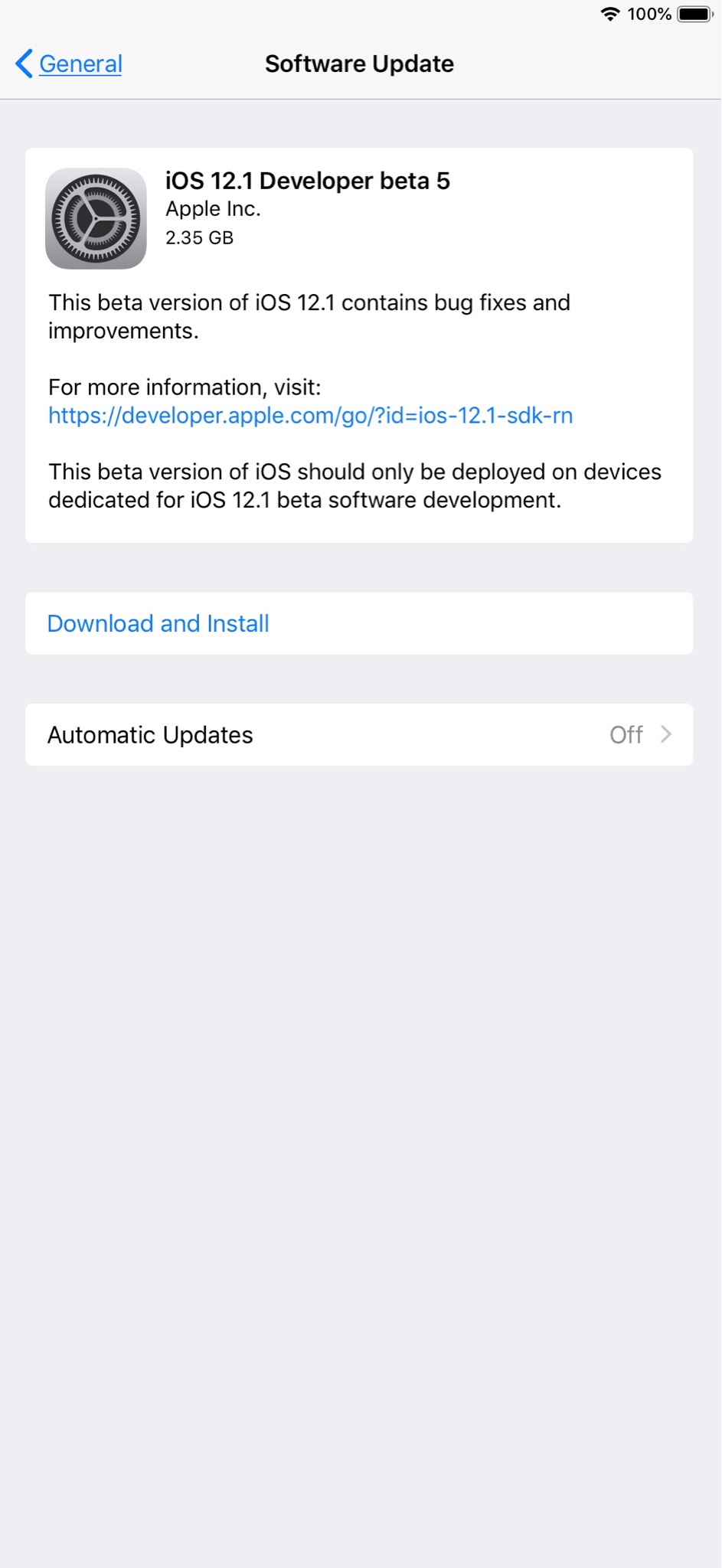
Wow on Beta 5, deleted the beta profile and IOS 12 started to download. Not 12.1 ??????
Same here... Showing 12, not 12.1???


Is this new? The swipe to unlock is at the top now?

Is this new? The swipe to unlock is at the top now?
Install the IPSW which will wipe your phone then you should be able to install your last 12.1 beta backup...Also getting iOS 12 showing up OTA for a Verizon iPhone XS. I know how to get the IPSW, but could someone briefly detail how to update using that IPSW without data loss? Thanks!
EDIT: I just finished making a local iTunes backup - good to go on that front.


It says 12 but installs 12.1.

Sure?
will verify in a sec just installing on xs maxSure?