Become a MacRumors Supporter for $50/year with no ads, ability to filter front page stories, and private forums.

bogdanw

macrumors 604
Original poster
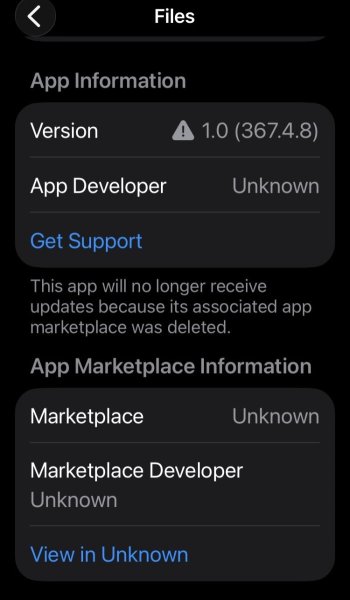
"This app will no longer receive updates because its associated app marketplace was deleted."

Does anyone see the same in Settings- Apps- Files?

Of course, the app is still in the App Store
https://apps.apple.com/app/files/id1232058109
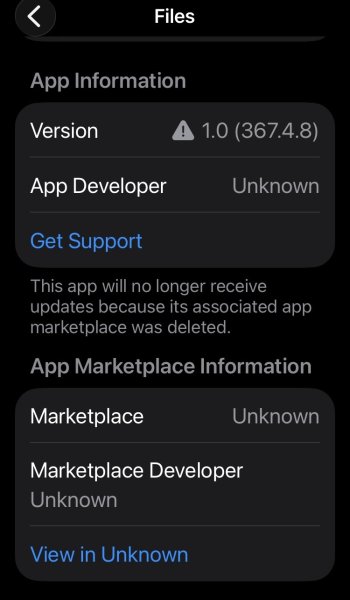

IMG_0042.jpeg
 
  • Like
Reactions: chabig
Of course I didn't sideload the app.
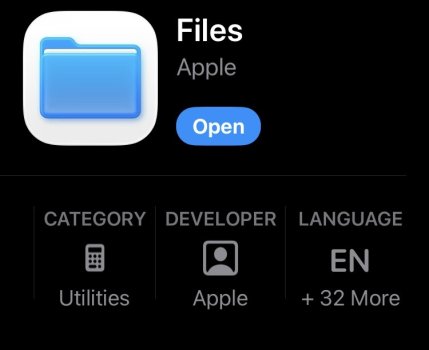
It appears in the App Store with Open
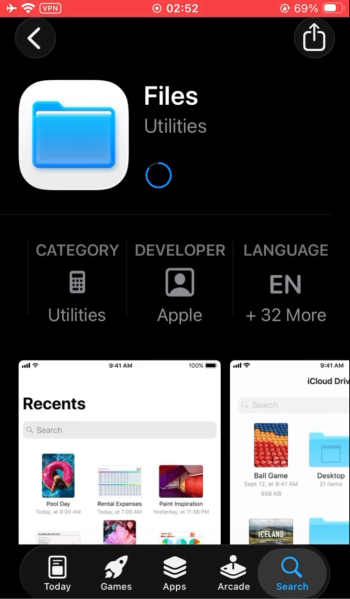
IMG_0045.jpeg
I don't have Apple Intelligence and I used Apple Configurator to make a clean install of iOS 26.4.
 
Of course I didn't sideload the app.
It appears in the App Store with Open
View attachment 2623623
I don't have Apple Intelligence and I used Apple Configurator to make a clean install of iOS 26.4.

I just don't understand where that screenshot comes from. Where are all the other settings? Search, notifications, cellular data? And why do your screenshots look so borked and oversized? Are you sure that's an iPhone? 😂 That's all very confusing.
 
  • Angry
  • Like
Reactions: bogdanw and chrfr
I’m assuming that your geographic location is one that has the ability to use 3rd party app marketplaces. It looks to me like you (tried to) change(d) your default App Store/marketplace (now showing as “unknown”), so the files app will not update automatically because there is no App Store affiliated with it.

Try resetting the marketplace to the Apple App Store and see if the issue is resolved.

To be honest, I would be suspicious if you ran across Apple branded apps available through 3rd party sources. IMO, that is not something that Apple would allow.
 
  • Like
Reactions: Reverend Benny
I did not install the app from an alternative store, but I have Epic Games installed.
I’ve deleted the app, reinstalled it from the App Store and it displays the same message.
Video:
 
I did not install the app from an alternative store, but I have Epic Games installed.
I’ve deleted the app, reinstalled it from the App Store and it displays the same message.
Video:
View attachment 2623721

Okay, with this screen recording I understand better where it all comes from. I think having an alternative app store installed (Epic Games is one of those) makes those additional menu points appear.

I think the message shown is just a mistake. "Files" is never being updated from the App Store anyway, you only get a new Files app with full iOS upgrades. In my opinion you can safely ignore this.
 
  • Like
Reactions: bilibug
I know that Files is updated with the OS and “deleting” it only hides it.

Maybe we could go back to the original question. I'm waiting for a response from someone who sees the same message.
 
Last edited by a moderator:
This does not look like the Settings screen for Files in iOS 26.
1448097-3ab971c389da1ad8a5ff651226255a42.jpg

This does not look like the iOS 26 App Store.
Screenshot 2026-04-22 at 8.16.25 AM.png

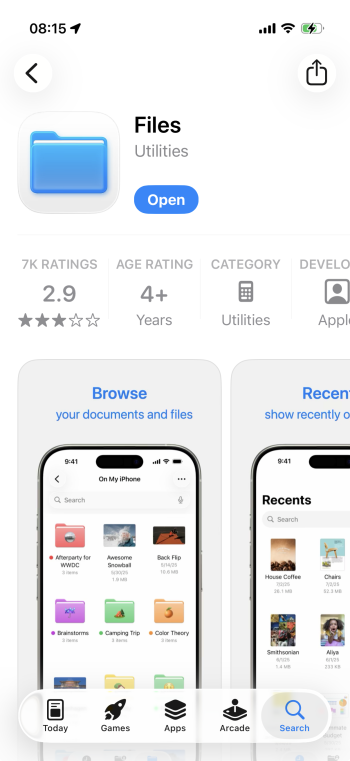
Here it is in my App Store. It's different. Are you outside the US?
Screenshot 2026-04-22 at 08.15.20.png
 
Confirmed to be an iOS 26 bug that affects a number of preinstalled apps (Calculator, Clock, Files, Preview)
Clean install of iOS 26.4.2, the apps mentioned don’t have the “App Information” and “App Marketplace Information” sections.
As soon as an alternative store is installed, without installing any app from them, the two sections appear with the messages "This app will no longer receive updates because its associated app marketplace was deleted” and “Marketplace Developer – Unknown”.
The sections disappear if the alternative store is deleted.
I’ve tried with Epic, Aptoide and AltStore.
Apple’s “About alternative app distribution” https://support.apple.com/en-us/118110
 
Register on MacRumors! This sidebar will go away, and you'll see fewer ads.