
Got a tip for us?
Let us know
Become a MacRumors Supporter for $50/year with no ads, ability to filter front page stories, and private forums.
iOS 27 Beta 4 ― Bug Fixes, Changes, and Improvements
- Thread starter Banglazed
- WikiPost WikiPost
- Start date
- Sort by reaction score
You are using an out of date browser. It may not display this or other websites correctly.
You should upgrade or use an alternative browser.
You should upgrade or use an alternative browser.
- Status
- The first post of this thread is a WikiPost and can be edited by anyone with the appropiate permissions. Your edits will be public.


roncron
macrumors 65816
Yes. But the timing difference protects public beta testers from the possibility that a showstopper bug is found by developers and Apple takes more days if needed to resolve before releasing as a public beta. Developers are more tech savvy than public beta testers and can better deal with serious problems.Your device does not care about the beta label (DB or PB) and only cares about the beta build number. If you are moving from DB2, you can either install DB4 now or wait for PB2 (which will most likely be exactly the same) to come out later.

Safari reloading every time I open it
17 pro
17 pro

Reeneman
macrumors 68020
The podcast app finally gained the nicer liquor glass transition effect that we’ve got a while ago for Apple Music 🙂

nortonandreev
macrumors 68040
Now playing has changed a bit.
Beta 3:
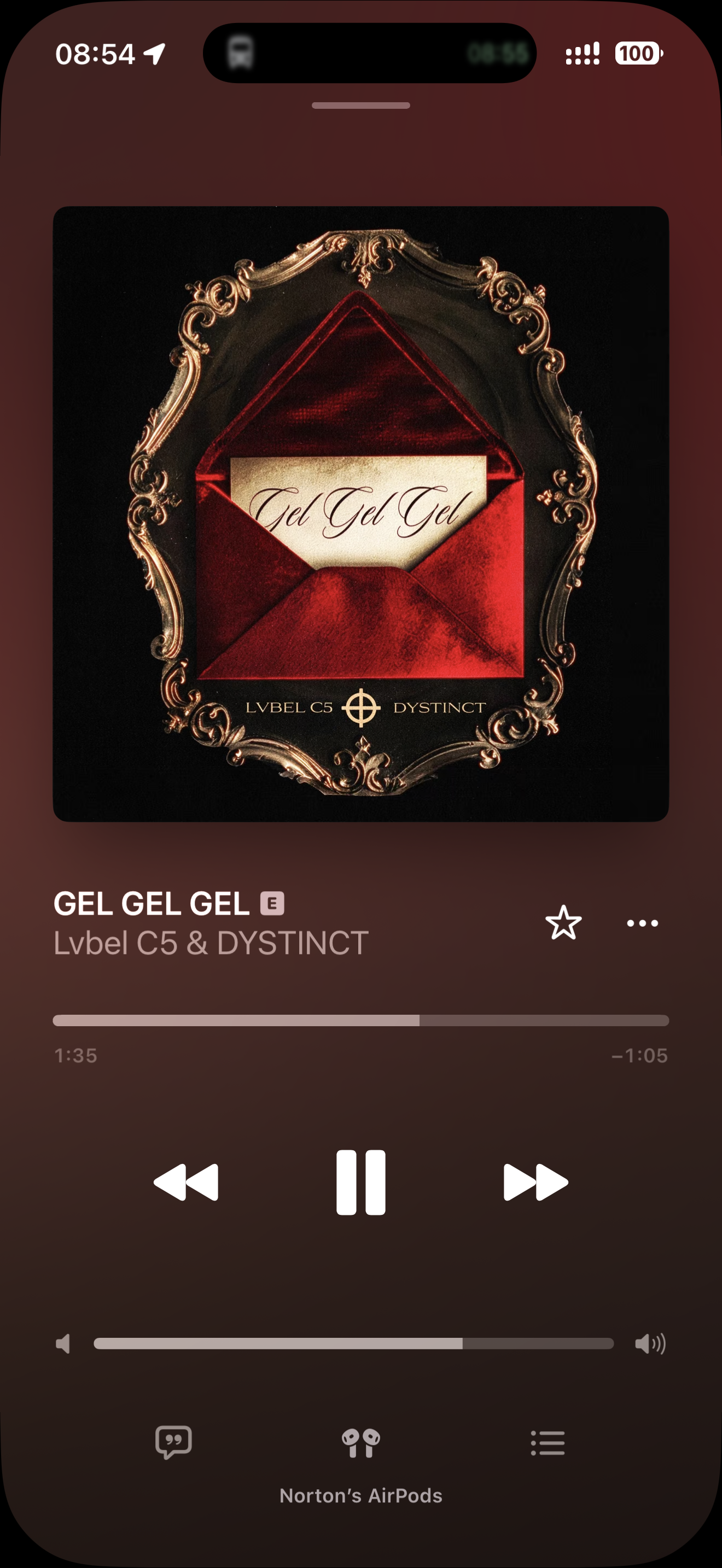
Beta 4:
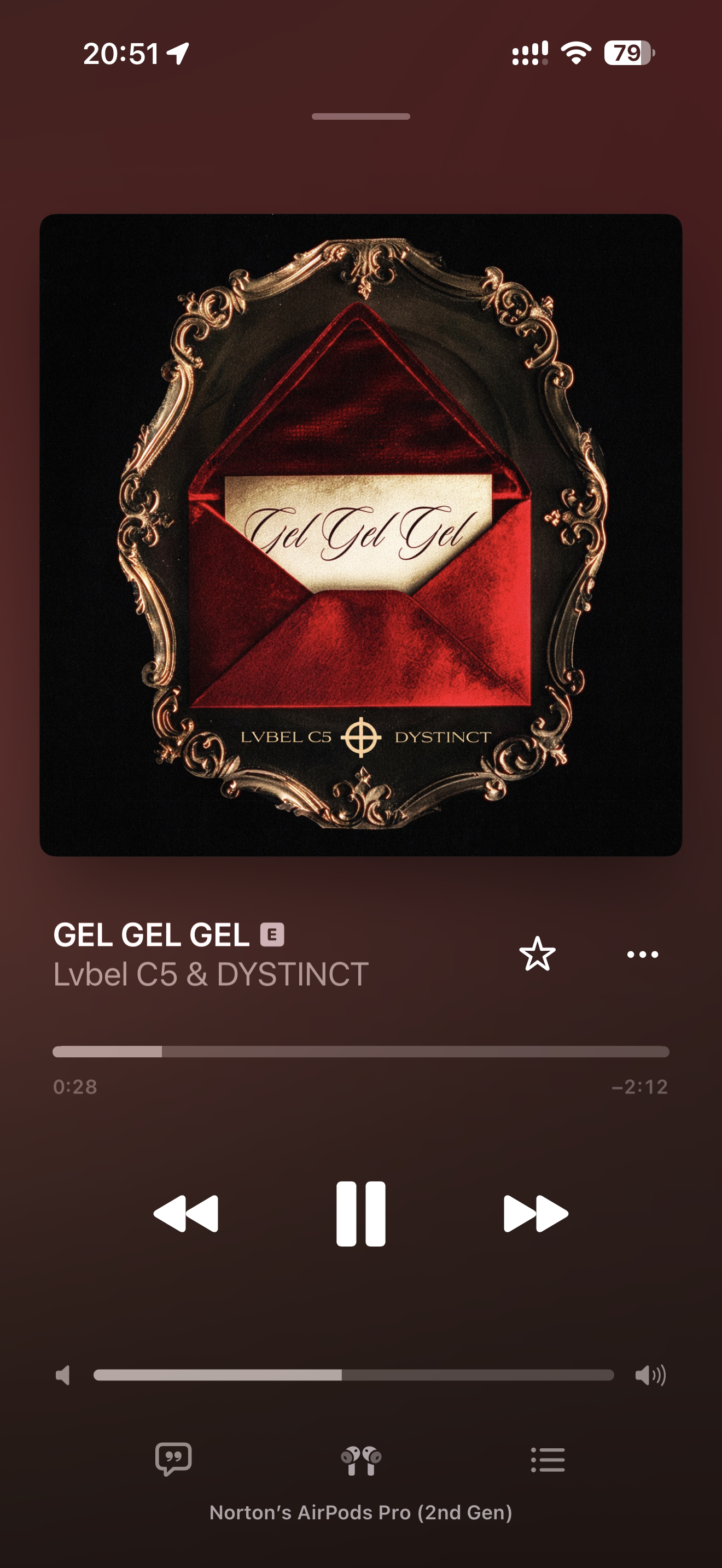
Also seems like the screenshots don't include the device's cutout in the corners.
Beta 3:
Beta 4:
Also seems like the screenshots don't include the device's cutout in the corners.

StumpyBloke
macrumors 603
Interestingly, on my 17 Pro Max I no longer have the full Apple Intelligence. I’ve got the old Siri orb at the bottom of the screen. If I swipe down from the centre top, I get the new search. And I’ve got no expressive voice options at all.
And the only option in settings is Siri, no mention of Apple Intelligence. But the indexing message is back.
Edit: new orb is back, just waiting for expressive voice
And the only option in settings is Siri, no mention of Apple Intelligence. But the indexing message is back.
Edit: new orb is back, just waiting for expressive voice
Last edited:
LegendaryTechnician
macrumors member
You have to wait for the new Siri AI updates for this build to download and process.Interestingly, on my 17 Pro Max I no longer have the full Apple Intelligence. I’ve got the old Siri orb at the bottom of the screen. If I swipe down from the centre top, I get the new search. And I’ve got no expressive voice options at all.
And the only option in settings is Siri, no mention of Apple Intelligence. But the indexing message is back.
Reeneman
macrumors 68020
It seems that the device is re-downloading some of the Siri data. Give it a while and the old orb will go away again.Interestingly, on my 17 Pro Max I no longer have the full Apple Intelligence. I’ve got the old Siri orb at the bottom of the screen. If I swipe down from the centre top, I get the new search. And I’ve got no expressive voice options at all.
And the only option in settings is Siri, no mention of Apple Intelligence. But the indexing message is back.

one more
macrumors 603
People having issues with not being able to search in Settings app, it's FIXED now.
Not for me, did you have to restart after update?
Edit: it just started working again, without a restart needed.
one more
macrumors 603
Device restarts as part of the update so I don’t restart unless I need to. It’s fixed after the update on my 13P.Not for me, did you have to restart after update?

funkdoc23
macrumors 6502
Does anyone know if it fixed the AutoMix not transitioning unless it's on lossless.
one more
macrumors 603
Device restarts as part of the update so I don’t restart unless I need to. It’s fixed after the update on my 13P.
Yes it works now, just took a while after the installation reboot to “click”, I guess.
StumpyBloke
macrumors 603
You have to wait for the new Siri AI updates for this build to download and process.
It seems that the device is re-downloading some of the Siri data. Give it a while and the old orb will go away again.
Yep you’re right cheers. Got the new orb back. Still waiting for expressive voice.

H3LL5P4WN
macrumors 68040
Scrolling when you have tinted icons is still f’ing broken.
FB23329163 (which finally has more than 10 similar reports).
FB23329163 (which finally has more than 10 similar reports).
Been over an hour and still can’t install it!
The text when searching in the music app looks different — darker and possibly a slightly different font?

krspkbl
macrumors 68030
Missing app icons have reappeared in search! Yey! That was so annoying
one more
macrumors 603
Control Centre now shows correct icons for WiFi or cellular, instead of both at once.
Edit: I spoke too fast. What actually happens is that it shows both the cellular and WiFi icons when connected to WiFi and only cellular when WiFi is unavailable.
Edit: I spoke too fast. What actually happens is that it shows both the cellular and WiFi icons when connected to WiFi and only cellular when WiFi is unavailable.
Last edited:
StumpyBloke
macrumors 603
Control Centre now shows correct icons for WiFi or cellular, instead of both at once.
Mine still shows both (and I hope it stays that way).

christian.terra
macrumors 65816
They always reappeared with a restart. Let’s see if they disappear again when an app gets an update.Missing app icons have reappeared in search! Yey! That was so annoying
christian.terra
macrumors 65816
one more
macrumors 603
Mine still shows both (and I hope it stays that way).
Yes, it shows both when we are connected to WiFi and cellular only when disconnected from WiFi.
It’s not going to show WiFi when disconnected from WiFi. That would be a bug.Yes, it shows both when we are connected to WiFi and cellular only when disconnected from WiFi.
H3LL5P4WN
macrumors 68040
Has anyone been able to test CarPlay yet? I started having disconnects last beta, too.