

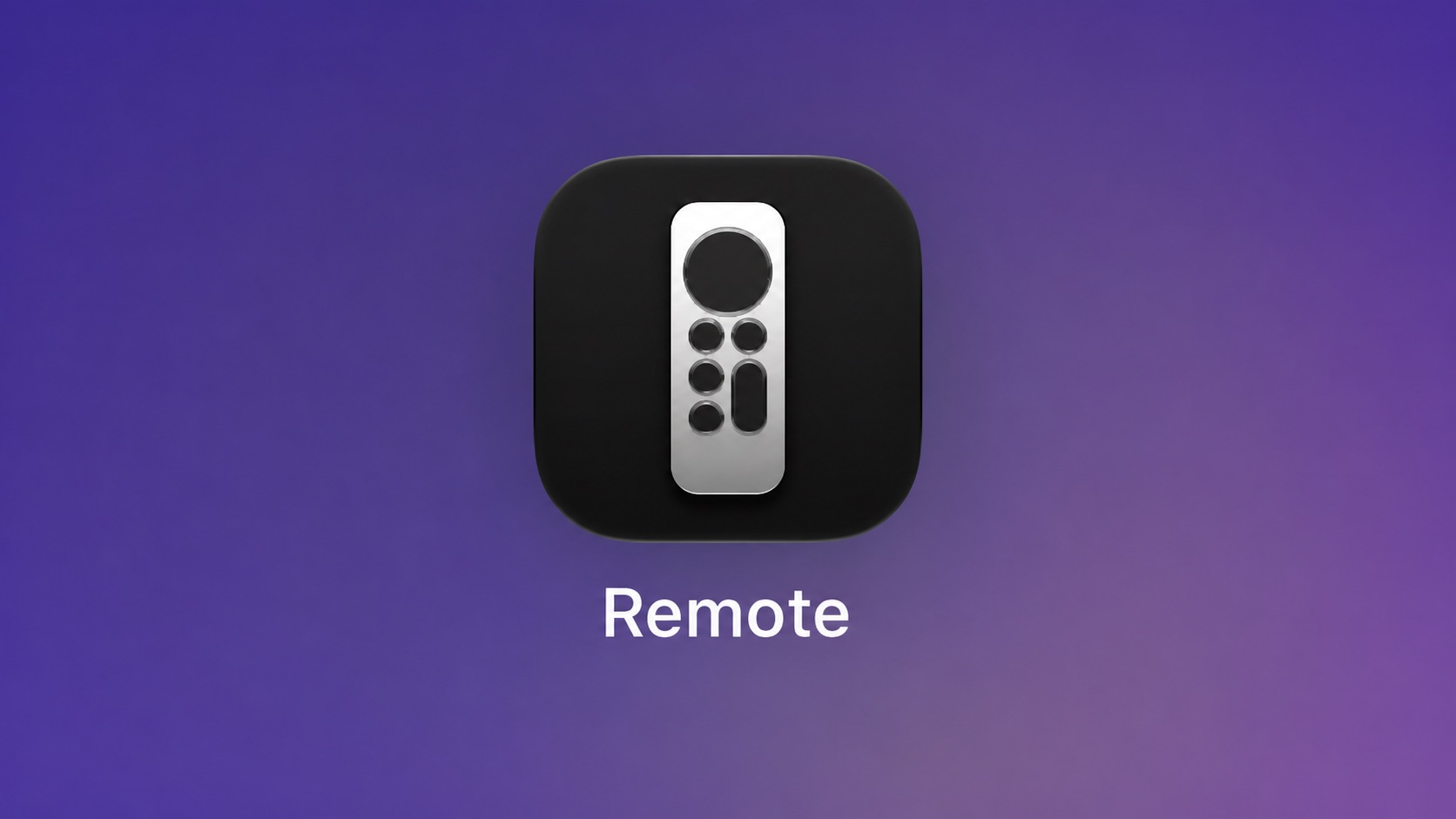
Apple used to offer an Apple TV Remote app in the App Store, but it was removed in 2020.
Article Link: iOS 27 Lets You Add Apple TV Remote to Your iPhone's Home Screen



What use case do you have ?Let me use my Mac as a remote.

12GB RAM and A19 Pro. Upgrade.Not working on my iPhone 15. Wonder what the limitation is.

Being able to use the keyboard would be nice for people who don't have other bluetooth keyboards.What use case do you have ?
You have your computer in front of your TV, and want to control your TV with it ? I believe this is a laptop because you need a touch-based device ?
I think this need would be way too niche...

I’ll second this. I am using a Roku stick in the living room because it allows multiple remote pairing (I have 3 paired to it currently). I’d replace it with an Apple TV if it could do the same.Wish you could assign two Siri Remotes to one Apple TV box. Maybe there's a limitation with Bluetooth that prevents it, who knows.
Instead, I use a 3rd party remote as a 2nd remote and they kinda suck.


While we are on Apple TV … why can’t iPadOS and ios get custom playlist like macOS has?
Starting with iOS 27, the virtual Apple TV remote can be added to the iPhone's Home Screen again, rather than being limited to Control Center. To do so, swipe down on the Home Screen and search for "remote." Next, tap and hold on the Remote app and drag it to your Home Screen. Alternatively, you can find it in the App Library.
Apple used to offer an Apple TV Remote app in the App Store, but it was removed in 2020.
Article Link: iOS 27 Lets You Add Apple TV Remote to Your iPhone's Home Screen

I’m not following why an Apple TV needs to pair with 3 remotes to be a good Roku replacement. What’s your use case?I’ll second this. I am using a Roku stick in the living room because it allows multiple remote pairing (I have 3 paired to it currently). I’d replace it with an Apple TV if it could do the same.

A few reasons. First, I live with 2 children and an autistic adult. Remotes get lost all the time. It’s way easier for them to grab one of the other remotes than wait for an adult to flip a couch over to dig out the missing one.I’m not following why an Apple TV needs to pair with 3 remotes to be a good Roku replacement. What’s your use case?
Starting with iOS 27, the virtual Apple TV remote can be added to the iPhone's Home Screen again, rather than being limited to Control Center. To do so, swipe down on the Home Screen and search for "remote." Next, tap and hold on the Remote app and drag it to your Home Screen. Alternatively, you can find it in the App Library.
Apple used to offer an Apple TV Remote app in the App Store, but it was removed in 2020.
Article Link: iOS 27 Lets You Add Apple TV Remote to Your iPhone's Home Screen


