Become a MacRumors Supporter for $50/year with no ads, ability to filter front page stories, and private forums.
Status
The first post of this thread is a WikiPost and can be edited by anyone with the appropiate permissions. Your edits will be public.
The keyboard thing you're talking about isn't a bug, it's a feature.

If you go to settings > General > Keyboard > Character Preview ON - It'll enlarge the keys when you press them

Thanks! I thought it was a bug because under some instances, it worked like it did in previous versions of iOS. Different bug lol?
 
Don't know if this was in iOS8 already, but when you go to Settings - General - TouchID and you put your finger on the sensor the corresponding finger will light up (for example 'Finger 1'). Very nice feature 🙂
Wish I knew about this sooner
 
I don't see a point to the power saving mode for me. I always have those options off anyways....
Is what's listed in the settings menu all that happens? What other "levers" are pulled?
 
But iOS 9 beta 1 destroys my iPad mini perfectly. I cannot take it for even slightly heavy duty.
And current beta version drains battery crazily. I had never seen such quick battery drainage before I upgrade to this beta.

Horrid battery life is pretty much the hallmark of a beta 1 release. It will get better as Apple moves through the betas, and approaches GM release. That said, I don't see the battery issues any worse for iOS 9 than what I remember for iOS 6, 7 or 8 - especially for a first beta.
 
  • Like
Reactions: nheilweil
So Apple wasted almost the whole time telling about Proactivity in iOS 9 and it's not there on A5 devices. Great.
There must be some reason. Anyway i think for A5 devices iOS 9 is just a polished version of iOS 8.
This, can anyone post a list of the features NOT available on the 4S? Thanks in advance!
 
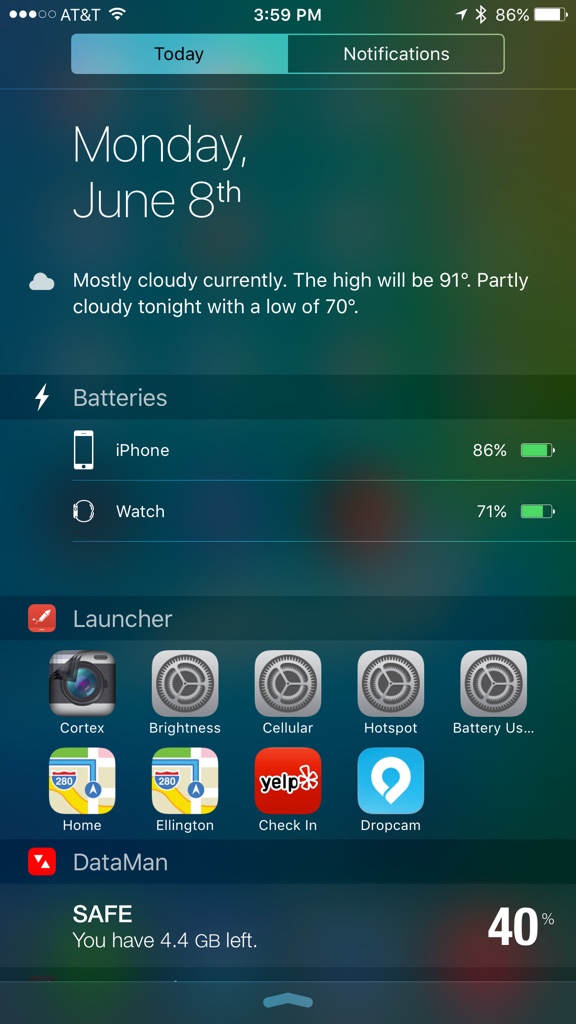
Couldn't seem to get back my carrier name and signal strength dots.. Anyone know what to do?
 

Attachments

  • image.jpg
    image.jpg
    642 KB · Views: 315
Just noticed that you can move the ruler around in notes and draw perfectly straight lines with it. Such a small thing but it's so cool!
 
The battery life usually takes a couple days to stabilize, especially when iOS 9 now has an expanded index to build for Siri/Spotlight. It takes several hours to finish the index from what I've seen.


okie thanks but i feel that its buggy atm so i am going back to 8.4
 
Something I found out. And did not see it on the list. When you click on a link from an email there is now a back to mail button where the signal strength bar is.
image.jpg
 
Something I found out. And did not see it on the list. When you click on a link from an email there is now a back to mail button where the signal strength bar is. View attachment 559888

Yep. Happens when you click something while in an app. Like if I'm in Snapchat and click a push notification, it'll say "Back to Snapchat". Really neat feature and the switching process is fast making it super useful.
 
  • Like
Reactions: VSMacOne
Seems like i've found a way to stop that amazing battery drain.
Go to Settings -> General -> Search and uncheck all.

This fixed the battery drain for me. Maybe there are several options under search that could be left enabled but i don't had the time yet to check which exactly causes the issue.
 
The new Siri/Predictive isn't working yet. Hopefully they turn that on soon.

If I type in Sounders, it has no idea that I want a score. If I type in weather, it just shows me I have the weather app but doesn't give me results. Likewise, if I ask Siri to "remind me about this later" she says "sure just tell me what you want me to remind you about."
 
The new Siri/Predictive isn't working yet. Hopefully they turn that on soon.

If I type in Sounders, it has no idea that I want a score. If I type in weather, it just shows me I have the weather app but doesn't give me results. Likewise, if I ask Siri to "remind me about this later" she says "sure just tell me what you want me to remind you about."
I just tried the "remind me about this later" and it worked. But the weather thing doesn't.
 
Seems like i've found a way to stop that amazing battery drain.
Go to Settings -> General -> Search and uncheck all.

This fixed the battery drain for me. Maybe there are several options under search that could be left enabled but i don't had the time yet to check which exactly causes the issue.

Will try this out. Thanks
 
Register on MacRumors! This sidebar will go away, and you'll see fewer ads.