jrpmsms
macrumors member
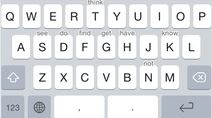
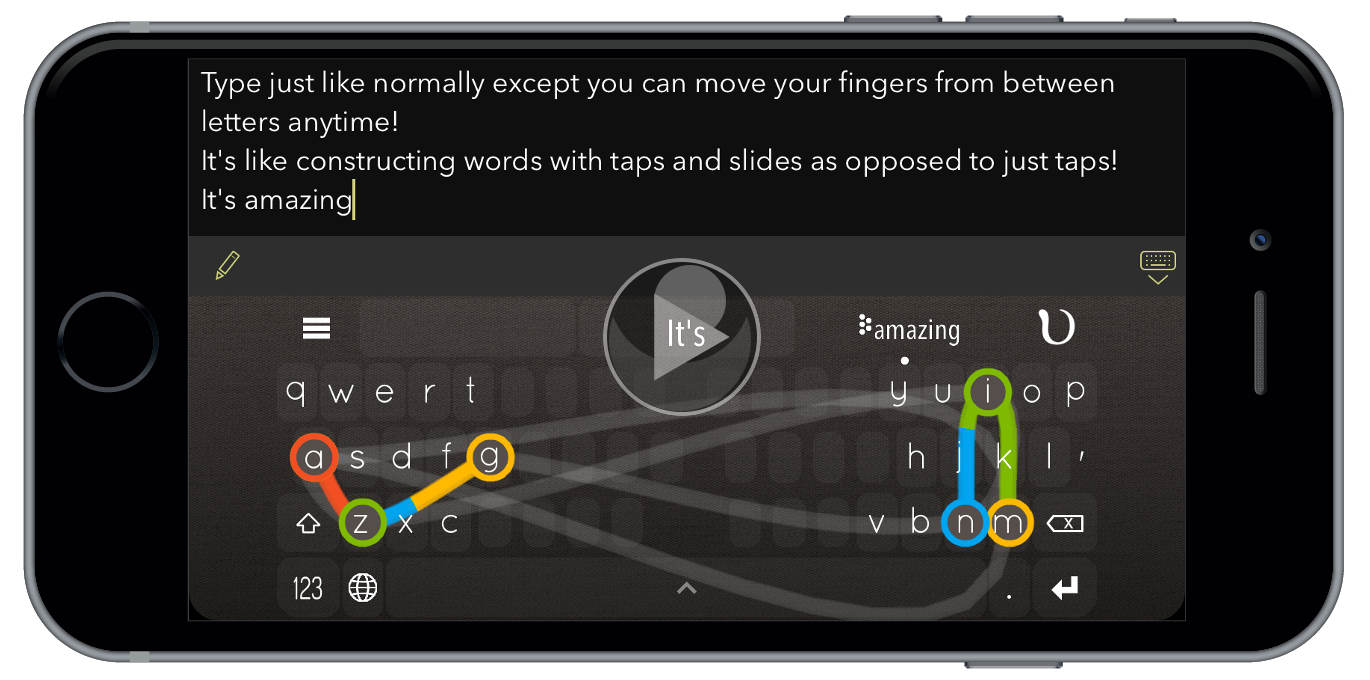
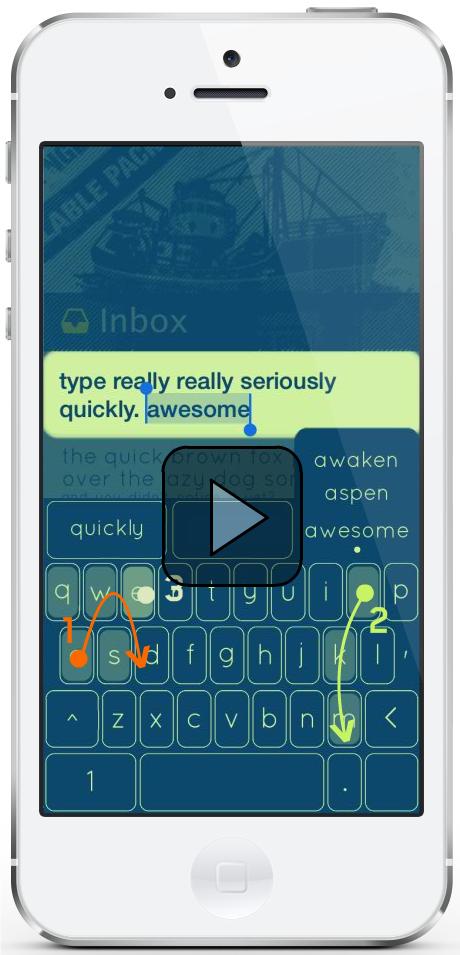
It took about 24 hours, but I finally had a "non appearing" swiftkey keyboard. I have finally figured out an easier way to reset... I'm sure I'm just slow on iOS steps... but I just double click on the home button which opens the task manager and swipe up on the message app which closes it. I reopen it then normally and get the keyboard. Easier than going to settings (duh).