G geta Suspended May 13, 2016 #26 max2 said: My problem right now with a scanner app is how do I transfer the scans from my iPhone or iPad to my computer as well ? Click to expand... You can move the scans to other apps and from there you can send it to your mac\pc through wifi (for example with Documents).
max2 said: My problem right now with a scanner app is how do I transfer the scans from my iPhone or iPad to my computer as well ? Click to expand... You can move the scans to other apps and from there you can send it to your mac\pc through wifi (for example with Documents).
ltb7 macrumors 6502 Jul 1, 2016 #27 scanbot is offering PRO for $4.99 - if it doesn't offer at first, try deleting + reinstalling app - HTH
scanbot is offering PRO for $4.99 - if it doesn't offer at first, try deleting + reinstalling app - HTH
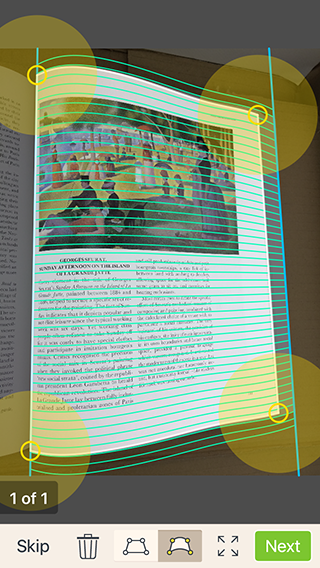
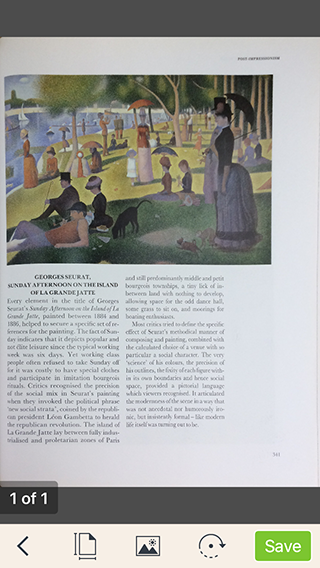
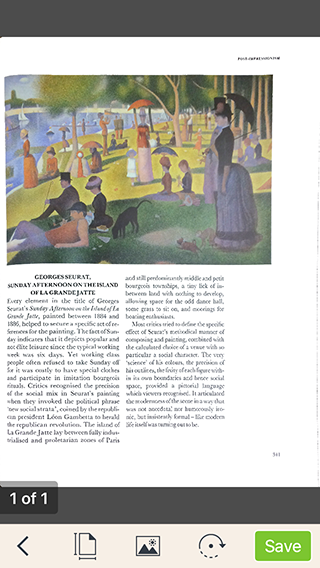
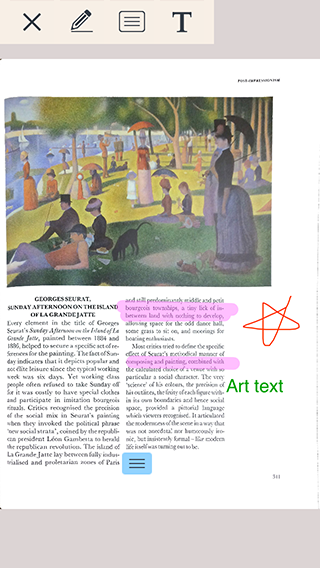
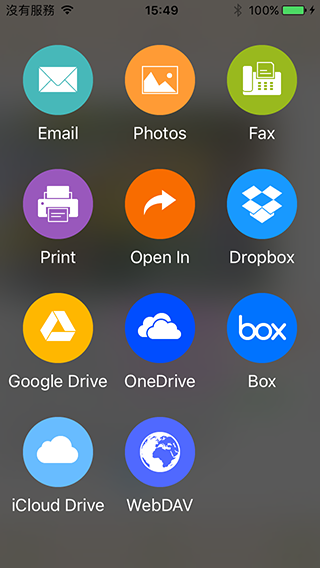
T timchen Suspended Nov 1, 2016 #28 I used Docr to scan a book. It automatically detected a curled page boundary & still manually adjustable. Then, dewarped / converted it to a flat page. Tried its magic shadow removal & color enhance function. Saved as PDF and annotate Email it out, sync / export to iCloud Drive, or upload to Google Drive, Dropbox, Box.net …etc. Free and no annoying ads in the app. Reactions: GerritV
I used Docr to scan a book. It automatically detected a curled page boundary & still manually adjustable. Then, dewarped / converted it to a flat page. Tried its magic shadow removal & color enhance function. Saved as PDF and annotate Email it out, sync / export to iCloud Drive, or upload to Google Drive, Dropbox, Box.net …etc. Free and no annoying ads in the app.
G GerritV macrumors 68020 Nov 1, 2016 #29 timchen said: I used Docr to scan a book. It automatically detected a curled page boundary & still manually adjustable. Then, dewarped / converted it to a flat page. Tried its magic shadow removal & color enhance function. Saved as PDF and annotate Email it out, sync / export to iCloud Drive, or upload to Google Drive, Dropbox, Box.net …etc. Free and no annoying ads in the app. Click to expand... Thanks for bringing up Docr, I'm quite impressed by it.
timchen said: I used Docr to scan a book. It automatically detected a curled page boundary & still manually adjustable. Then, dewarped / converted it to a flat page. Tried its magic shadow removal & color enhance function. Saved as PDF and annotate Email it out, sync / export to iCloud Drive, or upload to Google Drive, Dropbox, Box.net …etc. Free and no annoying ads in the app. Click to expand... Thanks for bringing up Docr, I'm quite impressed by it.