Hi,
I've just bought an iPhone and I've got some problems with the wifi at home. I read that some people have problems with connecting to the wifi, but the strange thing is that that isn't my problem.
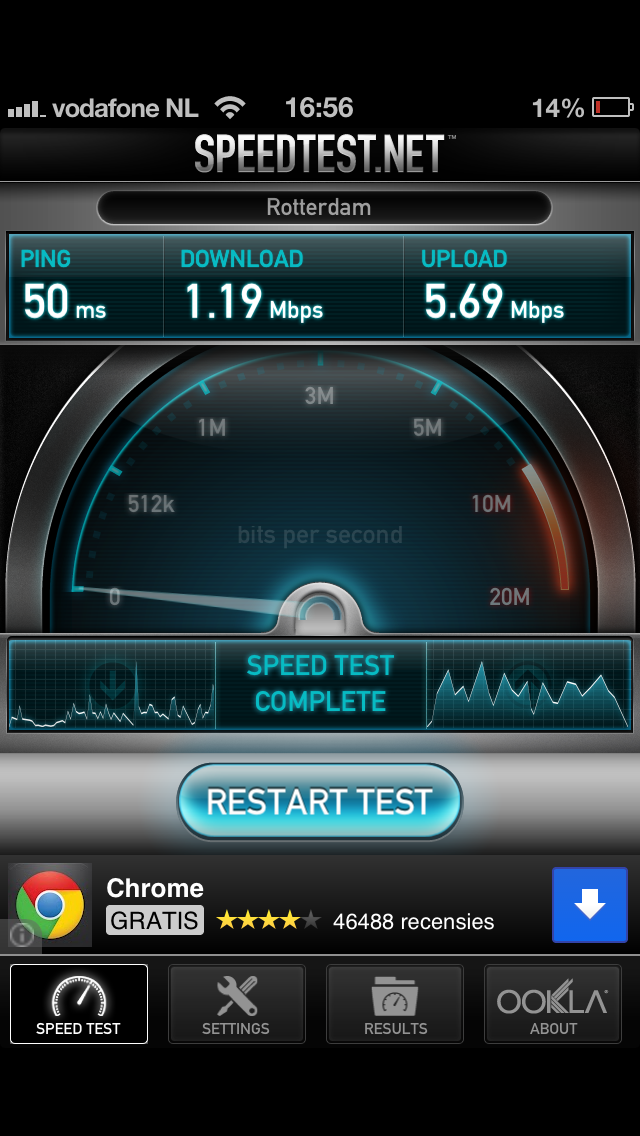
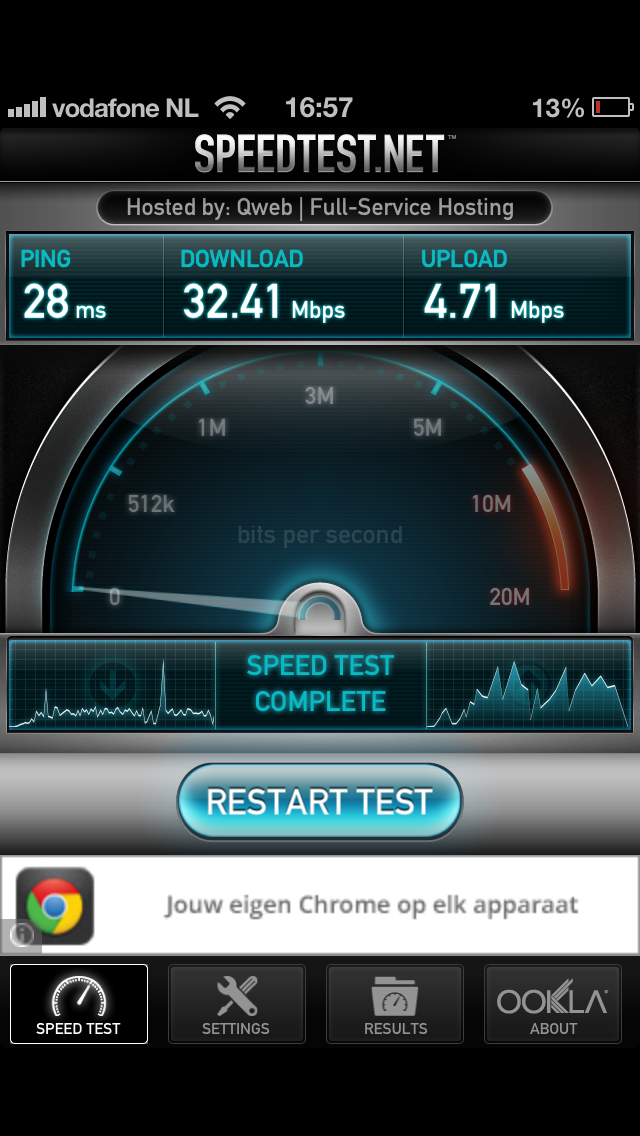
When I connect to the wifi at my home it connects fine, and stays connected. The problem is that it's really slow. I was connected to the wifi network of a friend, and there it worked fine. I've upgraded the firmware of the router, and tried a bunch of different settings.
I've tried to remove the security (I know have WPA2-PSK AES), I tried changing the wireless from b/g/n mixed to b/g mixed. I did change the Channel Width from 40 mhz to 20 mhz. I tried a different DNS server in my iPhone settings. I checked with iStumbler which channel is the best, and changed it.
I just don't know what to do? Should I go back with my iPhone to the store? I just really bothers me that it works on some other network..
I hope someone can help me!
Ruben
I've just bought an iPhone and I've got some problems with the wifi at home. I read that some people have problems with connecting to the wifi, but the strange thing is that that isn't my problem.
When I connect to the wifi at my home it connects fine, and stays connected. The problem is that it's really slow. I was connected to the wifi network of a friend, and there it worked fine. I've upgraded the firmware of the router, and tried a bunch of different settings.
I've tried to remove the security (I know have WPA2-PSK AES), I tried changing the wireless from b/g/n mixed to b/g mixed. I did change the Channel Width from 40 mhz to 20 mhz. I tried a different DNS server in my iPhone settings. I checked with iStumbler which channel is the best, and changed it.
I just don't know what to do? Should I go back with my iPhone to the store? I just really bothers me that it works on some other network..
I hope someone can help me!
Ruben