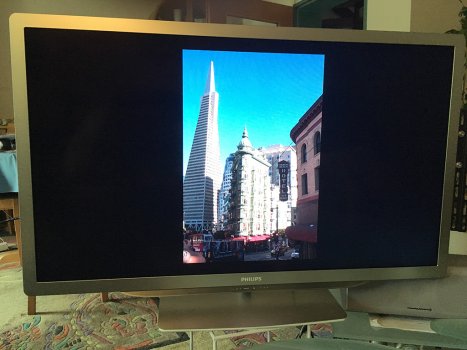
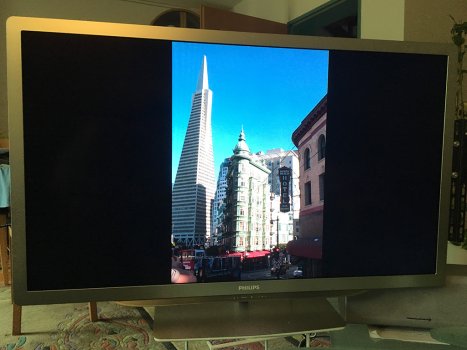
The default/typical behavior is to mirror the iPhone/iPad’s display on any connected monitor/TV/etc. And because your monitor/TV/etc probably doesn’t match the resolution and aspect ratio of the iPhone/iPad’s display/screen the output will probably have black bars, possibly on all sides.
Yes it's possible but it depends on the app.
The resolution of the iPad/iPhone is completely irrelevant if the app is designed to work with the adapter.
Apple's Photos.app or Videos/TV.app or Plex as example do not mirror the screen but send a dedicated fullscreen 1080p signal to the TV.
Which app are you using? Also test it when starting a slideshow/presentation.
Make sure on your TV you have set the HDMI input to "Auto" or "Fill screen".
Attached two pictures. 1st with a generic image viewer, 2nd with Photos.app which switches to fullscreen on the TV.
Yes it's possible but it depends on the app.
The resolution of the iPad/iPhone is completely irrelevant if the app is designed to work with the adapter.
Apple's Photos.app or Videos/TV.app or Plex as example do not mirror the screen but send a dedicated fullscreen 1080p signal to the TV.
Which app are you using?
Make sure on your TV you have set the HDMI input to "Auto" or "Fill screen".
Attached two pictures. 1st with a generic image viewer, 2nd with Photos.app which switches to fullscreen on the TV.
If you have a portrait picture, it won't stretch to fit the display (cropping the top and bottom off lets say). You'll need to find a landscape picture to fill up the whole display.