so im importing my entire library back into iTunes11 (went back after realizing how useless itunes12 is and slow)
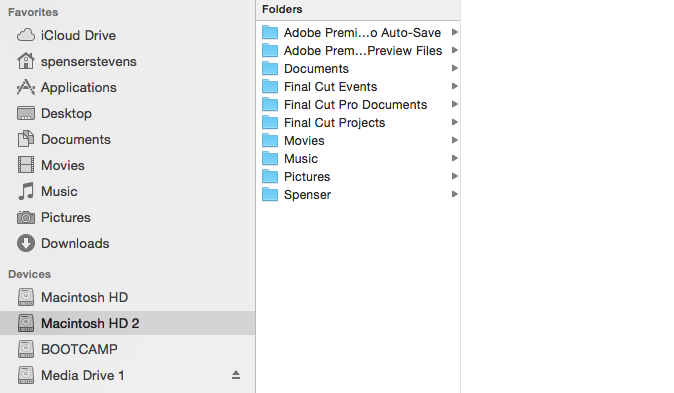
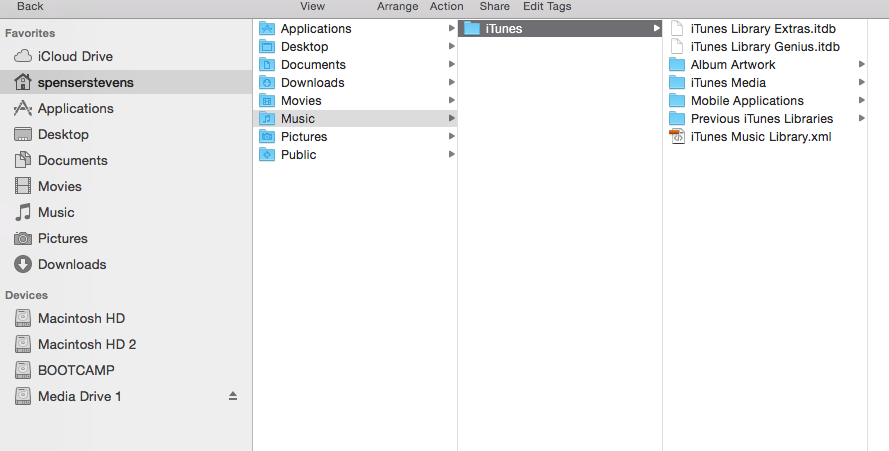
i think i have two iTunes libraries and I do NOT want my music on my SDD drive (Macintosh HD) but on my Macintosh HD2.
i want all music on my HDD not my SDD. How can i effectively do this? Every single time I delete my ituneslibrary.itl and use daisydisk to re-import from a fresh iTunes install and use the advacned tab to lcoate my music on my HDD it still imports but then I find them on my SDD.
PLEASE.HELP.
i think i have two iTunes libraries and I do NOT want my music on my SDD drive (Macintosh HD) but on my Macintosh HD2.
i want all music on my HDD not my SDD. How can i effectively do this? Every single time I delete my ituneslibrary.itl and use daisydisk to re-import from a fresh iTunes install and use the advacned tab to lcoate my music on my HDD it still imports but then I find them on my SDD.
PLEASE.HELP.