Hey guys,
I'm not very hopeful in finding an answer to my question, but here we go!
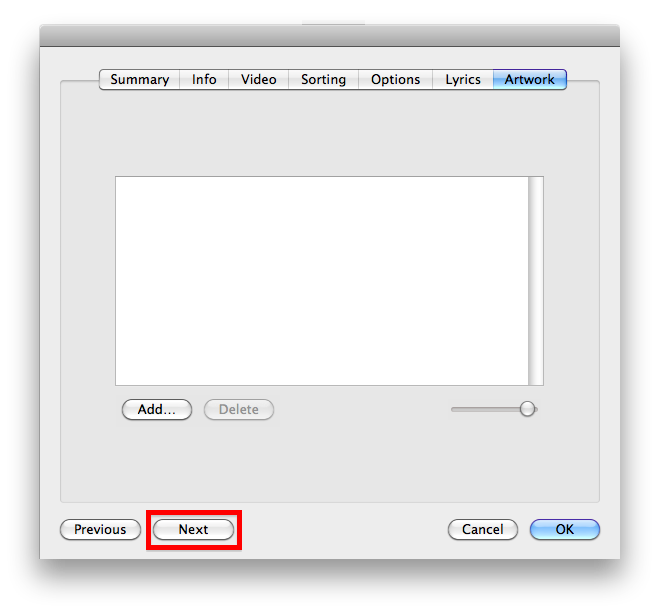
I have a large collection of ripped (TV-on-DVD that i own) mp4s. I want to add these to my iTunes library (space is a non-issue). I import them by adding them to the "automatically add to iTunes" folder. iTunes auto-magically adds them to the "Movies" section. At this point i can group-select, hit cmd-I, and change them to TV Shows. Easy! The only other piece of meta-data I would like to add is the episode number. Is there a quick way to do this? Or do i have to hit cmd-I, add episode #, hit OK button, select next episode, repeat....?
Thanks in advance for any insight!
 rudy
rudy
I'm not very hopeful in finding an answer to my question, but here we go!
I have a large collection of ripped (TV-on-DVD that i own) mp4s. I want to add these to my iTunes library (space is a non-issue). I import them by adding them to the "automatically add to iTunes" folder. iTunes auto-magically adds them to the "Movies" section. At this point i can group-select, hit cmd-I, and change them to TV Shows. Easy! The only other piece of meta-data I would like to add is the episode number. Is there a quick way to do this? Or do i have to hit cmd-I, add episode #, hit OK button, select next episode, repeat....?
Thanks in advance for any insight!
rudy