Soulflower wrote:
"iMac 21.5-inch Late 2012
2.9 GHz i5, 8 Gb memory"
Does it just have a 1tb platter-based hard drive inside?
If so, you can make it A LOT FASTER by plugging in a USB3 SSD, "cloning" the internal drive onto it, and then setting the EXTERNAL SSD to be "the new boot drive".
The Mac doesn't care much about WHERE it's booting from -- it just wants to find a good copy of the OS.
You could get something like a Samsung t5, or do this:
Buy a 2.5" SATA SSD, like this:
Amazon.com: 2.5" SSD 1tb
www.amazon.com
(numerous ones shown, get 1tb in size)
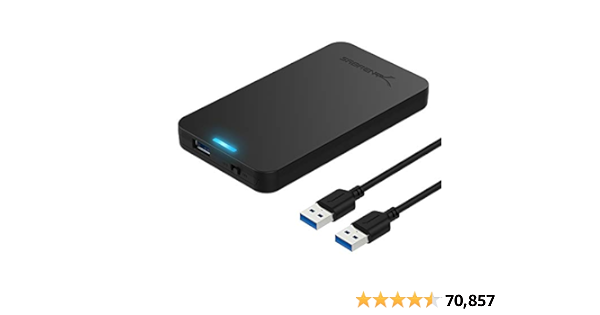
And then drop it into an enclosure like this:
SABRENT 2.5 Inch SATA to USB 3.0 Tool Free External Hard Drive Enclosure [Optimized for SSD, Support UASP SATA III] Black (EC-UASP)
tinyurl.com
(the cover just snaps on).
Then plug it in and use disk utility to format (erase) it to "Mac OS extended with journaling enabled, GUID partition format).
Then download CarbonCopyCloner, which is free to use for 30 days:

www.bombich.com
CCC will "clone" the contents of the internal drive to the SSD.
Then, go to startup disk and set the SSD to be the boot drive.
Then reboot.
It should "look just like the internal drive" -- but will boot and run FASTER.
If you do this, I promise you will like the change.