
Got a tip for us?
Let us know
Become a MacRumors Supporter for $50/year with no ads, ability to filter front page stories, and private forums.
Light vs. Dark Mode (Poll) COME VOTE!! :)
- Thread starter -BigMac-
- Start date
- Sort by reaction score
You are using an out of date browser. It may not display this or other websites correctly.
You should upgrade or use an alternative browser.
You should upgrade or use an alternative browser.


You should turn on some lights.Dark… unless you want to destroy your eyes.
Everything is dark nowadays, except for media.

Apple_Robert
Contributor

Airsculpture
macrumors 6502
Airsculpture
macrumors 6502
Can you do that ?Like I've mentioned in another thread - dark menubar and dock, apps - light. Voted for light, as technically I have most things in that mode.

SmOgER
macrumors 65816
Airsculpture
macrumors 6502
SmOgER
macrumors 65816
There are terminal commands or you can simply use TinkerTool.Ok .... I like that, now how ?
Airsculpture
macrumors 6502

Traverse
macrumors 604
I voted auto as that is what I use, but I really have different mentalities based and device:
- Mac: My iMac stays stationary and I actually prefer dark mode after the Big Sur update. I don't leave this on dark mode all the time, however, because so many websites default to light backgrounds and I find that jarring. If the web was more compliant, the Mac would be dark mode 100%.
- iPhone: Because I take my iPhone out into the world, I find light mode easier to see and use in bright environments, because of this, I'd rather this device more or less follow the sun, which usually reflects the brightness I'm around during the day (even inside with window blinds open).
- iPad: If iOS used the Mac's "dark grey" dark them, I'd run it in dark mode 100% of the time. Since iOS uses true black, which doesn't look great on an LED display in my opinion, I run in auto so that I only get dark mode at night so I'm not jarred by a bright display.


StevesSweater
macrumors newbie


Ryo@ryomac
macrumors member
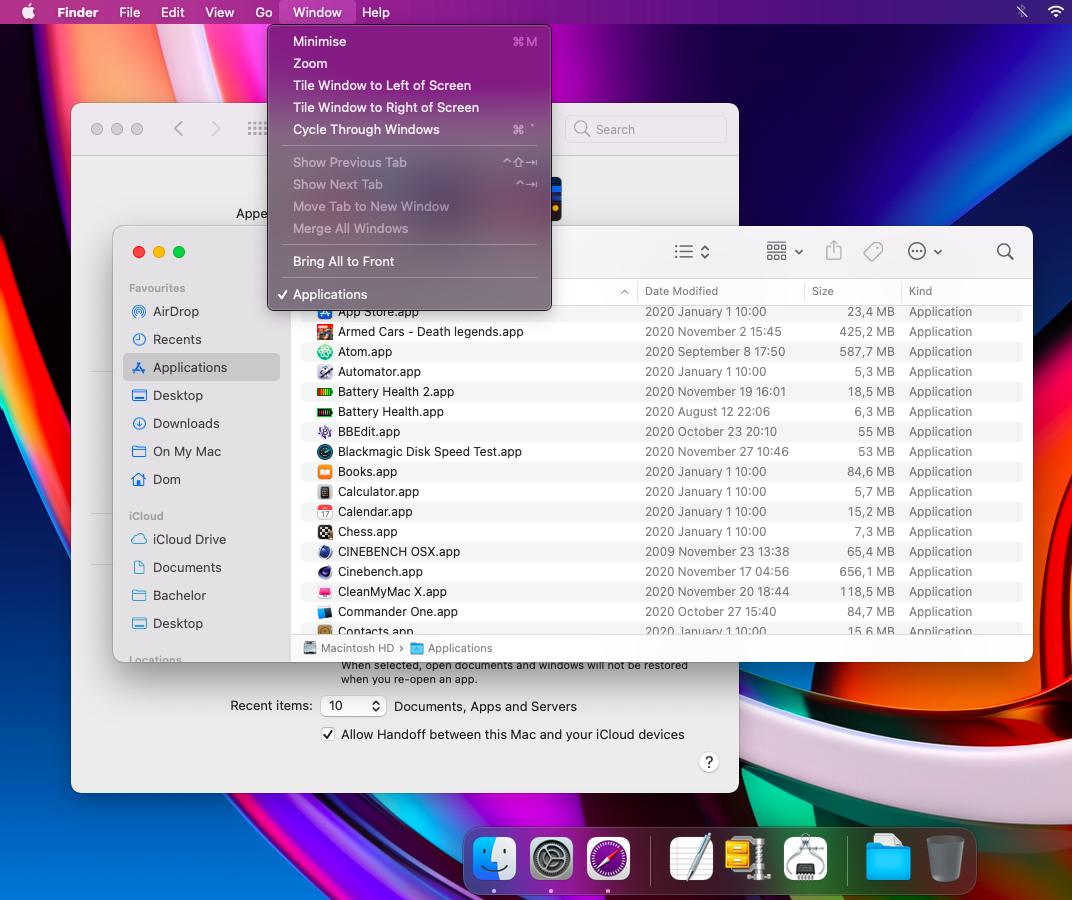
My Mac uses it in Dark mode at macOS 11 Big Sur .
However, since the Menu Bar depends on the wallpaper data, it may not be in Dark mode.
Therefore, for the purpose of improving the visibility of the Menu Bar, wallpaper data with reduced brightness in the Menu Bar area is used.
However, since the Menu Bar depends on the wallpaper data, it may not be in Dark mode.
Therefore, for the purpose of improving the visibility of the Menu Bar, wallpaper data with reduced brightness in the Menu Bar area is used.
