Become a MacRumors Supporter for $50/year with no ads, ability to filter front page stories, and private forums.

mk313

macrumors 68030
Original poster
Anyone else seeing fix device errors after upgrading to Tahoe? 26.3.2 here, but ever since upgrading, many of my hot keys don't work. When I open up Logi Options to fix it, I see Device Errors for my mouse & keyboard. When I click on the error, it says to turn the device off & on. That sometimes fixes the issue but other times not. Even once fixed, I get the same error again later.

 
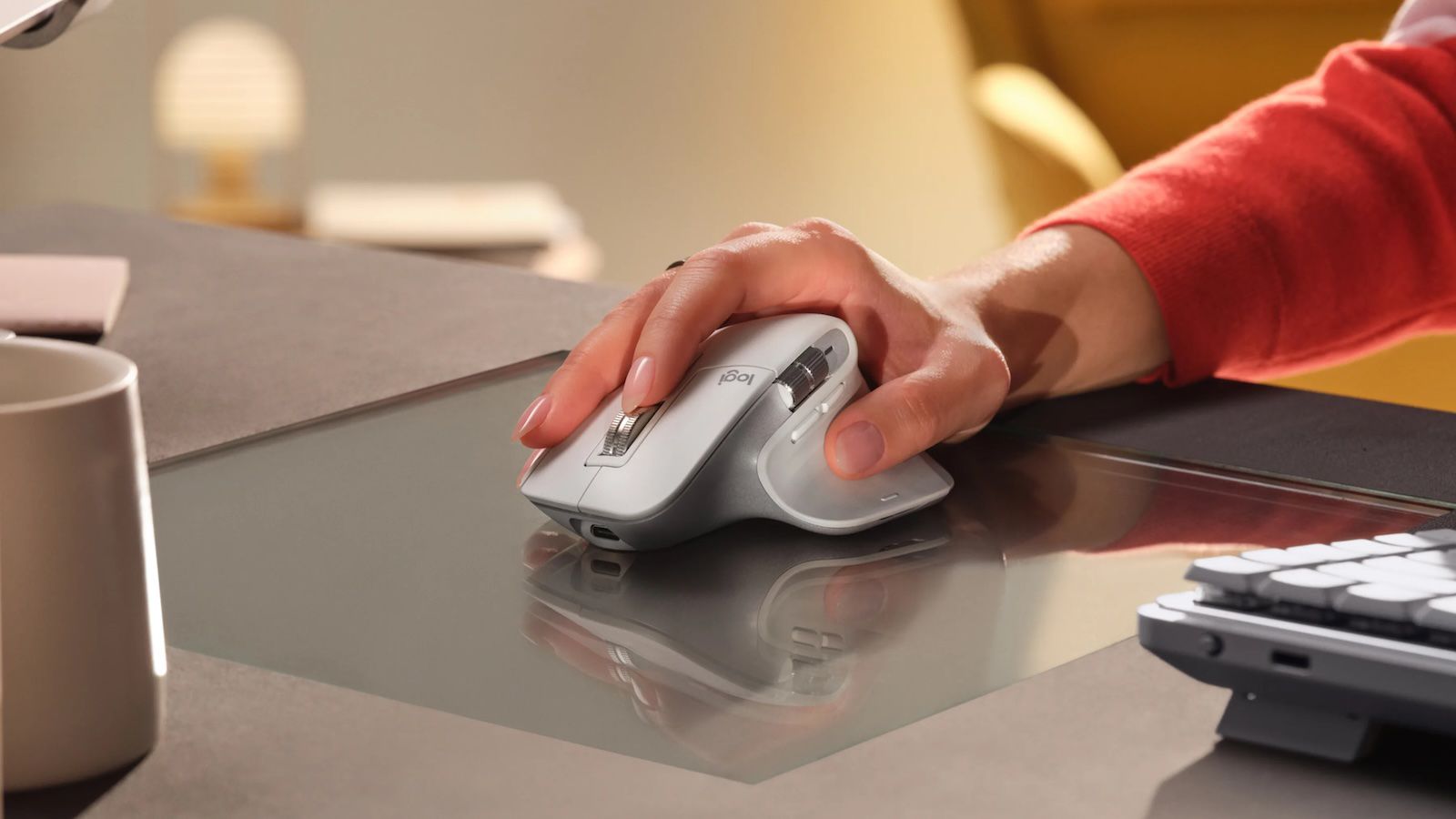
I only have the MX Master 3. I see no errors when I just fired up Logi Options+. I haven't had any issues with any Tahoe release related to the software except for the certificate issue which required a redownload of the software.

 
  • Like
Reactions: mk313
I only have the MX Master 3. I see no errors when I just fired up Logi Options+. I haven't had any issues with any Tahoe release related to the software except for the certificate issue which required a redownload of the software.

Thanks. I will try reinstalling the software.

Edited to add (in case anyone searches this in the future) deleting & reinstalling the app fixed the issue.
 
Last edited:
Register on MacRumors! This sidebar will go away, and you'll see fewer ads.