
Hello!
I can't seem to deactivate the automatic login that occurs upon opening my MacBook. It worked fine on my previous OS X installation, but now the login window will not appear. I've tried adjusting differing Login Options settings and restarting, but nothing solves the problem.
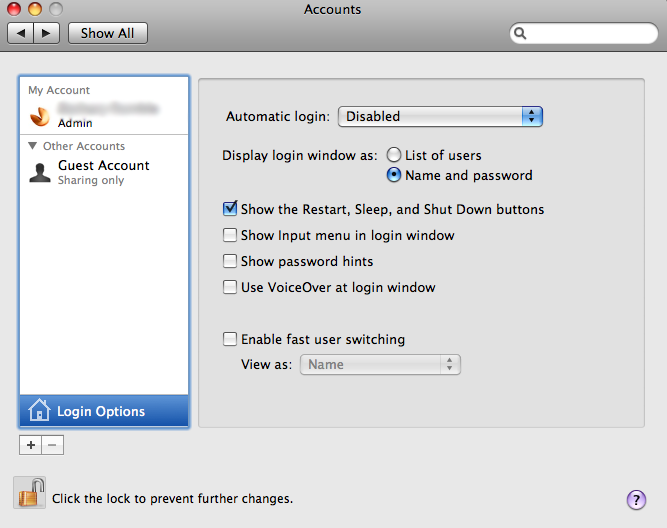
This is what my Accounts Login Options window looks like:
Any help is greatly appreciated!
I can't seem to deactivate the automatic login that occurs upon opening my MacBook. It worked fine on my previous OS X installation, but now the login window will not appear. I've tried adjusting differing Login Options settings and restarting, but nothing solves the problem.
This is what my Accounts Login Options window looks like:
Any help is greatly appreciated!

