

After a corrupted iOS update, I needed to Restore my iPhone, which was mostly successful, but resulted in small anomalies/annoyances.
To wit -- every time the iPhone is connected to my Mac, it will automatically do a sync. This is not the way is was before, and still not my preference.
The check box pictured below, is presumably at fault, but has no effect on the behavior, checked or not, so I'm now looking for the secret terminal command or plist file to nuke and start fresh:
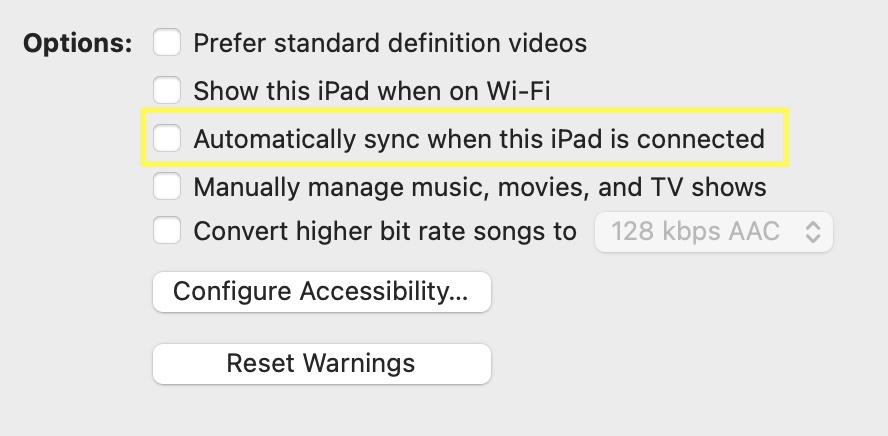
(ignore the specifics, it was a screenshot of convenience to highlight the setting)
I'm presuming the behavior is determined by the computer, and not a setting on the device.
Any guesses?
To wit -- every time the iPhone is connected to my Mac, it will automatically do a sync. This is not the way is was before, and still not my preference.
The check box pictured below, is presumably at fault, but has no effect on the behavior, checked or not, so I'm now looking for the secret terminal command or plist file to nuke and start fresh:
(ignore the specifics, it was a screenshot of convenience to highlight the setting)
I'm presuming the behavior is determined by the computer, and not a setting on the device.
Any guesses?
