Become a MacRumors Supporter for $50/year with no ads, ability to filter front page stories, and private forums.
The base spec bumps are a really nice feature of the M5s, as it means great deals via third party retailers, who usually only carry stock configs.

I benefited from that myself via Amazon.
 
  • Like
Reactions: dizmonk and Biro
I feel like that's just loosing money and the m4 pro is more powerful !

If it's just for home then better buy a Mac mini but outside you lose battery, screen, speakers and ports !

I definitely lost some money on the deal, but used it as an opportunity to up myself to 24gb/2tb. Hopefully it'll last me for a good 5-6 years, at least.

In hindsight, I could have bought a Mini and a Neo, but I carry my laptop everyday, and don't really want to manage two computers. Interesting thought, though!
 
I definitely lost some money on the deal, but used it as an opportunity to up myself to 24gb/2tb. Hopefully it'll last me for a good 5-6 years, at least.

In hindsight, I could have bought a Mini and a Neo, but I carry my laptop everyday, and don't really want to manage two computers. Interesting thought, though!

Did you go 15" or 13" on your MBA?

(forgive me if I missed it)
 
Did you go 15" or 13" on your MBA?

(forgive me if I missed it)

I went with the 15". I like it, but I should have gone with the 13”. I wasn't paying attention and missed my return window. It's still a fantastic machine, though. Weighs roughly the same as my previous 14" MBP, but feels so much better.

Even been using the extra RAM to play with some local models in Ollama. They kinda stink, but it's interesting.
 
Last edited:
  • Love
Reactions: turbineseaplane
In hindsight, I could have bought a Mini and a Neo, but I carry my laptop everyday, and don't really want to manage two computers. Interesting thought, though!
Same here. One of the main reasons I bought a 16” M5 Pro MBP was because I also don’t want to manage two computers. I could have saved a lot of money going with a Mini and an Air or Neo. Although I’m probably 90%/10% clamshell vs on-the-go with my MBP these days, I just don’t ever want any regrets about missing ProMotion or lacking performance to creep into my brain while using my laptop as a laptop. I really liked the 14” MBP when carrying it, but not so much when using it, just a bit too small. So I put up with the weight and size to have a premium (for me) experience for the 10% of the time I’m on the go. Since I keep my daily drivers for quite a while (finally retired my 2019 Intel MBP last month), I’d rather part with more money up front than deal with any second-guessing myself the next 5 or so years.

Now back onto the topic of this thread… when setting up my wife’s M4 MBA, it didn’t take long to get used to the display, although it’s obviously inferior when side-by-side with my MBP, it’s still a really great screen. I also felt that at least during setting it up and installing apps, it didn’t really feel any different than my M5 Pro (heavier sustained workloads are a different story obviously). So I don’t think most would notice much difference M4 MBA vs M5 MBA in regular day-to-day use. All that said, there seem to be some very good deals on M5 MBA, and unless a few hundred dollars will make or break your compute budget, M5 MBA is the way to go (unless you want to run Sequoia for a few more years).
 
This system is clearly a winner. I just wish the flash was a little cheaper. But, how are folks finding the display?
Im used to Apples OLED Promotion displays on my iPhones and my iPP M4, but i get PWM sensitivity so the MBA LCD display is actually so much better on my eyes.

60hz display is fine for me on laptops/monitors because you are viewing the screen from further away so lack of promotion is not as noticeable. P3 colour and good contrast is nice. Overall it’s a good display not amazing, similar to my ipad air 4.
 
Apple's new "Neo" priced at $500 must be killing the sales of these $1000+ MacBooks. For the majority of users, even the Neo is overkill if all you need is a web browser and email.

In fact, I just dug out my old 2017 MBP with an i5 Intel processor because I needed another computer for testing some stuff I'm making. Darn, it is good enough, and for normal stuff, especially if, like me, you spend most of your time in a text editor, it is not different from my Apple Silicon computer. OK, different story when I try to run a local LLN or video editor. But most people never do those things.

I know Apple does not release data that would let us know the realttive sales volumes but, I'm reading that Neo is selling well.

What I'd like to know is if Pro and Air sales are down because of the Neo or or the Neo only expended the total number of Mac sold.
 
I agree with you about the Neo @ChrisA

If it had more storage available (1TB) and could do 4k/120hz in clamshell mode when connected to an external (it's capped at 4k/60hz) I would have a Neo as my "only".

Maybe in a future version!
 
If you have the M4, you don't need to get the M5. Over the weekend Mrwhosetheboss and MKBHD explained the deceptive marketing of upgrades by tech manufacturers.

 
If you have the M4, you don't need to get the M5. Over the weekend Mrwhosetheboss and MKBHD explained the deceptive marketing of upgrades by tech manufacturers.


Agree that you don't need to go from an M4 to an M5.

However, if you're buying right now, it's hard to not recommend an M5 given the incredible sale prices.

The tldr on that video, for anyone curious, regarding Apple is that they don't like Apple comparing some M5 benchmarks to M1 chips.

I don't personally have a huge problem with that, as I suspect Apple are targeting those sorts of comparisons at where a likely shopper is coming from (something around the age of an M1).
 
I will probably get it this summer with one of the college deals before my daughter goes off for her first year. She’ll probably get an accessory like AirPod.
 
  • Like
Reactions: turbineseaplane
I have the 15" M4 and it is a great MacBook. While on paper, M5 version does have improvements, in day to day usage, one will not notice any difference. Think if there are good deals with M4 version, there is nothing wrong in going with it. It should definitely last for many years to come.
 
  • Like
Reactions: conmee and mganu
I’m intrigued, What does this mean for real world usage? Faster usb port for transfer speeds or all across the OS (even when not connected to any external storage or usb devices) ?

Faster SSDs help across the board. Booting macOS is faster, launching applications is faster, opening large files also faster. IMHO, the SSD speed is a huge factor in how snappy macOS can appear. I remember when I first switched from HDD to SSD way back in 2011, it was like getting a new computer. Now, I won't say M4 to M5 is that dramatic, but my M5 Pro has read/write speeds around 12,500MB/s which is 2X M5 SSDs and 4X M4 SSDs and the speed benefit has been huge. My Win11 and Red Hat VMs also boot up at least twice as fast as my 2019 Intel MBP did (and the 2019 MBP had similar SSD speeds to the M4) and opening videos for edits has been noticeably faster. Can't say enough good things about the M5/M5 Pro SSD speeds. Single core speed is still the most important determining factor in how snappy the OS and apps feel. But SSD speed is definitely an unsung but very tangible quality of life improvement from Apple which was one of a couple reasons I went with an M5 Pro vs. an M5 (along with more cores, more memory, more memory bandwidth, WiFi7/BT6/TB5 lol).


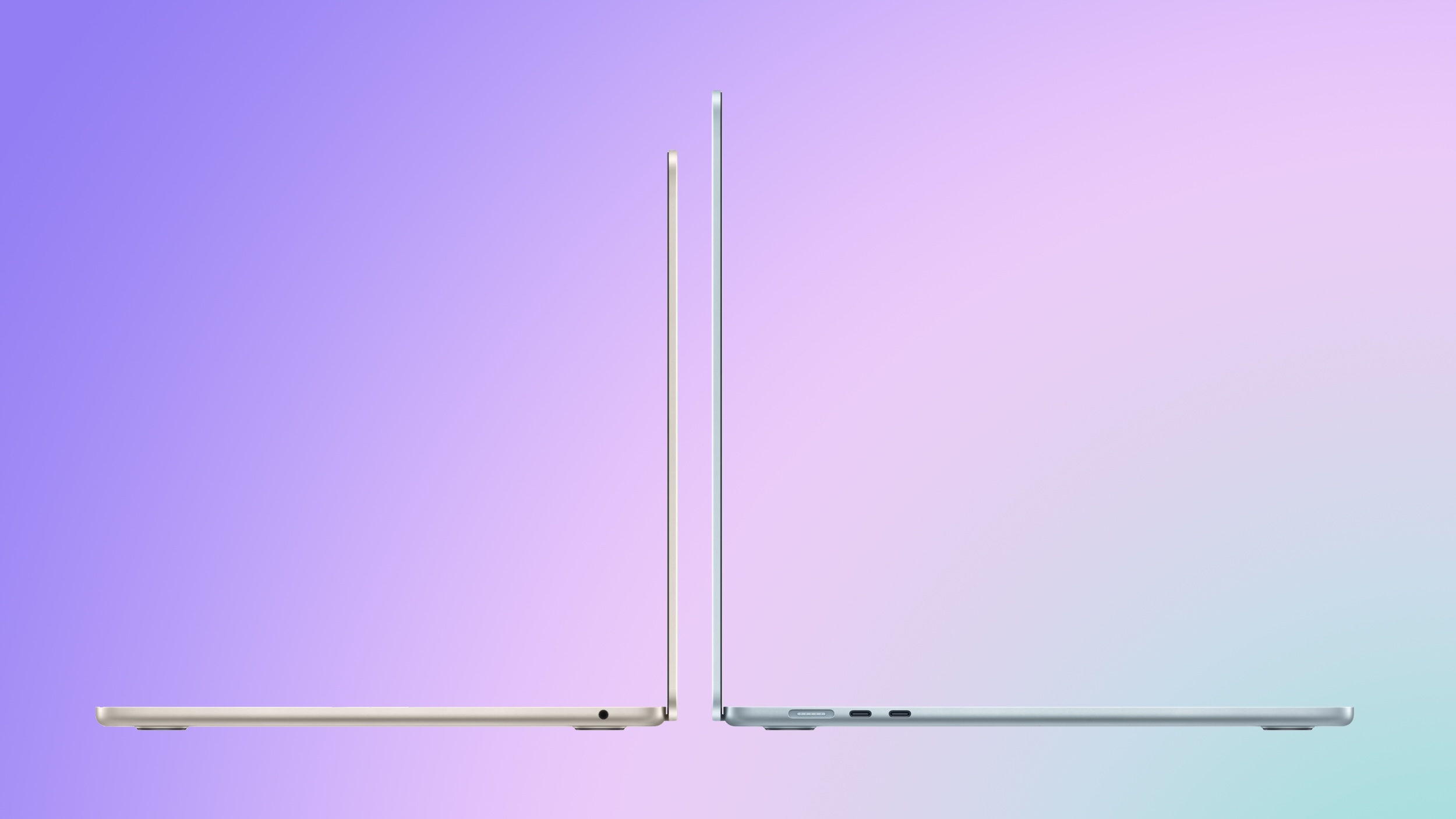
Apple last month announced a new MacBook Air, introducing the M5 chip, faster wireless connectivity, double the base storage, and a more capable charger, while simultaneously discontinuing the M4 model. So how does the new machine compare?

m5-macbook-air-purple.jpeg

The M5 MacBook Air starts at $1,099 for the 13-inch model and $1,299 for the 15-inch, a $100 increase over the equivalent M4 models. In exchange, base storage doubles from 256GB to 512GB, and Apple says the new SSD delivers twice the read and write speeds of the previous generation. Education pricing is also available directly from Apple and typically shaves at least $100 off the price.

The main upgrade between the two models is the chip. Compared to the M4, the M5 delivers:

  • Up to 15% faster multithreaded CPU performance
  • Up to 30% faster overall graphics performance
  • Up to 45% faster ray tracing performance
  • 27.5% higher unified memory bandwidth

In addition to these general performance claims, Apple published a set of specific real-world workload results showing measurable gains in AI-driven applications:

  • 4×+ peak GPU compute performance for AI
  • 3.6× faster time to first token (LLM)
  • 1.8× faster Topaz Video Enhance AI processing
  • 1.7× faster Blender ray-traced rendering
  • 2.9× faster AI speech enhancement in Premiere Pro

Beyond raw performance, the M5 introduces several meaningful architectural changes. The GPU includes a dedicated Neural Accelerator in every core, a hardware addition absent from the M4, and Apple is exposing this via new Metal 4 developer APIs with Tensor capabilities.

The ray tracing engine advances to its third generation, and dynamic caching moves to its second generation. Memory bandwidth rises from 120 GB/s to 153 GB/s, enabled by the move from TSMC's second-generation 3nm process (N3E) to its third-generation 3nm process (N3P).

The M5 MacBook Air also gains Apple's N1 wireless chip, bringing Wi-Fi 7 and Bluetooth 6 in place of the M4 model's Wi-Fi 6E and Bluetooth 5.3.

MacBook Air (2025)MacBook Air (2026)
Apple M4 chipApple M5 chip
Based on A18 chip from 2024's iPhone 16Based on A19 Pro chip from 2025's iPhone 17 Pro
4 performance + 6 efficiency cores4 super cores + 6 efficiency cores
Made with TSMC's second-generation 3nm node (N3E)Made with TSMC's third-generation 3nm node (N3P)
No integrated Neural AcceleratorsIntegrated Neural Accelerator in every GPU core
Metal 3 developer APIsMetal 4 developer APIs with Tensor APIs to program GPU Neural Accelerators
Second-generation ray tracing engineThird-generation ray tracing engine
First-generation dynamic cachingSecond-generation dynamic caching
Shader coresEnhanced shader cores
120 GB/s memory bandwidth153 GB/s memory bandwidth
Apple N1 chip
Wi-Fi 6EWi-Fi 7
Bluetooth 5.3Bluetooth 6
Support for up to two external displays when the lid is openSupport for up to two external displays simultaneously over a single Thunderbolt port; one display up to 8K at 60Hz or 5K at 120Hz
30W USB-C Power Adapter40W Dynamic Power Adapter with 60W Max
256GB base storage, up to 2TB512GB base storage, up to 4TB
Introduced in March 2025Introduced in March 2026
Started at $999 (13-inch), $1,199 (15-inch)Starts at $1,099 (13-inch), $1,299 (15-inch)


For users whose workloads include on-device AI inference, complex 3D rendering, or other GPU-bound and memory-intensive tasks, the jump from M4 to M5 is significant. The combination of per-core Neural Accelerators, higher memory bandwidth, and the new GPU architecture produces multi-fold speed-ups in specific AI operations. In environments where time-to-result directly affects workflow such as local LLMs, diffusion models, video enhancement, or ray-traced production, the M5 represents a meaningful step-change.

For typical day-to-day usage including browsing, office work, media playback, and basic editing, the difference is highly unlikely to be perceptible in any way. The M4 was already a high-performance chip that routinely exceeded the demands of normal Mac workloads, and for the overwhelming majority of M4 MacBook Air owners, there is clearly no general-purpose reason to upgrade.

For new buyers choosing between the two models, the M5 is the more straightforward long-term choice. The doubled base storage alone changes the value calculus, and when you consider that Apple previously charged $200 to upgrade the M4 Air from 256GB to 512GB, the M5 effectively costs $100 less than a comparably configured M4 model would have at launch. If future-proofing is a priority and you intend to keep the machine for many years, the M5 model will be better equipped to handle increasingly prevalent on-device AI workloads as they mature.

Article Link: M4 vs. M5 MacBook Air Buyer's Guide

How does an M5 Air compare to an M1Pro MBP? That’s what I would like to know.

For some, that is a valid upgrade path depending on their workflow.
 
  • Like
Reactions: agoodpub
How does an M5 Air compare to an M1Pro MBP? That’s what I would like to know.

For some, that is a valid upgrade path depending on their workflow.
Depending on workflow and whether sustained workloads are important (as throttling will be an issue for the MBA), from what I've seen online so far, the base M5 may be a worthy replacement and an improvement over M1 Pro and M2 Pro. I'd say upgrading an M3 Pro is not nearly as compelling. With M5 MBA you're going to get faster single core, faster multi core, faster SSD. But you give up thermal headroom with no fan (so sustained heavy workloads will throttle much more than a MBP). You also give up SD Card, HDMI port, ProMotion, higher memory amounts, higher memory bandwidth. The single core and faster SSD speeds alone will make macOS and everyday tasks feel more responsive with the M5 vs M1 Pro. But once you start to tax the M5 MBA, you may see diminishing returns or even slightly poorer performance depending on the task. I'd at least go with an M5 MBP instead of a MBA if I were upgrading from an M1 Pro - mainly to not have to give up ProMotion and to have fans/thermal headroom. I considered getting a base M5 myself when I upgraded from my 2019 Intel MBP since the 14" base M5 MBP beat my fully loaded top-of-the-line Intel MBP by a factor of 2x to 4x on every benchmark. I just needed more memory and a larger display than I could get with a base M5, so went with an M5 Pro. So for M1 Pro/M2 Pro MBP owners thinking of upgrading, I think the best upgrade is a base M5 MBP at minimum, unless budget is an issue, in which case an M5 MBA is a worthy device assuming you don't care about ProMotion and throttling doesn't hinder your workflow.
 
Register on MacRumors! This sidebar will go away, and you'll see fewer ads.