
Hi,
I have the following issue with a Synology DS216j running on the latest DSM 7.3.2-86009 Update 3: I can use it as a Time Machine backup destination on a Macbook with macOS Monterrey 12.7.6, but using the same credentials on an iMac running on macOS Sequioa (macOS 15.7.7) does not work no matter how often I try.
The error I am getting is:
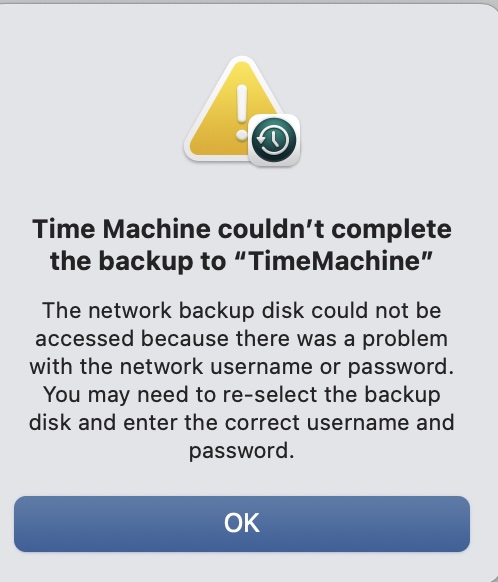
"Time Machine couldn't complete the backup to "TimeMachine". The network backup disk could not be accessed because there was a problem with the network username or password. You may need to re-select the backup disk and enter the correct username and passwort."
However, as I said I am using the very same credentials for a non-admin user which only has read/write access to the backup folder. Are there any characters I should not use with newer macOS versions? I faintly remember there was a thing...
Thanks,
Magnus
I have the following issue with a Synology DS216j running on the latest DSM 7.3.2-86009 Update 3: I can use it as a Time Machine backup destination on a Macbook with macOS Monterrey 12.7.6, but using the same credentials on an iMac running on macOS Sequioa (macOS 15.7.7) does not work no matter how often I try.
The error I am getting is:
"Time Machine couldn't complete the backup to "TimeMachine". The network backup disk could not be accessed because there was a problem with the network username or password. You may need to re-select the backup disk and enter the correct username and passwort."
However, as I said I am using the very same credentials for a non-admin user which only has read/write access to the backup folder. Are there any characters I should not use with newer macOS versions? I faintly remember there was a thing...
Thanks,
Magnus
Last edited:


